URP Settings & Essentials in Unity 6
Learn the key configuration options of the Universal Render Pipeline (URP) in Unity 6 with this comprehensive overview. 🎮
Unity
53.4K views • Feb 20, 2025
About this video
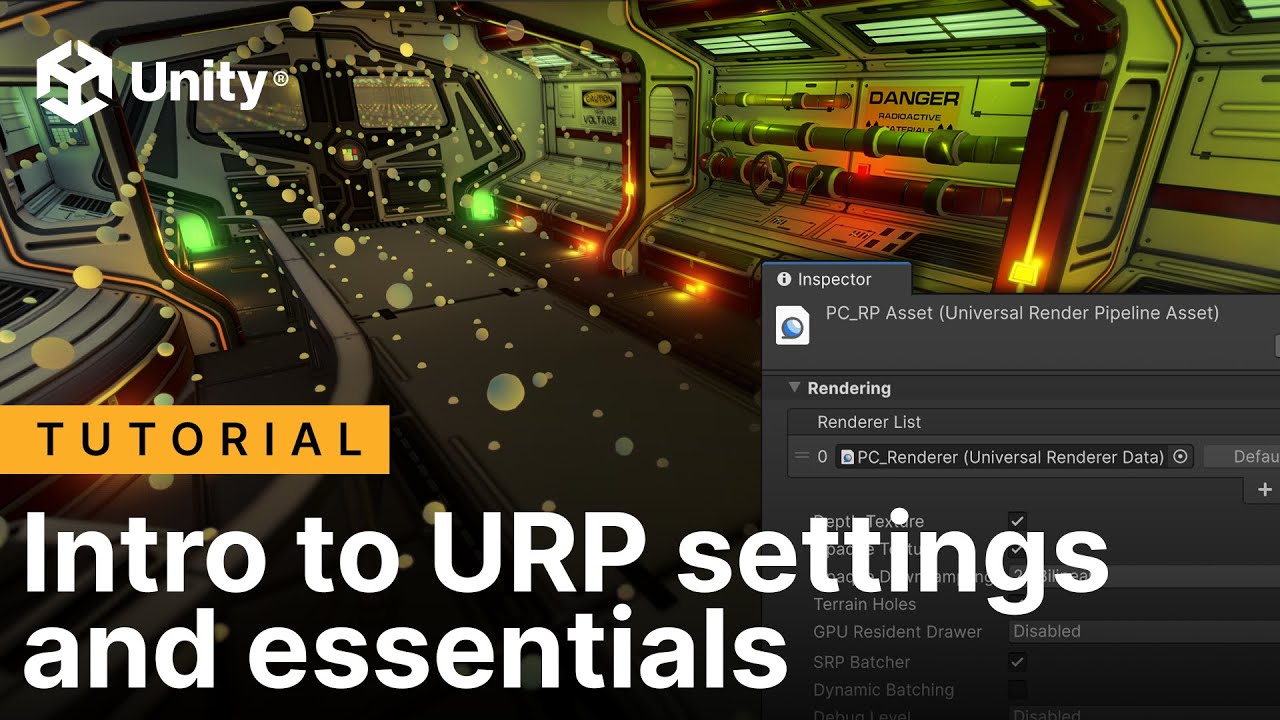
Get an overview of all of the configuration options available with the Universal Render Pipeline (URP) in Unity 6. This video explains what’s available in the URP Asset, including settings for URP shaders, render paths, shadows, global illumination, post-processing and Renderer Features.
**note [20:50]: ComplexLit supports ClearCoat, but not Subsurface scattering
Learn about where to find the settings you need to make your Unity URP project look and run great for your target platforms.
⭐Download the free e-book Introduction to URP for advanced Unity creators (Unity 6 edition):
https://unity.com/resources/introduction-to-urp-advanced-creators-unity-6
⭐Download the free e-book The URP cookbook: Recipes for shaders and visual effects (soon to be updated for Unity 6)
https://unity.com/resources/the-universal-render-pipeline-cookbook-unity-2022-lts-edition
Find all of Unity’s technical e-books plus more best practices here:
https://unity.com/how-to
Timestamp:
[0:00] Intro
[2:39] Universal Renderer and URP asset
[4:32] Settings for the Universal Renderer
[8:43] Settings for the URP asset
[16:37] Shadows in URP
[18:52] 3D shaders in URP
[21:59] Render Pipeline Converter
[23:20] Render Paths
[25:02] Rendering Layers
[26:12] Global Illumination
[27:13] Adaptive Probe Volumes
[30:04] Post-processing in URP
[30:50 Renderer features
**note [20:50]: ComplexLit supports ClearCoat, but not Subsurface scattering
Learn about where to find the settings you need to make your Unity URP project look and run great for your target platforms.
⭐Download the free e-book Introduction to URP for advanced Unity creators (Unity 6 edition):
https://unity.com/resources/introduction-to-urp-advanced-creators-unity-6
⭐Download the free e-book The URP cookbook: Recipes for shaders and visual effects (soon to be updated for Unity 6)
https://unity.com/resources/the-universal-render-pipeline-cookbook-unity-2022-lts-edition
Find all of Unity’s technical e-books plus more best practices here:
https://unity.com/how-to
Timestamp:
[0:00] Intro
[2:39] Universal Renderer and URP asset
[4:32] Settings for the Universal Renderer
[8:43] Settings for the URP asset
[16:37] Shadows in URP
[18:52] 3D shaders in URP
[21:59] Render Pipeline Converter
[23:20] Render Paths
[25:02] Rendering Layers
[26:12] Global Illumination
[27:13] Adaptive Probe Volumes
[30:04] Post-processing in URP
[30:50 Renderer features
Tags and Topics
Browse our collection to discover more content in these categories.
Video Information
Views
53.4K
Likes
1.6K
Duration
34:19
Published
Feb 20, 2025
User Reviews
4.7
(10) Related Trending Topics
LIVE TRENDSRelated trending topics. Click any trend to explore more videos.
No specific trending topics match this video yet.
Explore All Trends