Ultimate Guide to Kali Nethunter Pro on OnePlus 6T (Fajita) 📱 - Tips & Setup (2024)
Discover a comprehensive overview and expert tips for installing and optimizing Kali Nethunter Pro on your OnePlus 6T (Fajita) with Phosh. Thanks to @atommo918 for the setup tutorial! 🚀

CyberPunkEdu
15.1K views • Oct 6, 2024
About this video
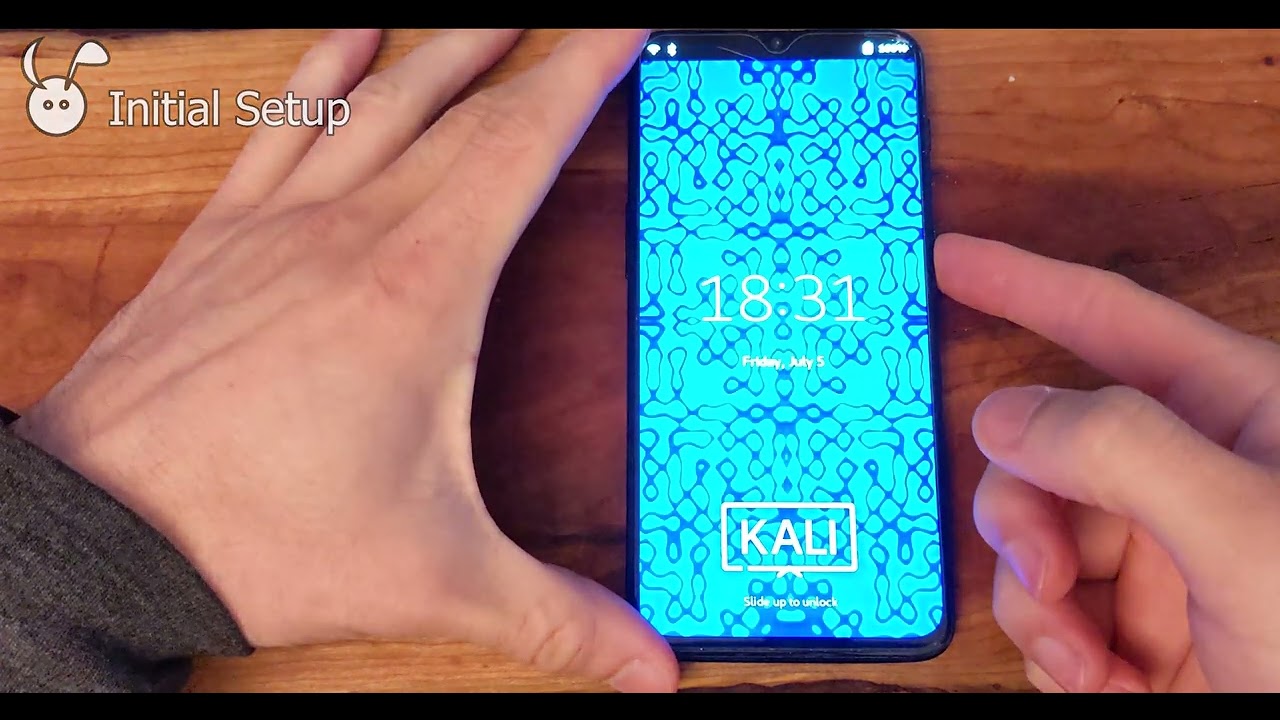
Kali Nethunter Pro Phosh Overview and Tips - OnePlus 6t fajita sdm845 (2024-10-04)
Thanks to @atommo918 for nethunter setup:
https://www.youtube.com/watch?v=a4IO7pNBogg&pp=ygUXa2FsaSBuZXRodW5nZXIgcHJvIGFwcHM%3D
Commands:
sudo vim /etc/apt/sources.list
add "non-free" to the sources.list file
sudo apt install kali-linux-nethunter
sudo systemctl disable lightdm
sudo systemctl enable phosh
Kali Nethunter Pro Download:
https://www.kali.org/get-kali/#kali-mobile
Kali Nethunter Pro Installation:
https://www.kali.org/docs/nethunter-pro/
00:00 Introduction
00:45 Home Screen - Phone Tutorial
01:45 Mobile Settings - Additional Options
03:45 Net Hunter Suite Applications
05:00 Console Apps - nmap
06:00 Calls - Not working
06:30 Browsing - Sound not working
07:10 Initial Setup - First Boot
07:30 Powersupply app
08:50 Change Time Zone - Fix Apt
09:30 sudo apt update
11:25 edit apt sources.list using vim
13:40 Install nmap
14:40 Install Nethunter Suite - See linked video
15:05 Post Nethunter install commands
16:00 Final Thoughts
Thanks to @atommo918 for nethunter setup:
https://www.youtube.com/watch?v=a4IO7pNBogg&pp=ygUXa2FsaSBuZXRodW5nZXIgcHJvIGFwcHM%3D
Commands:
sudo vim /etc/apt/sources.list
add "non-free" to the sources.list file
sudo apt install kali-linux-nethunter
sudo systemctl disable lightdm
sudo systemctl enable phosh
Kali Nethunter Pro Download:
https://www.kali.org/get-kali/#kali-mobile
Kali Nethunter Pro Installation:
https://www.kali.org/docs/nethunter-pro/
00:00 Introduction
00:45 Home Screen - Phone Tutorial
01:45 Mobile Settings - Additional Options
03:45 Net Hunter Suite Applications
05:00 Console Apps - nmap
06:00 Calls - Not working
06:30 Browsing - Sound not working
07:10 Initial Setup - First Boot
07:30 Powersupply app
08:50 Change Time Zone - Fix Apt
09:30 sudo apt update
11:25 edit apt sources.list using vim
13:40 Install nmap
14:40 Install Nethunter Suite - See linked video
15:05 Post Nethunter install commands
16:00 Final Thoughts
Tags and Topics
Browse our collection to discover more content in these categories.
Video Information
Views
15.1K
Likes
168
Duration
17:22
Published
Oct 6, 2024
User Reviews
4.4
(3) Related Trending Topics
LIVE TRENDSRelated trending topics. Click any trend to explore more videos.
No specific trending topics match this video yet.
Explore All Trends