Ultimate Guide to Becoming a Motion Graphics Designer with After Effects 🎨
Learn step-by-step how to start your career in motion graphics with this comprehensive After Effects tutorial. Perfect for beginners and aspiring designers! 🚀

Vane Motion
196.0K views • Jul 14, 2025
About this video
#motiongraphics #aftereffectstutorial #motiondesign
❤️For all of you who want to join this small Patreon community that is slowly growing, I'm sharing the link here ► https://www.patreon.com/c/VaneMotion
👉Project available on my Patreon page ► https://www.patreon.com/posts/time-is-money-132399370?utm_medium=clipboard_copy&utm_source=copyLink&utm_campaign=postshare_creator&utm_content=join_link
💻🔥Documentary Style Editing Course ► https://vanemotion.gumroad.com/l/eomtxw?layout=profile
As I've said many times, I'm passionate about motion graphics, they're like therapy for me, but creating editing and motion graphics tutorials requires a lot of effort, hours of planning, recording and editing, so, with all my heart I want to thank all of you who support the channel and my work, not only by watching the tutorials and leaving your likes, but also from my Patreon page, since your support is one of the engines that drives this channel and allows me to continue sharing valuable content for all of you like this.
If you want to master After Effects and learn the most impressive editing styles and motion graphics for your videos, this tutorial is ideal for you. Here you'll discover professional animation techniques, creative editing, smooth camera transitions, visual effects, and motion graphics design that will allow you to create engaging projects for clients, social media, or YouTube. Master After Effects from scratch and elevate the quality of your productions to the highest level with these essential styles.
🔥Script Order by Zavat Motion ► https://www.patreon.com/c/VaneMotion
👉To download it, go to the link on my Patreon page, and in the "Collections" tab you can download it totally free
📱My social networks
🟠Instagram► https://www.instagram.com/vanemotion_channel/
🔵Facebook►https://www.facebook.com/profile.php?..
Skip to the part of the video you want:
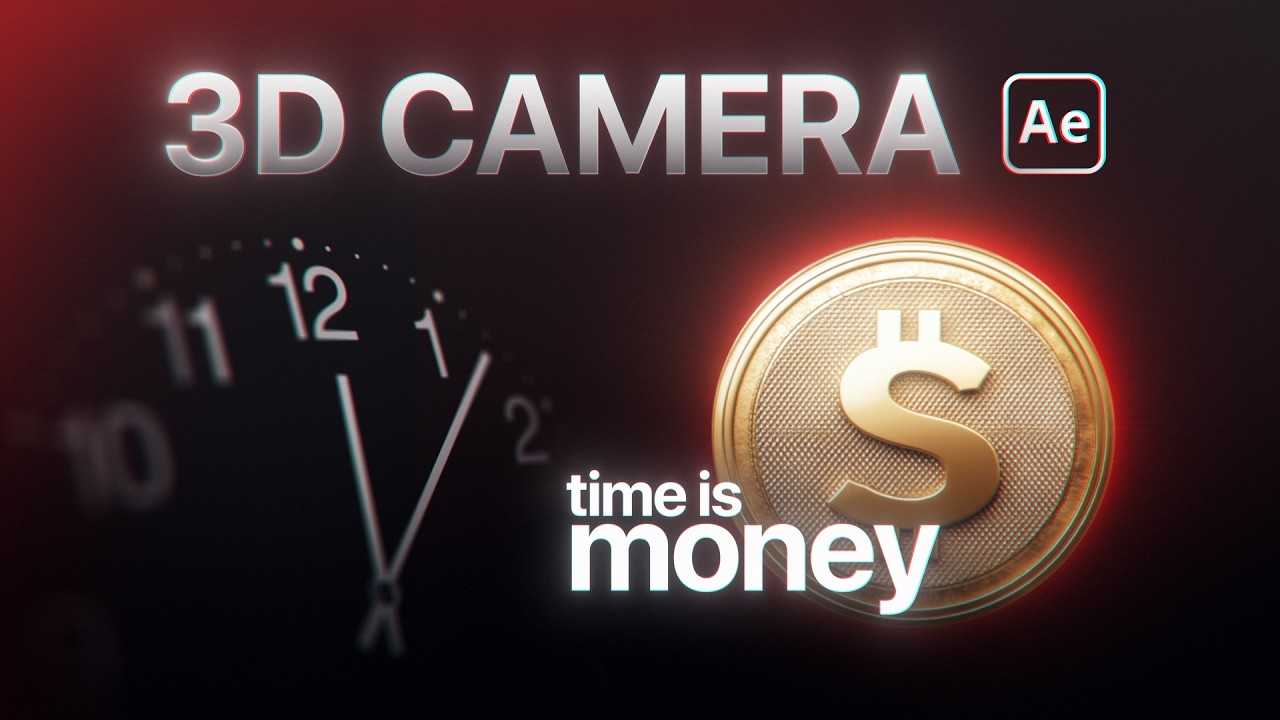
00:00 3D Camera edit
00:43 After Effects tutorial
01:45 💻🔥Documentary-style editing course
02:13 Clock animation after effects
05:10 Create and animate camera
07:45 How to Import 3d model
14:38 CC Page turn effect
50:06 How to animate stroke
01:17:05 Final animation
❤️For all of you who want to join this small Patreon community that is slowly growing, I'm sharing the link here ► https://www.patreon.com/c/VaneMotion
👉Project available on my Patreon page ► https://www.patreon.com/posts/time-is-money-132399370?utm_medium=clipboard_copy&utm_source=copyLink&utm_campaign=postshare_creator&utm_content=join_link
💻🔥Documentary Style Editing Course ► https://vanemotion.gumroad.com/l/eomtxw?layout=profile
As I've said many times, I'm passionate about motion graphics, they're like therapy for me, but creating editing and motion graphics tutorials requires a lot of effort, hours of planning, recording and editing, so, with all my heart I want to thank all of you who support the channel and my work, not only by watching the tutorials and leaving your likes, but also from my Patreon page, since your support is one of the engines that drives this channel and allows me to continue sharing valuable content for all of you like this.
If you want to master After Effects and learn the most impressive editing styles and motion graphics for your videos, this tutorial is ideal for you. Here you'll discover professional animation techniques, creative editing, smooth camera transitions, visual effects, and motion graphics design that will allow you to create engaging projects for clients, social media, or YouTube. Master After Effects from scratch and elevate the quality of your productions to the highest level with these essential styles.
🔥Script Order by Zavat Motion ► https://www.patreon.com/c/VaneMotion
👉To download it, go to the link on my Patreon page, and in the "Collections" tab you can download it totally free
📱My social networks
🟠Instagram► https://www.instagram.com/vanemotion_channel/
🔵Facebook►https://www.facebook.com/profile.php?..
Skip to the part of the video you want:
00:00 3D Camera edit
00:43 After Effects tutorial
01:45 💻🔥Documentary-style editing course
02:13 Clock animation after effects
05:10 Create and animate camera
07:45 How to Import 3d model
14:38 CC Page turn effect
50:06 How to animate stroke
01:17:05 Final animation
Tags and Topics
Browse our collection to discover more content in these categories.
Video Information
Views
196.0K
Likes
9.6K
Duration
01:17:43
Published
Jul 14, 2025
User Reviews
4.7
(39) Related Trending Topics
LIVE TRENDSRelated trending topics. Click any trend to explore more videos.