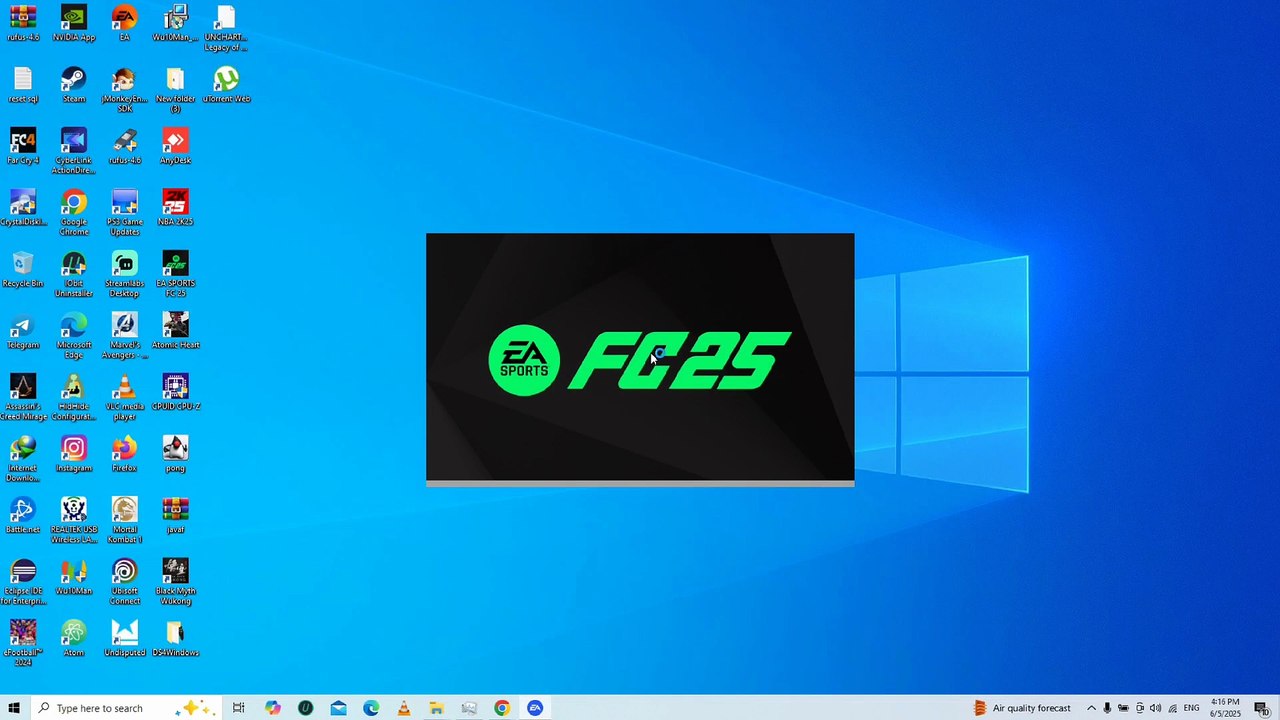
Ultimate Guide: Make EA FC 25 Offline Permanently & Update Your Squad ⚽
Learn how to set EA FC 25 to offline mode permanently and keep your squad updated. Follow simple steps to disable Windows updates and launch the game smoothly from your desktop.
Gamers World Entertainment
288 views • Jun 5, 2025
About this video
For some laptops you need 2 disable your windows update <br />Rules <br /><br />1. Never quit ea desktop or anything EA from task manager <br />2. Always Launch Fifa from desktop icon MAKE SURE INTERNET IS OFF FIRST. <br />3. Exit fifa normally then Exit ea desktop from the battery icon side after playing ALWAYS . <br />4. B4 u turn on internet make sure ea desktop and fifa has been exited. <br />5. B4 u switch off ur laptop... make sure ea desktop and fifa has already exited.. ALWAYS <br />6. I ve already exited it. Now switch off ur internet.... then launch ea fc 25 from desktop icon, when d game opens, quit d game normally then exit ea desktop. Restart ur laptop. And follow d procedure from no 1. ALWAYS <br />
Video Information
Views
288
Duration
4:36
Published
Jun 5, 2025
Related Trending Topics
LIVE TRENDSRelated trending topics. Click any trend to explore more videos.