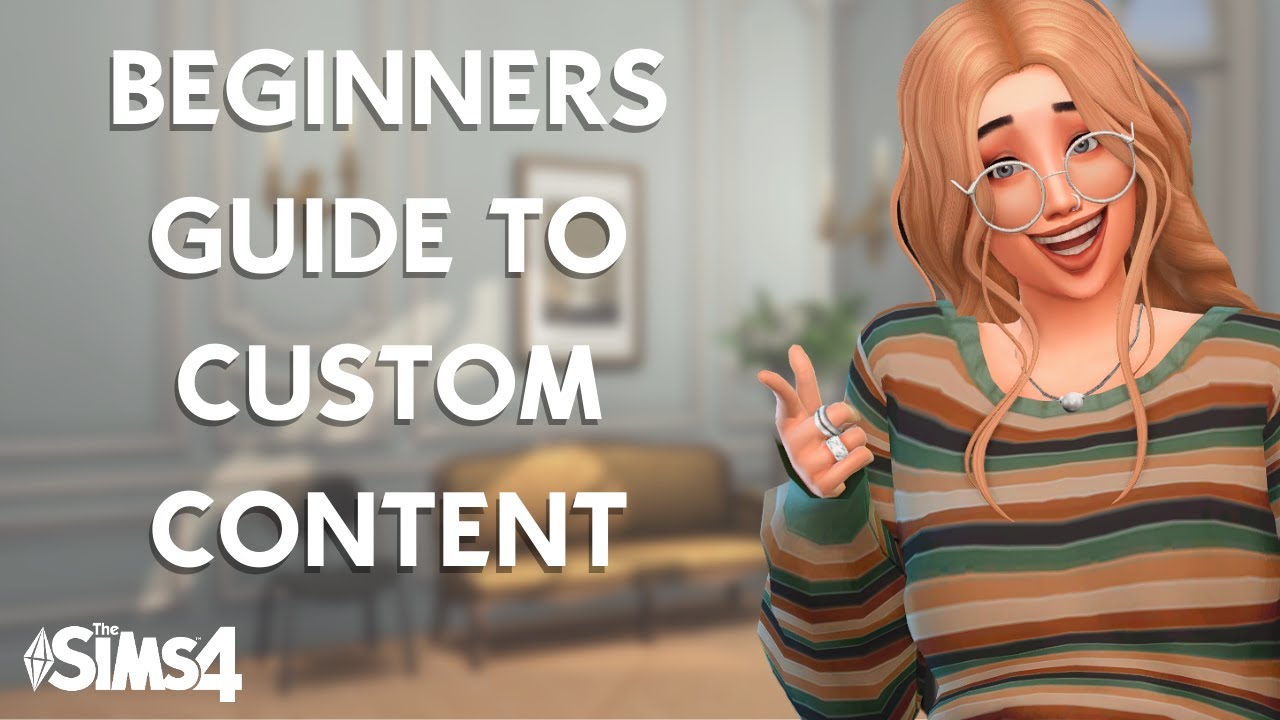
💜Ultimate beginner guide to Custom Content in The Sims 4💜 - Everything you need to know!
Want to start using custom content in The Sims 4 but you are feeling overwhelmed and don't know where to start or if it's safe? Rest assured, this video has ...

Rosannatxt
20.8K views • Sep 6, 2021
About this video
Want to start using custom content in The Sims 4 but you are feeling overwhelmed and don't know where to start or if it's safe? Rest assured, this video has all the information you need!
TIMESTAMPS
0:00 - Intro
0:25 - Difference between Custom Content and Mods
0:12 - Maxis Match vs. Alpha CC
2:15 - Mesh vs. Recolour
3:33 - Is it safe to download CC?
5:14 - Where to download CC?
8:43 - How to install CC?
10:23 - Tips for maintaining you CC
11:46 - Please watch my Outro
OTHER VIDEOS
- Best Maxis Match packs: https://www.youtube.com/watch?v=JB7lmoedQLI&t=5s
- How to organize your mods folder: https://www.youtube.com/watch?v=EFf7oFBytIs&t=25s
- How to install mods: https://www.youtube.com/watch?v=soKhcVqpKlY
LINKS FROM VIDEO
- Download 7zip: https://www.7-zip.org/download.html
- Website Ravasheen (hybrid CC): https://ravasheen.com/downloads/
- Patreon PandaSama (patreon example): https://www.patreon.com/PandasamaSims4
- The Sims Resource: https://www.thesimsresource.com/
- Maxis Match world: https://maxismatchccworld.tumblr.com/
- Lana CC finds: https://lana-cc-finds.com/
Find me elsewhere!
★ Twitch: Rosannatxt
★ Twitter: Rosannatxt
★ Sims Gallery: Rosannatxt
★ TikTok: Rosannatxt
★ Instagram: Rosannatxt
This video is family friendly, but The Sims 4 is rated T for Teen and this video is intended for an audience aged 13 and up.
#customcontent #thesims4 #guide #beginners #tutorial
TIMESTAMPS
0:00 - Intro
0:25 - Difference between Custom Content and Mods
0:12 - Maxis Match vs. Alpha CC
2:15 - Mesh vs. Recolour
3:33 - Is it safe to download CC?
5:14 - Where to download CC?
8:43 - How to install CC?
10:23 - Tips for maintaining you CC
11:46 - Please watch my Outro
OTHER VIDEOS
- Best Maxis Match packs: https://www.youtube.com/watch?v=JB7lmoedQLI&t=5s
- How to organize your mods folder: https://www.youtube.com/watch?v=EFf7oFBytIs&t=25s
- How to install mods: https://www.youtube.com/watch?v=soKhcVqpKlY
LINKS FROM VIDEO
- Download 7zip: https://www.7-zip.org/download.html
- Website Ravasheen (hybrid CC): https://ravasheen.com/downloads/
- Patreon PandaSama (patreon example): https://www.patreon.com/PandasamaSims4
- The Sims Resource: https://www.thesimsresource.com/
- Maxis Match world: https://maxismatchccworld.tumblr.com/
- Lana CC finds: https://lana-cc-finds.com/
Find me elsewhere!
★ Twitch: Rosannatxt
★ Twitter: Rosannatxt
★ Sims Gallery: Rosannatxt
★ TikTok: Rosannatxt
★ Instagram: Rosannatxt
This video is family friendly, but The Sims 4 is rated T for Teen and this video is intended for an audience aged 13 and up.
#customcontent #thesims4 #guide #beginners #tutorial
Tags and Topics
Browse our collection to discover more content in these categories.
Video Information
Views
20.8K
Likes
951
Duration
12:12
Published
Sep 6, 2021
User Reviews
4.6
(4)