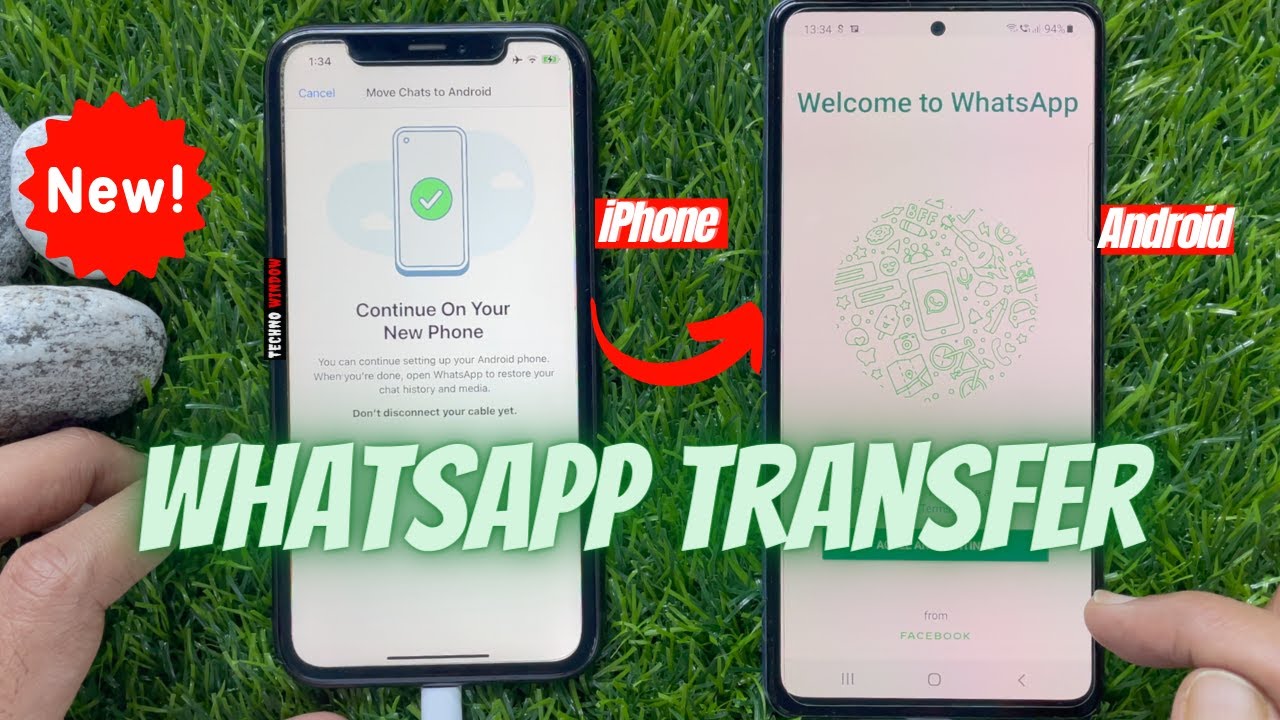
Transfer WhatsApp Chats: iPhone to Samsung 📱
Learn how to move WhatsApp chats from iPhone to Samsung or vice versa without third-party apps or PC. Free and easy methods!

Techno Window
1.6M views • Oct 26, 2021
About this video
How to Transfer WhatsApp Chats from Android to iPhone (Without Third-Party Apps or PC)
https://youtu.be/4l730XfvNdw
(Free Method) Transfer WhatsApp Chats from iPhone to Android. WhatsApp has now rolled out this feature for those looking to transfer WhatsApp data from iPhone to a Samsung Galaxy smartphone. Similarly Android to iPhone WhatsApp transfers are not possible yet, however WhatsApp says it will be expanding this feature and support Android to iOS transfers in the future.
Requirements For Transfer WhatsApp Data From iPhone to Samsung Galaxy phone:
1. WhatsApp for iPhone version 2.21.160.17 or later.
2. WhatsApp for Android version 2.21.16.20 or later.
3. Samsung phone with Android 10 and Smart Switch 3.7.22.1.
4.Your SIM card inserted in your Galaxy device.
5. New Samsung Galaxy device to be brand new or has been factory reset.
6.A USB-C to Lightning Cable (included in the box with newer iPhones).
Please like and subscribe to my channel and press the bell icon to get new video updates. #technowindow
Techno Window
Thanks for watching.
Please Like, Share and Subscribe for Latest Updates.
Follow Me :https://www.instagram.com/technowindow_official
======================================
Share this video: https://youtu.be/GjzC93iXE1o
======================================
Please Subscribe My channel to Keep in Touch!
https://www.youtube.com/c/TechnoWindow
My Travel Blog:
https://www.youtube.com/channel/UCRmtMI7qhVgqokQb8YlenHQ
YouTube Audio Library:
Awaken Anno Domini Beats Hip Hop & Rap | Inspirational
----------------------------------------
Thanks for watching! Don't forget to smack that like button for more content! Hope you enjoy!
https://youtu.be/4l730XfvNdw
(Free Method) Transfer WhatsApp Chats from iPhone to Android. WhatsApp has now rolled out this feature for those looking to transfer WhatsApp data from iPhone to a Samsung Galaxy smartphone. Similarly Android to iPhone WhatsApp transfers are not possible yet, however WhatsApp says it will be expanding this feature and support Android to iOS transfers in the future.
Requirements For Transfer WhatsApp Data From iPhone to Samsung Galaxy phone:
1. WhatsApp for iPhone version 2.21.160.17 or later.
2. WhatsApp for Android version 2.21.16.20 or later.
3. Samsung phone with Android 10 and Smart Switch 3.7.22.1.
4.Your SIM card inserted in your Galaxy device.
5. New Samsung Galaxy device to be brand new or has been factory reset.
6.A USB-C to Lightning Cable (included in the box with newer iPhones).
Please like and subscribe to my channel and press the bell icon to get new video updates. #technowindow
Techno Window
Thanks for watching.
Please Like, Share and Subscribe for Latest Updates.
Follow Me :https://www.instagram.com/technowindow_official
======================================
Share this video: https://youtu.be/GjzC93iXE1o
======================================
Please Subscribe My channel to Keep in Touch!
https://www.youtube.com/c/TechnoWindow
My Travel Blog:
https://www.youtube.com/channel/UCRmtMI7qhVgqokQb8YlenHQ
YouTube Audio Library:
Awaken Anno Domini Beats Hip Hop & Rap | Inspirational
----------------------------------------
Thanks for watching! Don't forget to smack that like button for more content! Hope you enjoy!
Tags and Topics
Browse our collection to discover more content in these categories.
Video Information
Views
1.6M
Likes
11.7K
Duration
4:25
Published
Oct 26, 2021
User Reviews
4.4
(312) Related Trending Topics
LIVE TRENDSRelated trending topics. Click any trend to explore more videos.
No specific trending topics match this video yet.
Explore All Trends