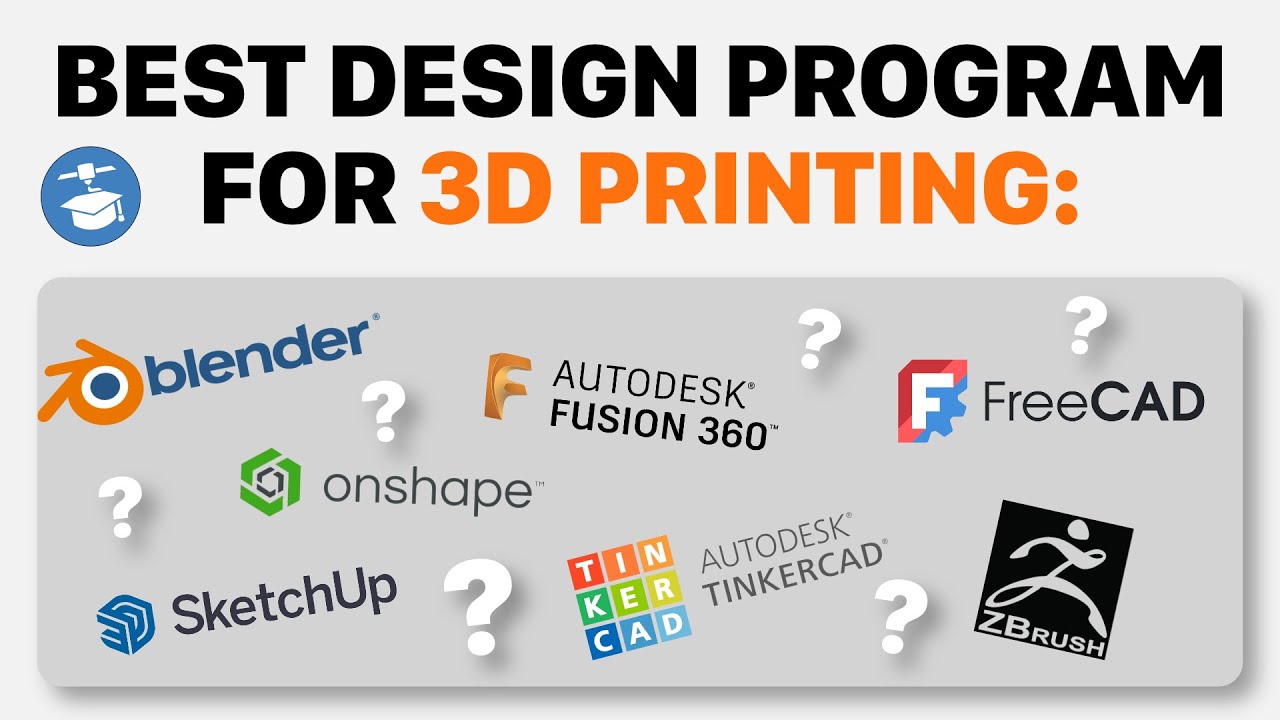
Top 5 3D Design Software for Perfect 3D Printing 🖨️
Discover the best design programs to create your own 3D printed objects. Ranked from top to good, find the perfect tool for your next project!

3D Printer Academy Tutorials
97.5K views • Mar 13, 2025
About this video
Want to design your own things for 3D printing? Here are the best design programs ranked from best to least best. They are all good in there own ways ;)
Autodesk Fusion 360 – Powerful CAD/CAM software with cloud-based collaboration, free for personal use with limitations. (Free for hobbyists | Moderate | Windows, Mac)
Learn Fusion fast and accelerate your design skills:
Autodesk Fusion 360 Masterclass: https://www.kickstarter.com/projects/3dprinteracademy/fusion-360-masterclass-2025
Blender – Free, open-source 3D modeling and animation software with a steep learning curve. (Free | Moderate-Hard | Windows, Mac, Linux)
SolidWorks – Industry-standard parametric CAD software, expensive and mainly for professionals. (Expensive | Hard | Windows)
Onshape – Cloud-based CAD software with free personal use but requires internet access. (Free for non-commercial use | Moderate | Web-based)
TinkerCAD – Beginner-friendly, browser-based 3D design tool ideal for quick prototyping. (Free | Easy | Web-based)
ZBrush – Advanced digital sculpting tool for artists, highly powerful but expensive. (Expensive | Hard | Windows, Mac)
SketchUp – Intuitive 3D modeling tool great for architectural design, free version available. (Free-Paid | Easy-Moderate | Windows, Mac, Web-based)
Autodesk Fusion 360 – Powerful CAD/CAM software with cloud-based collaboration, free for personal use with limitations. (Free for hobbyists | Moderate | Windows, Mac)
Learn Fusion fast and accelerate your design skills:
Autodesk Fusion 360 Masterclass: https://www.kickstarter.com/projects/3dprinteracademy/fusion-360-masterclass-2025
Blender – Free, open-source 3D modeling and animation software with a steep learning curve. (Free | Moderate-Hard | Windows, Mac, Linux)
SolidWorks – Industry-standard parametric CAD software, expensive and mainly for professionals. (Expensive | Hard | Windows)
Onshape – Cloud-based CAD software with free personal use but requires internet access. (Free for non-commercial use | Moderate | Web-based)
TinkerCAD – Beginner-friendly, browser-based 3D design tool ideal for quick prototyping. (Free | Easy | Web-based)
ZBrush – Advanced digital sculpting tool for artists, highly powerful but expensive. (Expensive | Hard | Windows, Mac)
SketchUp – Intuitive 3D modeling tool great for architectural design, free version available. (Free-Paid | Easy-Moderate | Windows, Mac, Web-based)
Video Information
Views
97.5K
Likes
1.8K
Duration
7:46
Published
Mar 13, 2025
User Reviews
4.7
(19) Related Trending Topics
LIVE TRENDSRelated trending topics. Click any trend to explore more videos.
No specific trending topics match this video yet.
Explore All Trends