Master Immersive Reader in Word: Tips & Tricks 📖
Learn how to enhance reading fluency and comprehension with Microsoft Word's Immersive Reader in this helpful tutorial.

Microsoft Helps
14.2K views • Feb 23, 2022
About this video
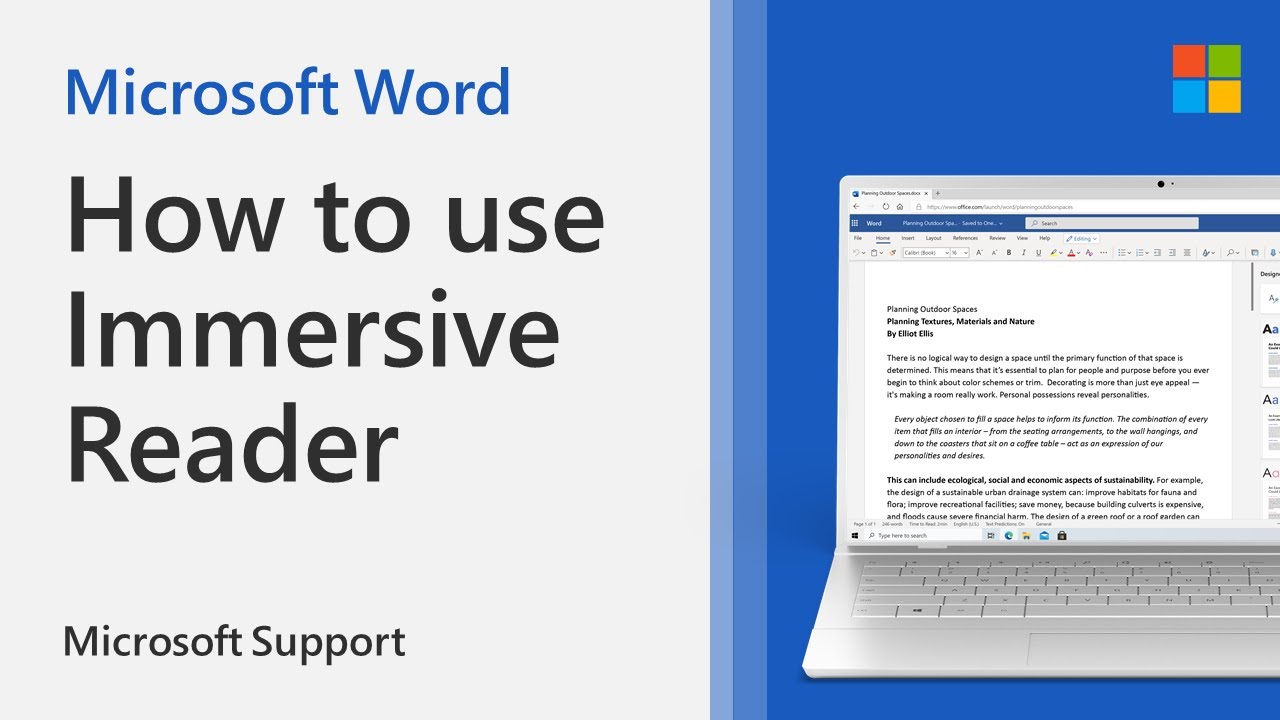
Immersive Reader is a valuable tool in Microsoft Word that can help with reading fluency and comprehension. In this video tutorial you will learn how to use the following features available with Immersive Reader:
Column Width: changes line length to improve focus and comprehension.
Page Color: can make text easy to scan with less eye strain.
Line Focus: removes distractions so that you can move through a document line by line. Adjust the focus to put one, three, or five lines in view at a time.
Text Spacing: increases the spacing between words, characters, and lines.
Syllables: shows breaks between syllables, to improve word recognition and pronunciation.
Read Aloud: lets you hear your document as each word is highlighted.
Learn more: https://support.microsoft.com/en-us/office/learning-tools-in-word-a857949f-c91e-4c97-977c-a4efcaf9b3c1
Column Width: changes line length to improve focus and comprehension.
Page Color: can make text easy to scan with less eye strain.
Line Focus: removes distractions so that you can move through a document line by line. Adjust the focus to put one, three, or five lines in view at a time.
Text Spacing: increases the spacing between words, characters, and lines.
Syllables: shows breaks between syllables, to improve word recognition and pronunciation.
Read Aloud: lets you hear your document as each word is highlighted.
Learn more: https://support.microsoft.com/en-us/office/learning-tools-in-word-a857949f-c91e-4c97-977c-a4efcaf9b3c1
Tags and Topics
Browse our collection to discover more content in these categories.
Video Information
Views
14.2K
Likes
45
Duration
1:05
Published
Feb 23, 2022
User Reviews
4.0
(2) Related Trending Topics
LIVE TRENDSRelated trending topics. Click any trend to explore more videos.
Trending Now