Fix YouTube Thumbnails Not Previewing on Hover
Learn how to fix broken YouTube video thumbnails that don't show previews when you hover over them. Simple solutions included! 🔧

TrailSage
38.7K views • Sep 8, 2021
About this video
Have you noticed that some of your videos no longer show a preview when you roll over them? Here's an easy fix for those broken thumbnails. You can also find the instructions here on my website: https://trail-sage.com/2021/09/06/broken-thumbnail-previews/
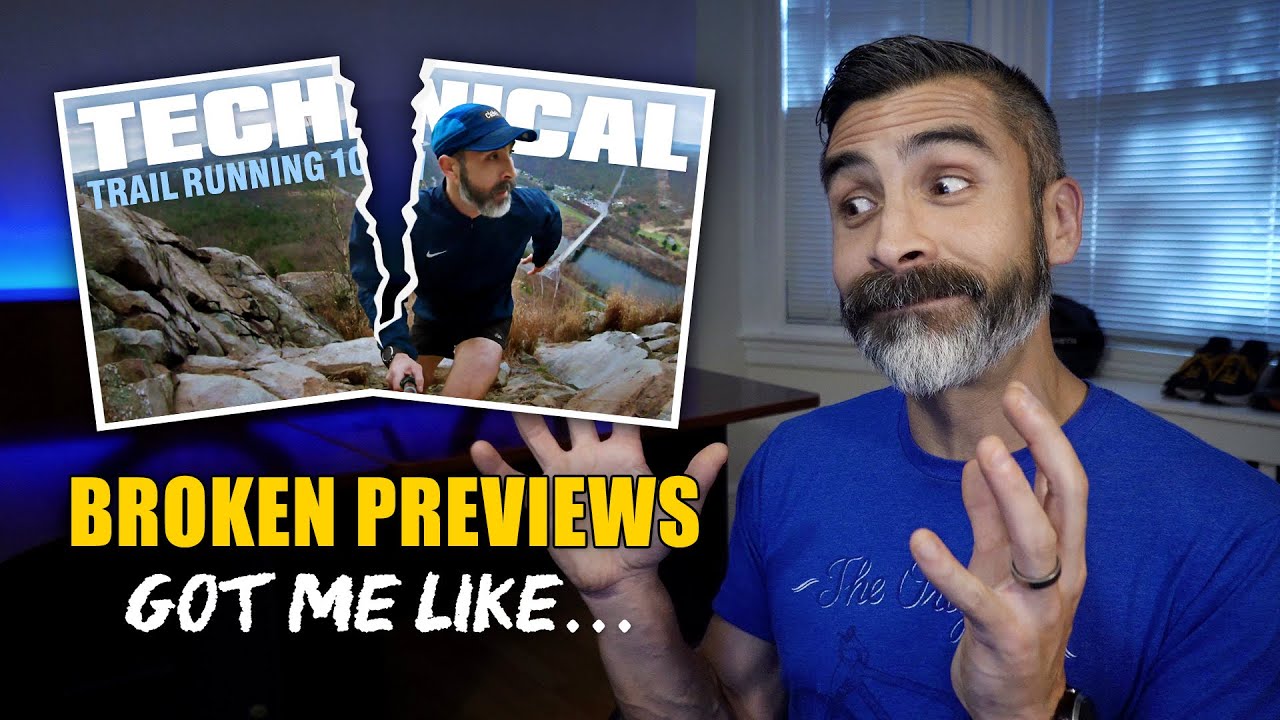
I think we are all familiar with how a thumbnail preview works on YouTube, you search a topic and if you see a video that is interesting you may roll over it to see a 3 sec clip of what that video is about. But I began noticing that some of my own videos were no longer showing any preview? Instead, when I hold my mouse over the thumbnail, I would get a faded play button.
In some instances the issue resolved itself after 12-24 hours, but in most cases the preview never returned. I’m not sure what causes it, or why it only happens to some videos, but the good news is there is an easy fix.
The process usually takes 20 mins to an hour depending on how long your video is, but once it is done, you can refresh your page and the thumbnail should show a preview again. I do want to note, on some longer 4k videos this process could take longer, but don’t’ worry, your video will never appear down. It just won’t have the rollover preview until processing is finished.
If you feel like a missed anything, or you want me to cover something in more detail, let me know in the comments below. If you liked the video and you want to see more content like this feel free to check out my other videos on Trail Sage.
Table of Contents
0:00 Intro
0:27 Overview
1:02 Instructions
2:46 Revert to original
3:09 Pro Tip
3:24 Conclusion
3:42 YouTube Rant
#YouTube #YouTubeTips #YouTubeHacks #YouTubeSupport #YouTubeTricks
I think we are all familiar with how a thumbnail preview works on YouTube, you search a topic and if you see a video that is interesting you may roll over it to see a 3 sec clip of what that video is about. But I began noticing that some of my own videos were no longer showing any preview? Instead, when I hold my mouse over the thumbnail, I would get a faded play button.
In some instances the issue resolved itself after 12-24 hours, but in most cases the preview never returned. I’m not sure what causes it, or why it only happens to some videos, but the good news is there is an easy fix.
The process usually takes 20 mins to an hour depending on how long your video is, but once it is done, you can refresh your page and the thumbnail should show a preview again. I do want to note, on some longer 4k videos this process could take longer, but don’t’ worry, your video will never appear down. It just won’t have the rollover preview until processing is finished.
If you feel like a missed anything, or you want me to cover something in more detail, let me know in the comments below. If you liked the video and you want to see more content like this feel free to check out my other videos on Trail Sage.
Table of Contents
0:00 Intro
0:27 Overview
1:02 Instructions
2:46 Revert to original
3:09 Pro Tip
3:24 Conclusion
3:42 YouTube Rant
#YouTube #YouTubeTips #YouTubeHacks #YouTubeSupport #YouTubeTricks
Tags and Topics
Browse our collection to discover more content in these categories.
Video Information
Views
38.7K
Likes
344
Duration
4:28
Published
Sep 8, 2021
User Reviews
4.3
(7) Related Trending Topics
LIVE TRENDSRelated trending topics. Click any trend to explore more videos.
No specific trending topics match this video yet.
Explore All Trends