Transform Outlook into Your Executive Assistant 🚀
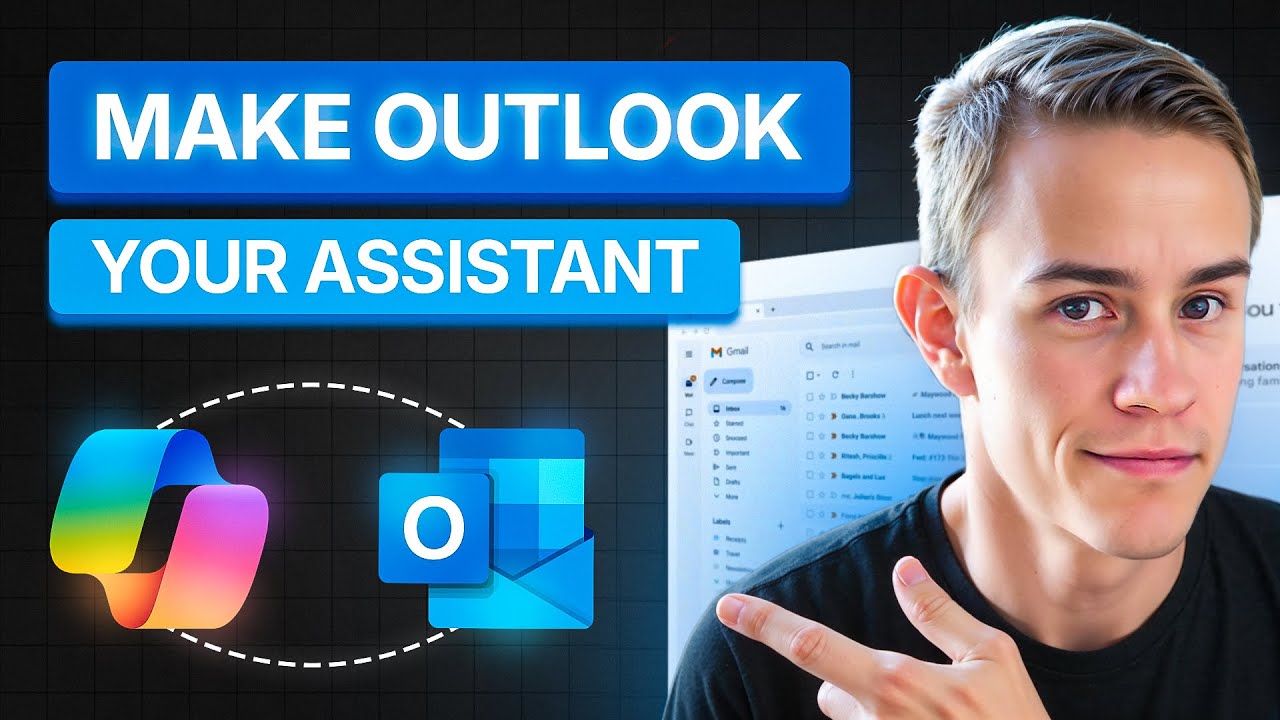
Discover a Copilot trick to turn Outlook into a powerful assistant, managing your inbox chaos effortlessly and boosting productivity.

T-Minus365
93.7K views • Nov 9, 2025
About this video
You know that feeling when you open your inbox in the morning and it’s just… chaos?
Meeting invites, follow-ups, “quick questions”, and before you’ve even finished your first coffee, half your day’s already gone.
In this video, I’ll show you how to turn Microsoft Copilot into your personal executive assistant using Scheduled Prompts, a feature most people don’t even realize exists inside Outlook and Teams.
These prompts let Copilot automatically brief you each morning, summarize your emails, draft replies, and help you prep for your meetings before the day even starts. It’s like having a digital EA that never sleeps, never forgets, and never asks for PTO.
🧠 What You’ll Learn
How to create scheduled prompts in Microsoft Copilot
Real-world examples I use daily:
“Morning Briefing” – Start your day with clarity
“Email Drafting” – Batch your replies in minutes
“Weekly Prep” – Plan ahead like a pro
How to connect Copilot workflows in Teams to automate your day
Tips for customizing prompts to fit your role or business
🛠️ Resources & Prompts
📄 Blog post with full examples → https://tminus365.com/this-copilot-trick-turns-outlook-into-your-executive-assistant/
☁️ Learn more about CloudCapsule → https://na2.hubs.ly/H01XZ-k0
💡 My Challenge to You
This week, create two scheduled prompts — one daily and one weekly — and watch how much time you save.
Stop treating Copilot like a chatbot and start treating it like an assistant.
Table of Contents:
00:00- intro
01:11 - Creating Prompts
04:14 - Scheduling Prompts
07:23 - Example Prompt for Automated Analysis
11:19 - Outro
🔔 Subscribe for More
If you want more practical Microsoft 365 + AI productivity tips, subscribe to T-Minus365 — where we turn IT chaos into calm, one video at a time.
#MicrosoftCopilot #Microsoft365 #Productivity #OutlookTips #AITools #CopilotTutorial
Meeting invites, follow-ups, “quick questions”, and before you’ve even finished your first coffee, half your day’s already gone.
In this video, I’ll show you how to turn Microsoft Copilot into your personal executive assistant using Scheduled Prompts, a feature most people don’t even realize exists inside Outlook and Teams.
These prompts let Copilot automatically brief you each morning, summarize your emails, draft replies, and help you prep for your meetings before the day even starts. It’s like having a digital EA that never sleeps, never forgets, and never asks for PTO.
🧠 What You’ll Learn
How to create scheduled prompts in Microsoft Copilot
Real-world examples I use daily:
“Morning Briefing” – Start your day with clarity
“Email Drafting” – Batch your replies in minutes
“Weekly Prep” – Plan ahead like a pro
How to connect Copilot workflows in Teams to automate your day
Tips for customizing prompts to fit your role or business
🛠️ Resources & Prompts
📄 Blog post with full examples → https://tminus365.com/this-copilot-trick-turns-outlook-into-your-executive-assistant/
☁️ Learn more about CloudCapsule → https://na2.hubs.ly/H01XZ-k0
💡 My Challenge to You
This week, create two scheduled prompts — one daily and one weekly — and watch how much time you save.
Stop treating Copilot like a chatbot and start treating it like an assistant.
Table of Contents:
00:00- intro
01:11 - Creating Prompts
04:14 - Scheduling Prompts
07:23 - Example Prompt for Automated Analysis
11:19 - Outro
🔔 Subscribe for More
If you want more practical Microsoft 365 + AI productivity tips, subscribe to T-Minus365 — where we turn IT chaos into calm, one video at a time.
#MicrosoftCopilot #Microsoft365 #Productivity #OutlookTips #AITools #CopilotTutorial
Tags and Topics
Browse our collection to discover more content in these categories.
Video Information
Views
93.7K
Likes
1.5K
Duration
11:42
Published
Nov 9, 2025
User Reviews
4.7
(18) Related Trending Topics
LIVE TRENDSRelated trending topics. Click any trend to explore more videos.
No specific trending topics match this video yet.
Explore All Trends