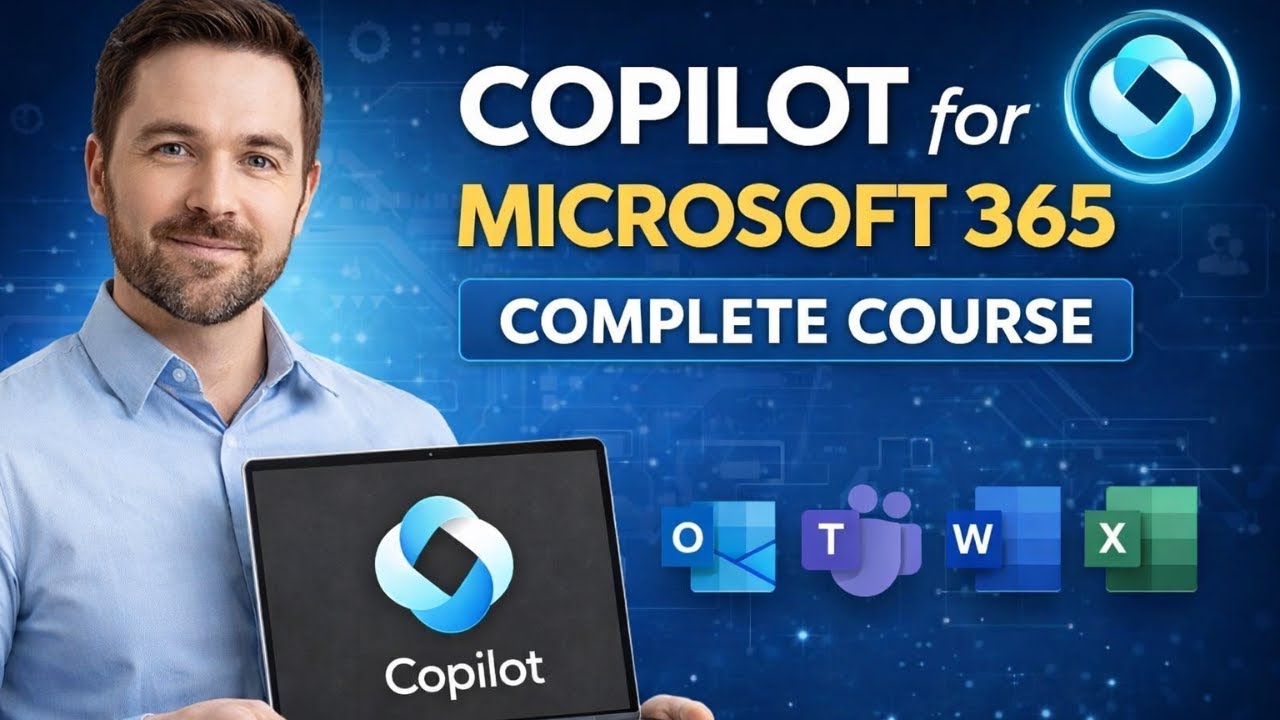
The Ultimate Copilot M365 Course - From Zero To Hero
Learn how to use Microsoft Copilot for Microsoft 365 from start to finish in this complete, hands-on course. This video walks you through how Copilot works a...

Tech Made Easy
977 views • Dec 21, 2025
About this video
Learn how to use Microsoft Copilot for Microsoft 365 from start to finish in this complete, hands-on course. This video walks you through how Copilot works across the Microsoft 365 apps and how you can use AI to save time, write better content, analyze data, and run more productive meetings.
Whether you’re a beginner or already using Microsoft 365 daily, this course will help you understand real-world Copilot use cases and best practices you can apply immediately.
What you’ll learn:
• What Copilot for Microsoft 365 is and how it works
• Using Copilot in Outlook for email writing and summaries
• Using Copilot in Teams for meeting recaps and action items
• Using Copilot in Word for drafting and editing documents
• Using Copilot in Excel for data analysis and insights
• Prompting tips to get better Copilot results
• Security, permissions, and limitations you should know about
Who this course is for:
✔ Microsoft 365 users
✔ IT professionals and admins
✔ Knowledge workers and managers
✔ Anyone wanting to work faster with AI
If you want to get the most out of Copilot and Microsoft 365, this course will give you the skills and confidence to start using AI effectively.
👍 Like the video if it helps
📌 Subscribe for more Microsoft 365, Copilot, and productivity tips
#MicrosoftCopilot #CopilotM365 #Microsoft365 #AIProductivity #Outlook #Teams #Excel #Word
Whether you’re a beginner or already using Microsoft 365 daily, this course will help you understand real-world Copilot use cases and best practices you can apply immediately.
What you’ll learn:
• What Copilot for Microsoft 365 is and how it works
• Using Copilot in Outlook for email writing and summaries
• Using Copilot in Teams for meeting recaps and action items
• Using Copilot in Word for drafting and editing documents
• Using Copilot in Excel for data analysis and insights
• Prompting tips to get better Copilot results
• Security, permissions, and limitations you should know about
Who this course is for:
✔ Microsoft 365 users
✔ IT professionals and admins
✔ Knowledge workers and managers
✔ Anyone wanting to work faster with AI
If you want to get the most out of Copilot and Microsoft 365, this course will give you the skills and confidence to start using AI effectively.
👍 Like the video if it helps
📌 Subscribe for more Microsoft 365, Copilot, and productivity tips
#MicrosoftCopilot #CopilotM365 #Microsoft365 #AIProductivity #Outlook #Teams #Excel #Word
Video Information
Views
977
Likes
15
Duration
01:11:38
Published
Dec 21, 2025
Related Trending Topics
LIVE TRENDSRelated trending topics. Click any trend to explore more videos.
No specific trending topics match this video yet.
Explore All Trends