Screenshot & Submit on Chromebook 📸
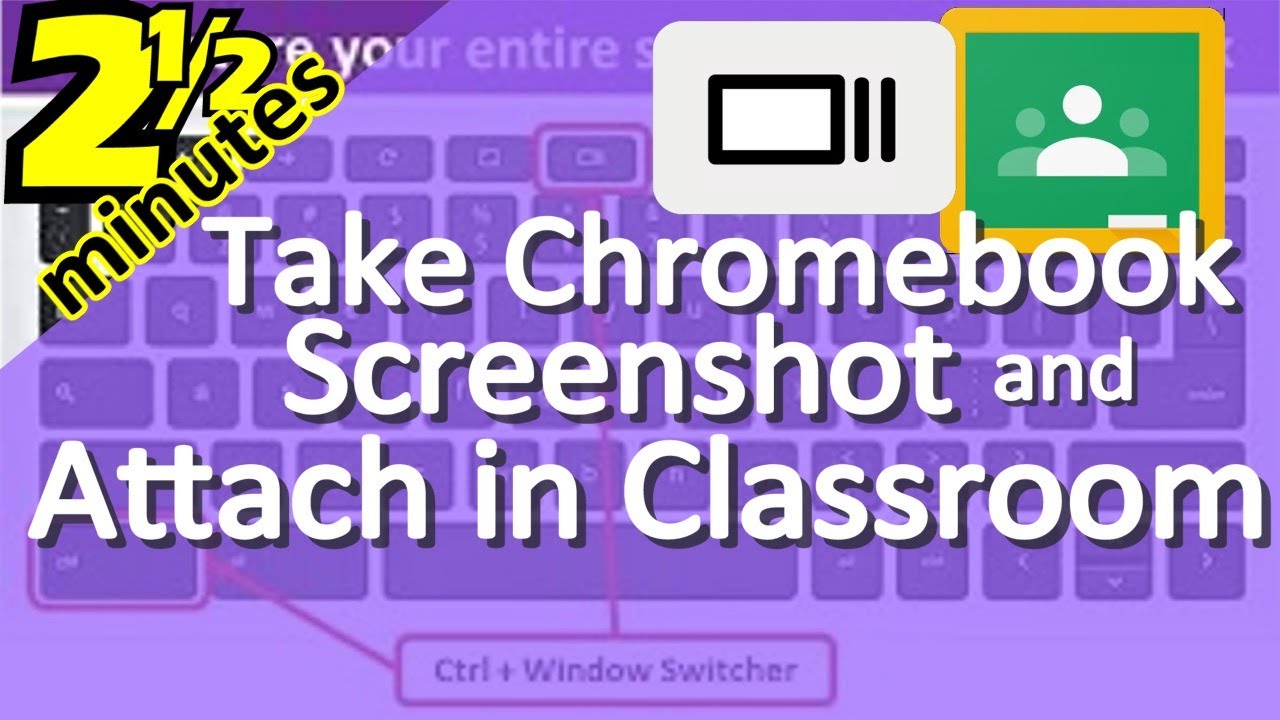
Learn how to take a screenshot on Chromebook and attach it to your Google Classroom assignment for easy submission.
Parks & Education
137.4K views • Mar 23, 2020
About this video
This video is going to show you how to take a screenshot and attach it to your Google classroom assignment so that your teacher can see what you’ve done on a particular computer program. This is going to be super useful for certain websites that teachers want you to complete activities on but there is no classroom framework within the program.
Tags and Topics
Browse our collection to discover more content in these categories.
Video Information
Views
137.4K
Likes
646
Duration
2:26
Published
Mar 23, 2020
User Reviews
4.1
(27) Related Trending Topics
LIVE TRENDSRelated trending topics. Click any trend to explore more videos.