Quick Excel Shortcut to Remove Gridlines 🚀
Avoid slow manual removal by using this easy Excel shortcut to instantly hide gridlines. Faster and more consistent!

Spreadsheet Success
3.5K views • Apr 6, 2025
About this video
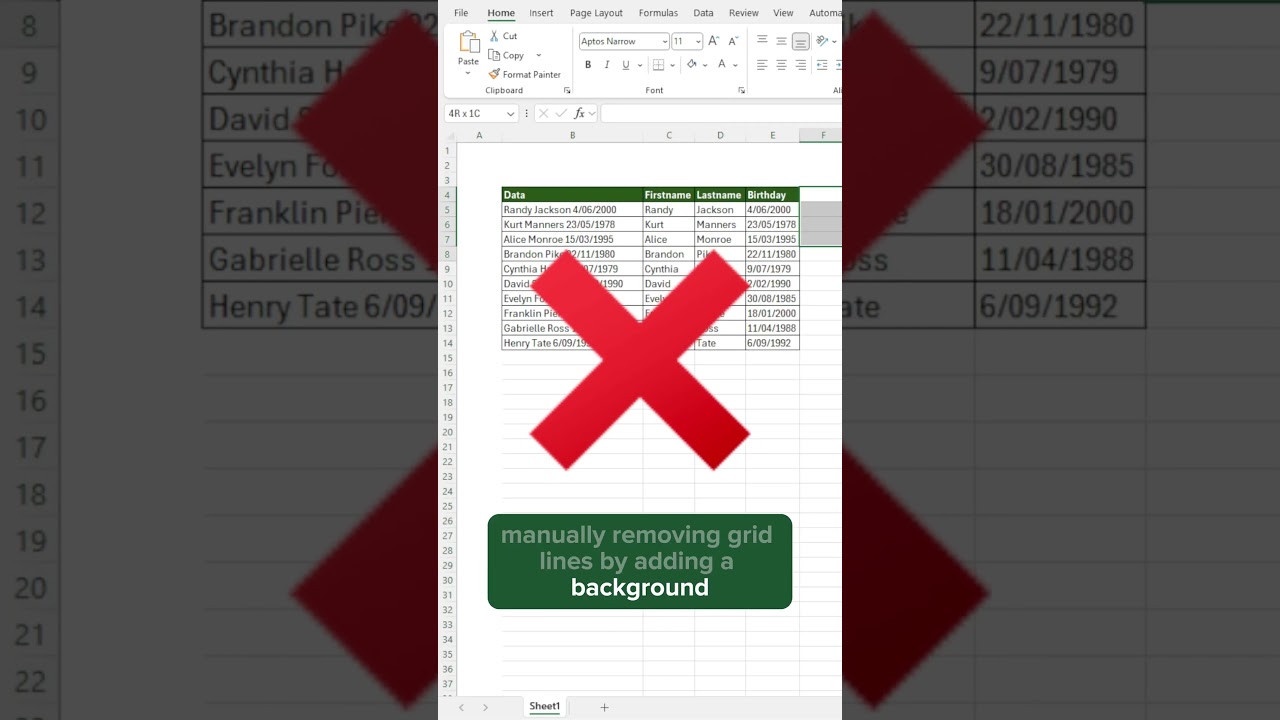
Still manually removing Excel gridlines by selecting cells and filling them with white? 😬
That’s slow, inconsistent, and doesn’t really remove the gridlines!
✅ Use this shortcut instead:
Alt → W → V → G
📌 What it does:
✔ Hides all gridlines across the sheet
✔ Works instantly
✔ No need to manually color cells
✔ Perfect for presentations, dashboards, and clean layouts
🎯 Try it out and instantly improve your spreadsheet design!
🔥 Like, subscribe, and turn on notifications for more Excel formatting hacks!
#exceltips #gridlines #excelshortcuts #excel #productivityhacks
That’s slow, inconsistent, and doesn’t really remove the gridlines!
✅ Use this shortcut instead:
Alt → W → V → G
📌 What it does:
✔ Hides all gridlines across the sheet
✔ Works instantly
✔ No need to manually color cells
✔ Perfect for presentations, dashboards, and clean layouts
🎯 Try it out and instantly improve your spreadsheet design!
🔥 Like, subscribe, and turn on notifications for more Excel formatting hacks!
#exceltips #gridlines #excelshortcuts #excel #productivityhacks
Tags and Topics
Browse our collection to discover more content in these categories.
Video Information
Views
3.5K
Likes
40
Duration
0:13
Published
Apr 6, 2025
User Reviews
4.3
(3) Related Trending Topics
LIVE TRENDSRelated trending topics. Click any trend to explore more videos.
No specific trending topics match this video yet.
Explore All Trends