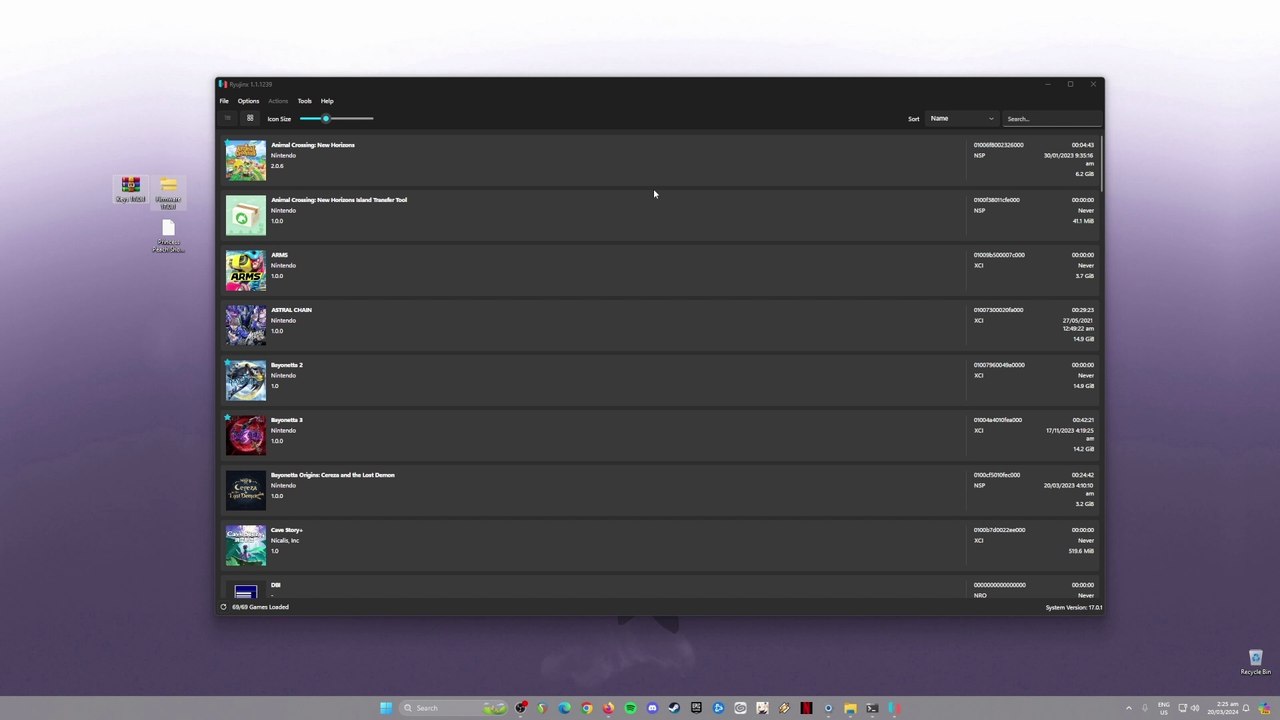
Step-by-Step Guide to Installing Princess Peach Showtime on Ryujinx (PC, Mac, Linux & Steam Deck) 🎮
Learn how to easily set up and install Princess Peach Showtime on Ryujinx across PC, Mac, Linux, and Steam Deck with this comprehensive guide. Get gaming in no time!
Smashtruck
57 views • Mar 20, 2024
About this video
Hi guys, let me teach you how to properly install and setup Princess Peach Showtime on PC! This guide will also work with MAC, Linux and in Steam Deck. Just be sure that you have the latest product and titles keys of the switch as well as the latest firmware version.<br /><br />Official Site https://approms.com/ppeachshowtimeryuzu/<br /><br />What are the system requirements for Ryujinx?<br />Ryujinx currently requires an OpenGL 4.6 capable GPU and a CPU that has high single-core performance. It also requires a minimum of 8 GB of RAM.<br />Ryujinx runs on Windows, Linux and Mac OS.<br /><br />#PrincessPeachShowtime #PrincessPeach #Ryujinx
Video Information
Views
57
Duration
7:26
Published
Mar 20, 2024
Related Trending Topics
LIVE TRENDSRelated trending topics. Click any trend to explore more videos.
No specific trending topics match this video yet.
Explore All Trends