Step-by-Step Guide to Generating RSA Public & Private Keys with OpenSSL 🔑
Learn how to easily create RSA key pairs using OpenSSL. Need expert help? Book a 1:1 session now and get unstuck today! 🚀 https://bit.ly/42I10y5

Data Slayer
91.5K views • Feb 14, 2021
About this video
Encrypted AF...
🧠 Need expert help fast? Book a 1:1 session and get unstuck today 👉 https://bit.ly/42I10y5
🎥 NEW: Unlock members-only videos and behind-the-scenes drops 👉 https://bit.ly/4iyBm4I
🛠️ The exact tools and gear I trust (and actually use) 👉 https://amzn.to/44fKDv4
📚 Step-by-step setup guides, templates, and insider resources 👉 https://bit.ly/4ivZDID
🛒 Grab custom gear and tools designed by me 👉 https://etsy.me/4isKwjb
📩 For sponsorships or business inquiries, reach out: macgyvertechnology@gmail.com
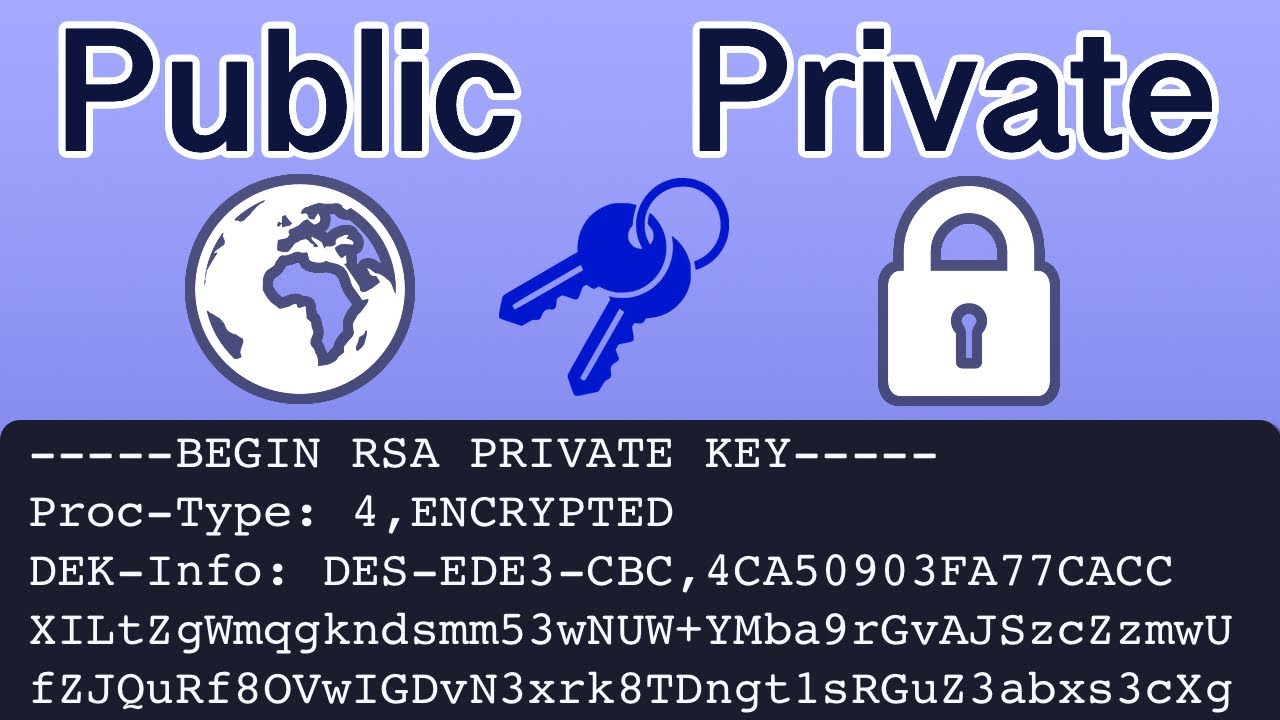
Easily generate an RSA Public and Private Key Pair (Asymmetric Keys) using OpenSSL. This tutorial will demonstrate the commands to generate a 2048 bit asymmetric key from the terminal on a mac computer. The first command will generate a pem file contain the private key then we will create a public key file. Encryption is an important concept to understand, asymmetric key pairs are using for secure shell (ssh) and SSL within browsers.
Commands:
Generate Key Pair
openssl genrsa -des3 -out private.pem 2048
Extract Public Key
openssl rsa -in private.pem -outform PEM -pubout -out public.pem
#openssl #cryptography #encryption
Have a question about a topic covered in a video or need help? Schedule a micro consultation using the link below. We Offer an 80% Money Back Guarantee.
https://calendly.com/session-with-tim
Asymmetric versus Symmetric Keys 0:00 - 1:00
OpenSSL 1:00 - 1:20
Create Key Pair 1:20 - 2:27
Extract Public Key 2:27 - 2:56
Key Information 2:56 - 4:11
🧠 Need expert help fast? Book a 1:1 session and get unstuck today 👉 https://bit.ly/42I10y5
🎥 NEW: Unlock members-only videos and behind-the-scenes drops 👉 https://bit.ly/4iyBm4I
🛠️ The exact tools and gear I trust (and actually use) 👉 https://amzn.to/44fKDv4
📚 Step-by-step setup guides, templates, and insider resources 👉 https://bit.ly/4ivZDID
🛒 Grab custom gear and tools designed by me 👉 https://etsy.me/4isKwjb
📩 For sponsorships or business inquiries, reach out: macgyvertechnology@gmail.com
Easily generate an RSA Public and Private Key Pair (Asymmetric Keys) using OpenSSL. This tutorial will demonstrate the commands to generate a 2048 bit asymmetric key from the terminal on a mac computer. The first command will generate a pem file contain the private key then we will create a public key file. Encryption is an important concept to understand, asymmetric key pairs are using for secure shell (ssh) and SSL within browsers.
Commands:
Generate Key Pair
openssl genrsa -des3 -out private.pem 2048
Extract Public Key
openssl rsa -in private.pem -outform PEM -pubout -out public.pem
#openssl #cryptography #encryption
Have a question about a topic covered in a video or need help? Schedule a micro consultation using the link below. We Offer an 80% Money Back Guarantee.
https://calendly.com/session-with-tim
Asymmetric versus Symmetric Keys 0:00 - 1:00
OpenSSL 1:00 - 1:20
Create Key Pair 1:20 - 2:27
Extract Public Key 2:27 - 2:56
Key Information 2:56 - 4:11
Tags and Topics
Browse our collection to discover more content in these categories.
Video Information
Views
91.5K
Likes
774
Duration
4:11
Published
Feb 14, 2021
User Reviews
4.3
(18) Related Trending Topics
LIVE TRENDSRelated trending topics. Click any trend to explore more videos.
No specific trending topics match this video yet.
Explore All Trends