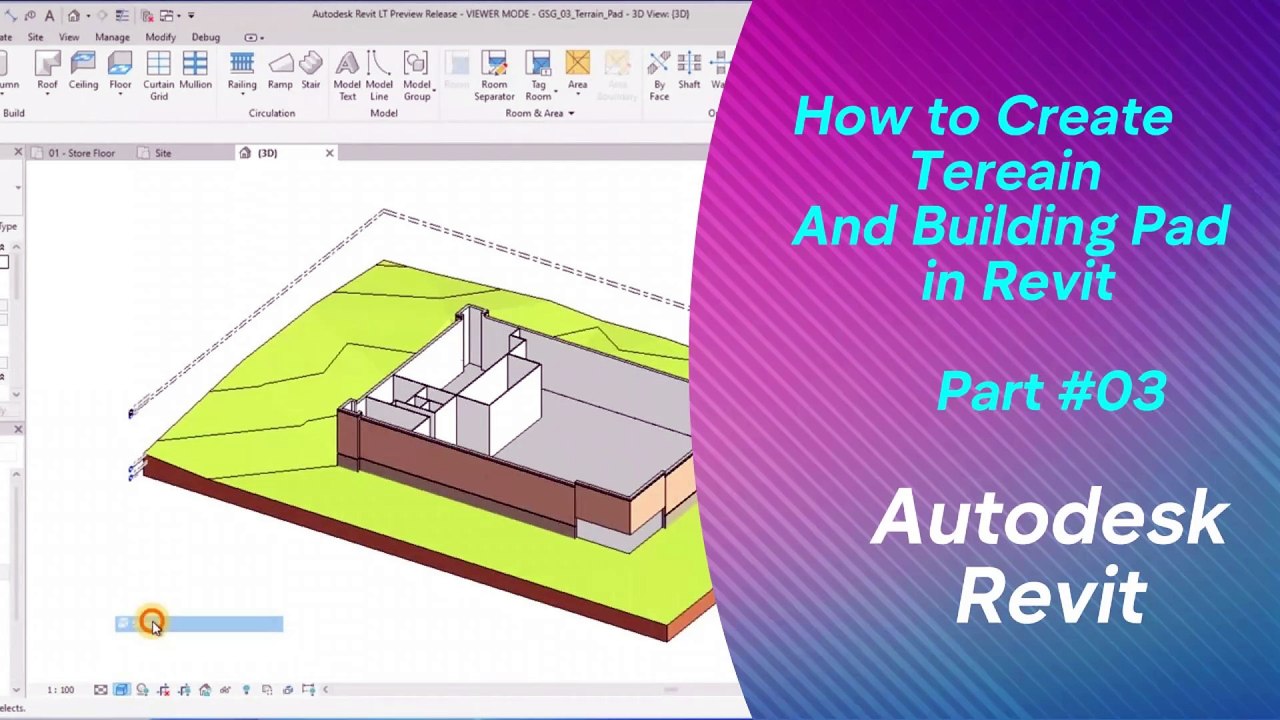
Step-by-Step Guide to Creating Terrain and Building Pads in Revit 🏗️
Learn how to efficiently create terrain surfaces and building pads in Revit with our easy-to-follow tutorials. Perfect for civil and architectural projects!
Autodesk786
381 views • Feb 5, 2025
About this video
https://dai.ly/x9dgqem<br />https://dai.ly/x9d58e0<br />https://dai.ly/x9d2fm6<br />https://dai.ly/x9d176m<br />https://dai.ly/x9cytxm<br />https://dai.ly/x9cyqdo<br />How to Create Terrain (Topography) and Building Pad in Revit<br />In Revit, you can create terrain using Toposurface and place a Building Pad to define the foundation or excavation area.<br /><br />Step 1: Create Terrain (Toposurface)<br />Method 1: Manually Place Points<br />Go to the Massing & Site Tab<br /><br />Click Toposurface → The Modify | Edit Surface tab opens.<br />Place Elevation Points<br /><br />Click Place Point and start clicking in the drawing area to define the terrain.<br />Enter Elevation values in the Properties palette (e.g., 0, 500, 1000 mm).<br />More points = smoother terrain.<br />Finish the Surface<br /><br />Click Finish Surface in the ribbon.<br />The terrain will appear in 3D View (Shortcut: F3).<br />Method 2: Import Survey Data (CSV or DWG)<br />Go to Massing & Site → Toposurface.<br />Click Create from Import → Select a CAD file (DWG) or Points file (CSV).<br />Revit will generate a surface based on the imported elevation data.<br />Click Finish Surface.<br />Step 2: Add a Building Pad (Foundation Area)<br />A Building Pad cuts into the topography and defines a flat surface for structures.<br /><br />Go to Massing & Site Tab<br /><br />Click Building Pad.<br />Set the Pad Properties<br /><br />In the Properties Palette, adjust:<br />Level (e.g., Ground Floor or Basement Level).<br />Offset (to set depth below the terrain).<br />Draw the Pad Boundary<br /><br />Use Lines, Rectangles, or Polygons to define the pad area.<br />Click Finish when done.<br />The Building Pad will cut into the terrain automatically.<br />Step 3: Adjust and Modify Terrain<br />✅ Modify Topography: Use Edit Surface to add or remove points.<br />✅ Smooth Terrain: Add more points for better detail.<br />✅ Site Components: Place trees, sidewalks, and roads for realism.<br /><br />Conclusion<br />Toposurface creates natural terrain using manual points or survey data.<br />Building Pads allow flat surfaces for buildings by cutting into the terrain.<br />Use 3D View & Section Views to verify terrain adjustments.
Video Information
Views
381
Duration
3:23
Published
Feb 5, 2025
Related Trending Topics
LIVE TRENDSRelated trending topics. Click any trend to explore more videos.
No specific trending topics match this video yet.
Explore All Trends