Steganographie - Verschlüsseln und Entschlüsseln einer Nachricht in einem Bild mit MATLAB
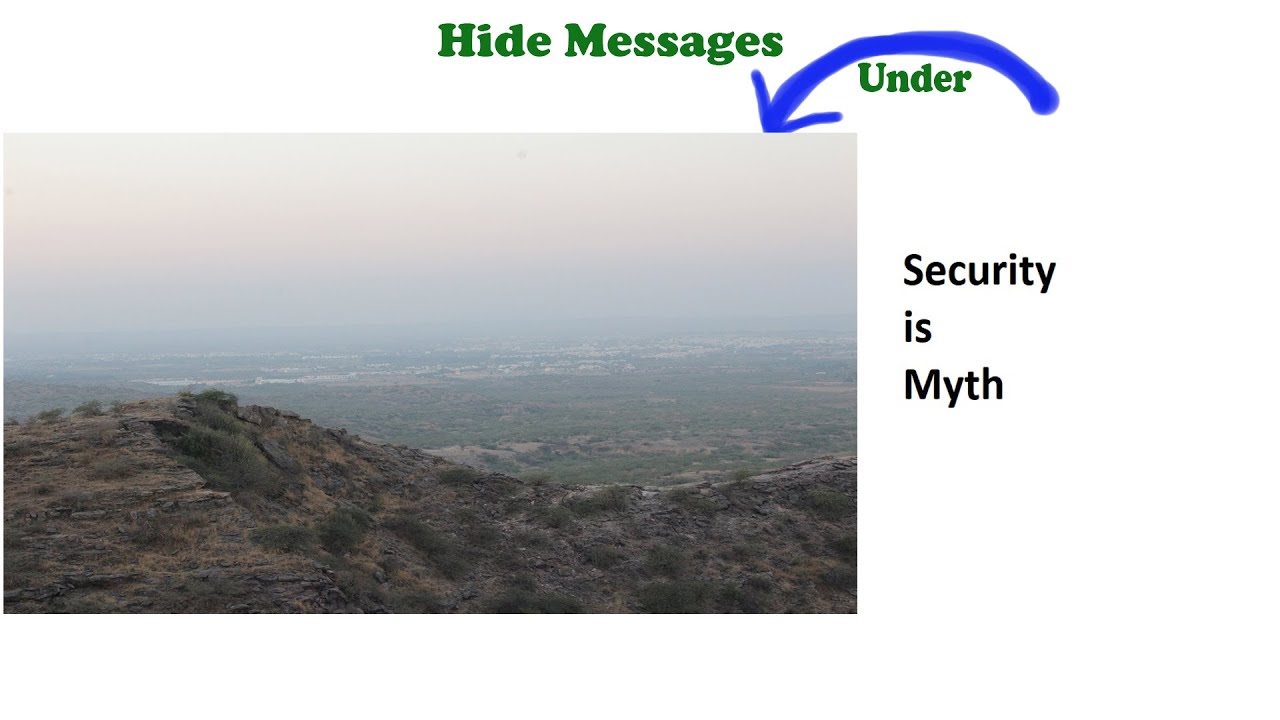
In diesem Video wird gezeigt, wie man eine geheime Nachricht hinter einem Bild versteckt, indem man eine einfache Bildverarbeitungstechnik anwendet.

P&P Coding Laboratory
9.0K views • May 26, 2020
About this video
Hiding/Encrypting a secret message behind an image using simple image processing technique,
The core idea is to extract 8 binary bit planes from a greyscale image and change one of them to our message binary image and then merge all that 8 planes to get a greyscale image back.
You may find the code at :
https://drive.google.com/file/d/1HF3yW3N7F_nfiAMykGGf4wNzvtg8j0WW/view?usp=sharing
Try out yourself with some different Base images and on different bit positions, you can share your queries in the comment section.
Commands used:
1. bitget : extracts the desired bit from all the values of a given matrix
2. bitset : sets the bit in the given matrix at a given position.
Note: It is essential to store an encrypted image in ".bmp" format as it is the only format which doesn't compress image because if you save the image in any other format, it gets compressed and the message may be lost!!!
We also solve problems on-demand, Stuck in Matlab/python during your project? Need help? mail the problem at pnplaboratory@gmail.com, we will try to give a solution as soon as possible.
Created and Designed by Parth Dethaliya and Pritesh Borad.
Pritesh's Linkedin: https://www.linkedin.com/in/priteshborad
Parth's Linkedin: https://www.linkedin.com/in/parth-dethaliya
Keep Coding!!
#Matlab #Image_processing #Image_storing #Secret_message #Steganography
The core idea is to extract 8 binary bit planes from a greyscale image and change one of them to our message binary image and then merge all that 8 planes to get a greyscale image back.
You may find the code at :
https://drive.google.com/file/d/1HF3yW3N7F_nfiAMykGGf4wNzvtg8j0WW/view?usp=sharing
Try out yourself with some different Base images and on different bit positions, you can share your queries in the comment section.
Commands used:
1. bitget : extracts the desired bit from all the values of a given matrix
2. bitset : sets the bit in the given matrix at a given position.
Note: It is essential to store an encrypted image in ".bmp" format as it is the only format which doesn't compress image because if you save the image in any other format, it gets compressed and the message may be lost!!!
We also solve problems on-demand, Stuck in Matlab/python during your project? Need help? mail the problem at pnplaboratory@gmail.com, we will try to give a solution as soon as possible.
Created and Designed by Parth Dethaliya and Pritesh Borad.
Pritesh's Linkedin: https://www.linkedin.com/in/priteshborad
Parth's Linkedin: https://www.linkedin.com/in/parth-dethaliya
Keep Coding!!
#Matlab #Image_processing #Image_storing #Secret_message #Steganography
Tags and Topics
Browse our collection to discover more content in these categories.
Video Information
Views
9.0K
Likes
155
Duration
9:41
Published
May 26, 2020
User Reviews
4.6
(1) Related Trending Topics
LIVE TRENDSRelated trending topics. Click any trend to explore more videos.
No specific trending topics match this video yet.
Explore All Trends