Starlink 101: Essential Tips Every New User Should Know
New to Starlink? Follow these quick setup and performance tips to maximize speed, coverage, and reliability. Blog version: https://www.dishytech.com/starlin...

DISHYtech
72.7K views • Aug 27, 2025
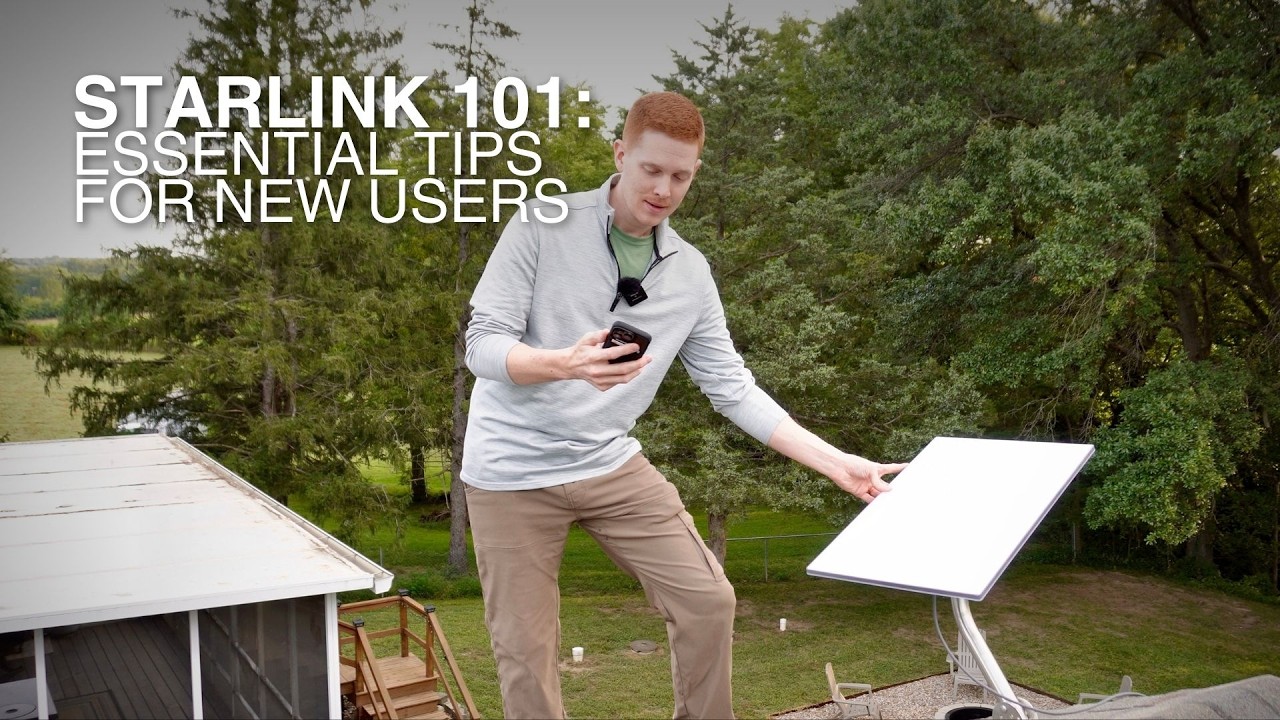
About this video
New to Starlink? Follow these quick setup and performance tips to maximize speed, coverage, and reliability.
Blog version: https://www.dishytech.com/starlink-101-essential-tips-every-new-user-should-know/
Buy Starlink on Amazon: https://amzn.to/47whmh4
My APC UPS: https://amzn.to/4oTGDIA
My Starlink gear and other product recommendations on Amazon:
https://www.dishytech.com/amazon
Need a VPN? I use Private Internet Access (PIA). Get 82% off with my link:
https://www.dishytech.com/vpn
Get a free month of Starlink by ordering with my referral link:
https://www.dishytech.com/starlink
Check out the DISHYtech blog for more content: https://www.dishytech.com
Chapters:
00:00 Introduction
00:22 Find a good mounting location
02:40 Plan how you want to run the cable
04:12 Align your dish
06:04 Turn on bypass mode with 3rd party routers
07:36 Plug Starlink into a UPS
08:46 Split your WiFi network for older devices
10:17 Monitor your Starlink with the app
12:58 Know how to get support
#starlink #starlinkinternet
Business inquieries: colby@dishytech.com
Disclosure: As an Amazon Associate I earn from qualifying purchases. If you click one of the affiliate links and make a purchase, I may earn a commission. This doesn't cost you anything and helps support my channel. I appreciate your support!
Blog version: https://www.dishytech.com/starlink-101-essential-tips-every-new-user-should-know/
Buy Starlink on Amazon: https://amzn.to/47whmh4
My APC UPS: https://amzn.to/4oTGDIA
My Starlink gear and other product recommendations on Amazon:
https://www.dishytech.com/amazon
Need a VPN? I use Private Internet Access (PIA). Get 82% off with my link:
https://www.dishytech.com/vpn
Get a free month of Starlink by ordering with my referral link:
https://www.dishytech.com/starlink
Check out the DISHYtech blog for more content: https://www.dishytech.com
Chapters:
00:00 Introduction
00:22 Find a good mounting location
02:40 Plan how you want to run the cable
04:12 Align your dish
06:04 Turn on bypass mode with 3rd party routers
07:36 Plug Starlink into a UPS
08:46 Split your WiFi network for older devices
10:17 Monitor your Starlink with the app
12:58 Know how to get support
#starlink #starlinkinternet
Business inquieries: colby@dishytech.com
Disclosure: As an Amazon Associate I earn from qualifying purchases. If you click one of the affiliate links and make a purchase, I may earn a commission. This doesn't cost you anything and helps support my channel. I appreciate your support!
Tags and Topics
Browse our collection to discover more content in these categories.
Video Information
Views
72.7K
Likes
1.6K
Duration
14:47
Published
Aug 27, 2025
User Reviews
4.7
(14) Related Trending Topics
LIVE TRENDSRelated trending topics. Click any trend to explore more videos.
No specific trending topics match this video yet.
Explore All Trends