DJI Avata 2 Smooth Transition & Acro Tips 🚁
Learn how to create seamless roll transitions with DJI Avata 2. Easy tips for beginners to master smooth drone maneuvers. 📝

DJI
111.2K views • Jul 29, 2024
About this video
Learn how to create a seamless transition using the DJI Avata 2!
Follow these simple steps to master an impressive roll transition. Perfect for beginners and pros alike 💯
Steps:
1. Switch to Easy Acro Mode:
Use the motion controller to switch your DJI Avata 2 to easy acro mode.
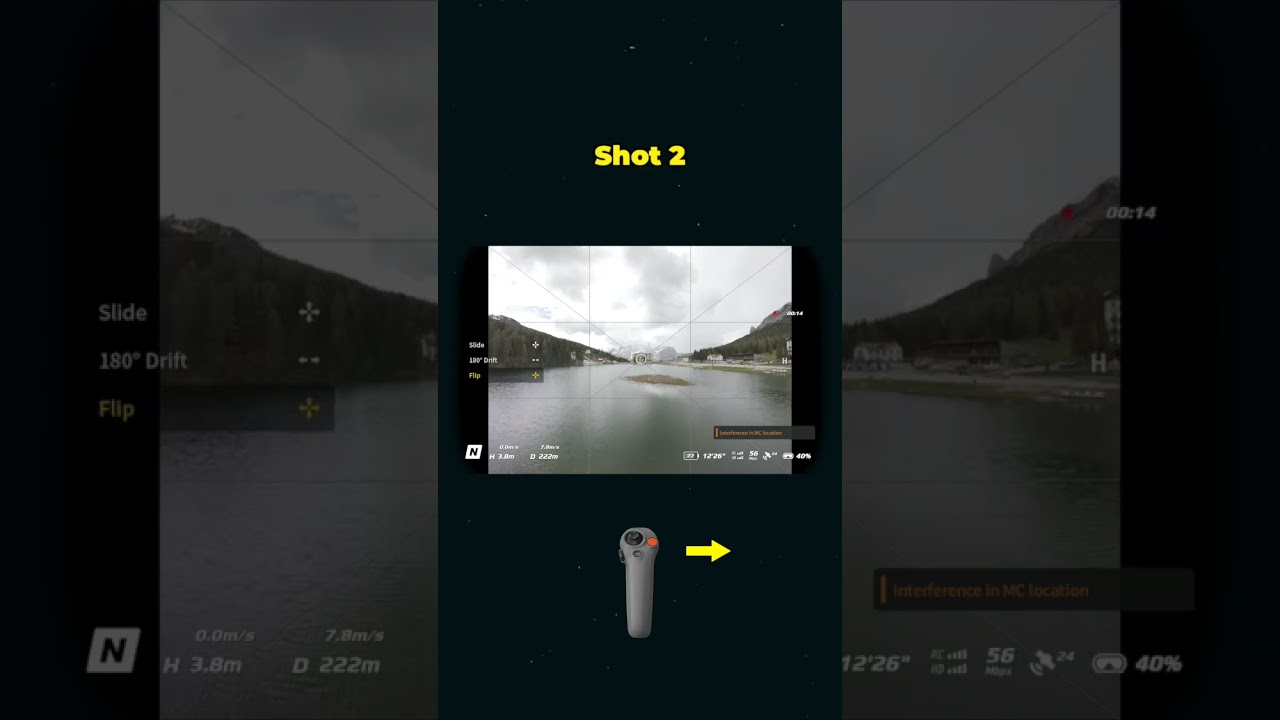
2. Perform a Roll:
Execute a roll in the same direction at two different locations.
3. Edit Your Shots:
Combine these shots in your editing software and apply a crossfade transition to make the switch look smooth and professional.
Tutorial by @dominichayles
#DJIAvata2 #DroneTutorial #SmoothTransition #EasyAcroMode #DroneTips
Follow these simple steps to master an impressive roll transition. Perfect for beginners and pros alike 💯
Steps:
1. Switch to Easy Acro Mode:
Use the motion controller to switch your DJI Avata 2 to easy acro mode.
2. Perform a Roll:
Execute a roll in the same direction at two different locations.
3. Edit Your Shots:
Combine these shots in your editing software and apply a crossfade transition to make the switch look smooth and professional.
Tutorial by @dominichayles
#DJIAvata2 #DroneTutorial #SmoothTransition #EasyAcroMode #DroneTips
Tags and Topics
Browse our collection to discover more content in these categories.
Video Information
Views
111.2K
Likes
4.8K
Duration
0:15
Published
Jul 29, 2024
User Reviews
4.7
(22) Related Trending Topics
LIVE TRENDSRelated trending topics. Click any trend to explore more videos.
No specific trending topics match this video yet.
Explore All Trends