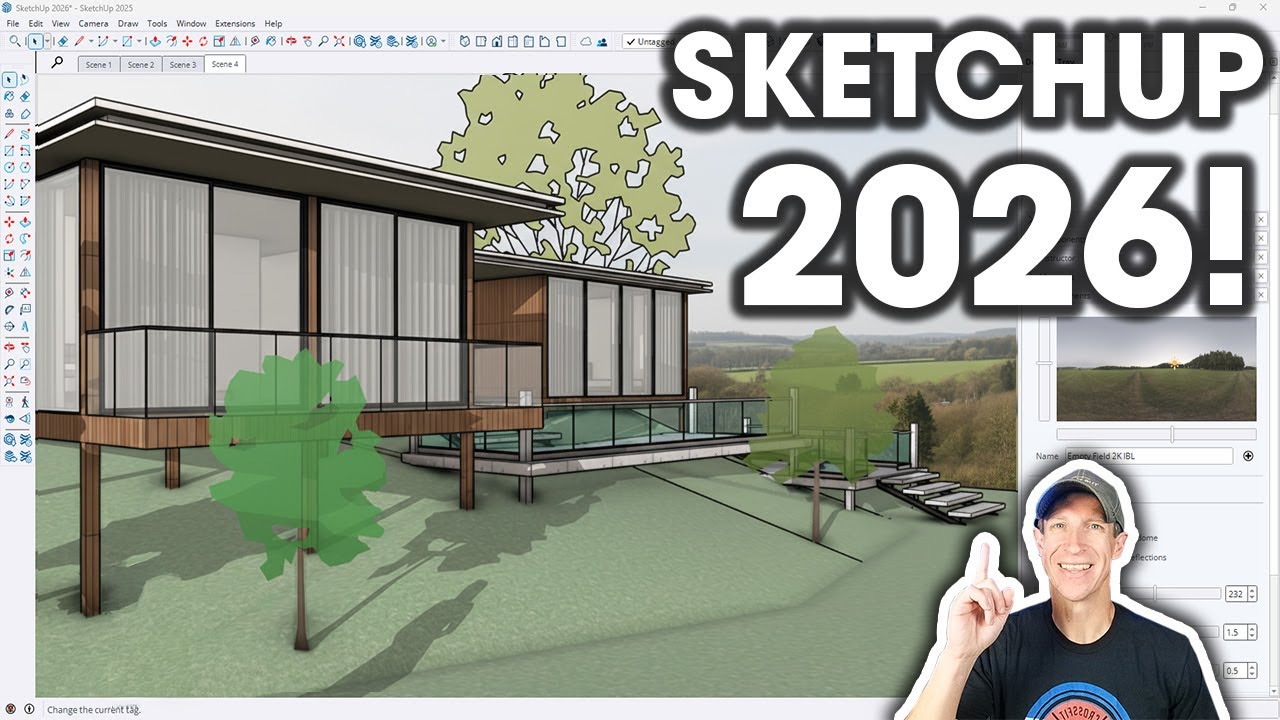
SketchUp 2026 Is Here! 🚀 New Features Unveiled
Discover the latest updates in SketchUp 2026! Share your thoughts on the new features and learn more in The SketchUp Essentials.

TheSketchUpEssentials
34.6K views • Oct 8, 2025
About this video
All the new things included in SketchUp 2026! Leave a comment and let me know what you think about the features!
Learn SketchUp in THE SKETCHUP ESSENTIALS COURSE
http://www.thesketchupessentials.com/course
SKETCHUP 2026 WHATS NEW PAGE
https://sketchup.trimble.com/en/whats-new
SKETCHUP 2026 RELEASE NOTES
https://help.sketchup.com/en/release-notes/sketchup-desktop-20260
TIMESTAMPS
0:00 - Introduction
0:11 - How to update
0:26 - Release notes location
0:44 - Collaboration Mode
2:30 - Live commenting and multi user viewing
4:00 - Photos and collaboration discussion
4:38 - Creating a scene only share
5:37 - Ambient Occlusion distance multiplier
7:32 - Ambient Occlusion Colors
8:48 - Different Material Preview Options
10:02 - Invert Roughness
10:52 - Live component scaling
12:25 - Live component painting
12:47 - Scaling Grip Visibility
13:46 - Rotation Tool Improvement
14:34 - Undo Scene Camera Changes
15:20 - Purge Unused Controls
16:31 - Tray Control
17:01 - Manage Activations Improvement
17:43 - Layout UI Improvement
19:10 - Layout Drafting Tools
19:26 - Trim / Extend
20:10 - Filet / Chamfer (Layout)
21:13 - Layout Performance Improvement
21:32 - Layout Scrapbook Library
23:00 - SketchUp DWG Import Improvements
23:46 - Layout DWG Export Improvements
24:14 - Scan Essentials New Tools
Learn SketchUp in THE SKETCHUP ESSENTIALS COURSE
http://www.thesketchupessentials.com/course
SKETCHUP 2026 WHATS NEW PAGE
https://sketchup.trimble.com/en/whats-new
SKETCHUP 2026 RELEASE NOTES
https://help.sketchup.com/en/release-notes/sketchup-desktop-20260
TIMESTAMPS
0:00 - Introduction
0:11 - How to update
0:26 - Release notes location
0:44 - Collaboration Mode
2:30 - Live commenting and multi user viewing
4:00 - Photos and collaboration discussion
4:38 - Creating a scene only share
5:37 - Ambient Occlusion distance multiplier
7:32 - Ambient Occlusion Colors
8:48 - Different Material Preview Options
10:02 - Invert Roughness
10:52 - Live component scaling
12:25 - Live component painting
12:47 - Scaling Grip Visibility
13:46 - Rotation Tool Improvement
14:34 - Undo Scene Camera Changes
15:20 - Purge Unused Controls
16:31 - Tray Control
17:01 - Manage Activations Improvement
17:43 - Layout UI Improvement
19:10 - Layout Drafting Tools
19:26 - Trim / Extend
20:10 - Filet / Chamfer (Layout)
21:13 - Layout Performance Improvement
21:32 - Layout Scrapbook Library
23:00 - SketchUp DWG Import Improvements
23:46 - Layout DWG Export Improvements
24:14 - Scan Essentials New Tools
Tags and Topics
Browse our collection to discover more content in these categories.
Video Information
Views
34.6K
Likes
583
Duration
25:32
Published
Oct 8, 2025
User Reviews
4.7
(6) Related Trending Topics
LIVE TRENDSRelated trending topics. Click any trend to explore more videos.
Trending Now