Simplified Guide to Image Processing with MATLAB
Discover how MATLAB simplifies the process of getting started with image processing, a key component for developing vision-based systems using cameras.
MATLAB
25.5K views • Nov 9, 2020
About this video
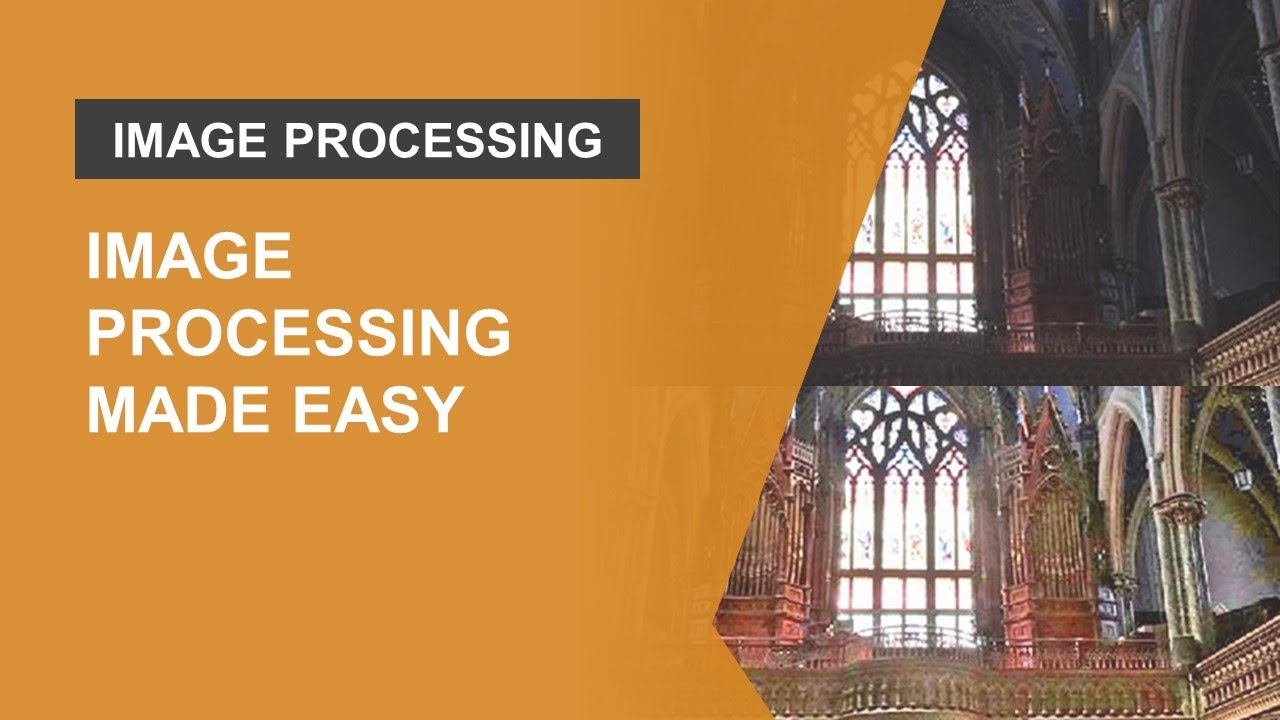
Learn how MATLAB makes it easy to get started with image processing. Image processing is the foundation for building vision-based systems with cameras. You might have a new idea for using your camera in an engineering or scientific application but have no idea where to start. While image processing can seem like a black art, there are a few key workflows to learn that will get you started.
In this video, using real-world examples, we will demonstrate how MATLAB and Image Processing Toolbox make it easy to:
• Pre-process images using enhancement and filtering techniques
• Separate objects of interest using segmentation techniques
• Test your algorithm on large sets of images
• Previous knowledge of MATLAB and Image Processing Toolbox is not required.
For more details on image processing with MATLAB, refer to the following links:
• More on MATLAB for image processing and computer vision: https://bit.ly/3kR2kqK
• Get a free trial license of Image Processing Toolbox: https://bit.ly/3mV2xuU
• Product Documentation: https://bit.ly/3043gAn
• Sign up for a training course on image processing with MATLAB: https://bit.ly/3mQSG9y
• Learn more about using MATLAB for deep learning: https://bit.ly/3yEX9TL
Sandeep Hiremath works on image processing and computer vision applications in product marketing at MathWorks. Prior to this role, he spent 7 years as a technical evangelist supporting MATLAB users in Academia. He holds a Masters in Mechanical Engineering from Clemson University.
Chapters:
00:00 Introduction - Image Processing made easy
2:38 Demo - Improving visibility in underwater images
17:07 Demo – Identifying colored cones in a robot’s view
29:35 Summary
--------------------------------------------------------------------------------------------------------
Get a free product trial: https://goo.gl/ZHFb5u
Learn more about MATLAB: https://goo.gl/8QV7ZZ
Learn more about Simulink: https://goo.gl/nqnbLe
See what's new in MATLAB and Simulink: https://goo.gl/pgGtod
© 2020 The MathWorks, Inc. MATLAB and Simulink are registered trademarks of The MathWorks, Inc.
See www.mathworks.com/trademarks for a list of additional trademarks. Other product or brand names may be trademarks or registered trademarks of their respective holders.
In this video, using real-world examples, we will demonstrate how MATLAB and Image Processing Toolbox make it easy to:
• Pre-process images using enhancement and filtering techniques
• Separate objects of interest using segmentation techniques
• Test your algorithm on large sets of images
• Previous knowledge of MATLAB and Image Processing Toolbox is not required.
For more details on image processing with MATLAB, refer to the following links:
• More on MATLAB for image processing and computer vision: https://bit.ly/3kR2kqK
• Get a free trial license of Image Processing Toolbox: https://bit.ly/3mV2xuU
• Product Documentation: https://bit.ly/3043gAn
• Sign up for a training course on image processing with MATLAB: https://bit.ly/3mQSG9y
• Learn more about using MATLAB for deep learning: https://bit.ly/3yEX9TL
Sandeep Hiremath works on image processing and computer vision applications in product marketing at MathWorks. Prior to this role, he spent 7 years as a technical evangelist supporting MATLAB users in Academia. He holds a Masters in Mechanical Engineering from Clemson University.
Chapters:
00:00 Introduction - Image Processing made easy
2:38 Demo - Improving visibility in underwater images
17:07 Demo – Identifying colored cones in a robot’s view
29:35 Summary
--------------------------------------------------------------------------------------------------------
Get a free product trial: https://goo.gl/ZHFb5u
Learn more about MATLAB: https://goo.gl/8QV7ZZ
Learn more about Simulink: https://goo.gl/nqnbLe
See what's new in MATLAB and Simulink: https://goo.gl/pgGtod
© 2020 The MathWorks, Inc. MATLAB and Simulink are registered trademarks of The MathWorks, Inc.
See www.mathworks.com/trademarks for a list of additional trademarks. Other product or brand names may be trademarks or registered trademarks of their respective holders.
Tags and Topics
Browse our collection to discover more content in these categories.
Video Information
Views
25.5K
Likes
418
Duration
31:15
Published
Nov 9, 2020
User Reviews
4.6
(5) Related Trending Topics
LIVE TRENDSRelated trending topics. Click any trend to explore more videos.
No specific trending topics match this video yet.
Explore All Trends