Undo Sent Email in Outlook 📧
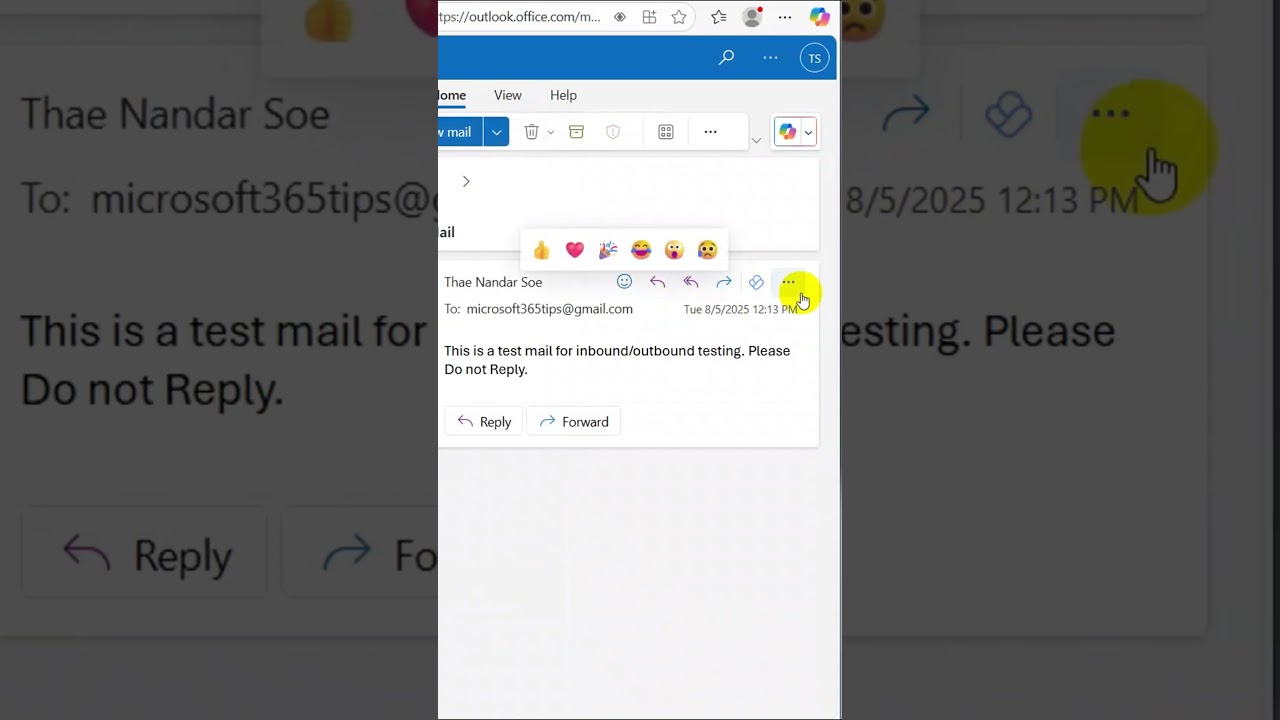
Sent an email by mistake? Use Outlook's 'Recall' feature to undo it if the recipient hasn't opened it yet.
Microsoft 365 Tips
332.6K views • Aug 5, 2025
About this video
Ever sent an email too quickly and instantly regretted it?
With Outlook's "Recall This Message" feature, you can unsend emails — as long as the recipient hasn't read it yet.
In this video, you'll learn how to:
#OutlookTips #RecallEmail #Microsoft365 #EmailMistakeFix #UndoSend
Recall an email in Outlook
Avoid awkward mistakes in future emails
Use this feature smartly to protect your reputation
Subscribe for more quick Microsoft 365 productivity tips!
With Outlook's "Recall This Message" feature, you can unsend emails — as long as the recipient hasn't read it yet.
In this video, you'll learn how to:
#OutlookTips #RecallEmail #Microsoft365 #EmailMistakeFix #UndoSend
Recall an email in Outlook
Avoid awkward mistakes in future emails
Use this feature smartly to protect your reputation
Subscribe for more quick Microsoft 365 productivity tips!
Tags and Topics
Browse our collection to discover more content in these categories.
Video Information
Views
332.6K
Likes
1.8K
Duration
0:29
Published
Aug 5, 2025
User Reviews
4.2
(66) Related Trending Topics
LIVE TRENDSRelated trending topics. Click any trend to explore more videos.
No specific trending topics match this video yet.
Explore All Trends