Secure Your Private Files with Steganography in Kali & Termux 🔒
Learn how to hide private files within images using steganography techniques on Kali Linux and Termux. Protect your secrets effortlessly!

Codeuniq
212 views • May 10, 2020
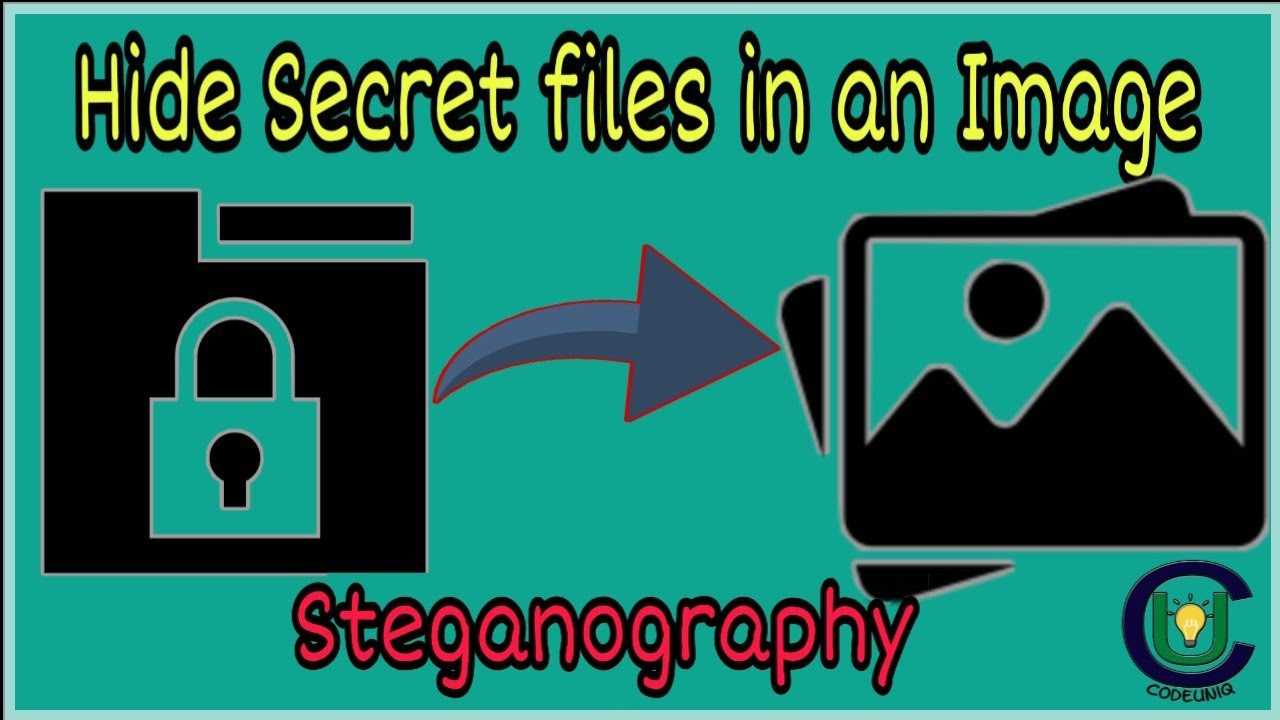
About this video
How To Hide Private Files in an Image | Steganography | Secrets In Media Format | Termux | Kali Linux
Powered by Codeuniq
Browse more [https://codeuniq.team]
Hide private files in media file. Steganography explained using termux. Linux terminal secrets. How to hide secrets in an image.
Download Termux : https://play.google.com/store/apps/details?id=com.termux
For making .zip files use ES File Explorer
Download ES File Explorer : https://apkpure.com/es-file-explorer/com.estrongs.android.pop/download
Commands
$termux-setup-storage
$cd /sdcard
$ls
Choose your directory
$cd folder_name
cat image_name private_file_name output_file_name
Your secret image is ready. Now you can unzip to view files.
$unzip output_file_name
Browse more : https://codeuniq.team
Join us on Telegram : https://t.me/codeuniq
Follow us on Instagram : https://www.instagram.com/codeuniqprojects/
Write us on : codeuniqprojects@gmail.com
Malayalam tutorial
Made by Sherin K R of Codeuniq
#techmalayalam #tech #tech_news #codeuniq #malayalam #2020 #termux #kali #linux #steganography
Latest tech
Stay tuned for more
Powered by Codeuniq
Browse more [https://codeuniq.team]
Hide private files in media file. Steganography explained using termux. Linux terminal secrets. How to hide secrets in an image.
Download Termux : https://play.google.com/store/apps/details?id=com.termux
For making .zip files use ES File Explorer
Download ES File Explorer : https://apkpure.com/es-file-explorer/com.estrongs.android.pop/download
Commands
$termux-setup-storage
$cd /sdcard
$ls
Choose your directory
$cd folder_name
cat image_name private_file_name output_file_name
Your secret image is ready. Now you can unzip to view files.
$unzip output_file_name
Browse more : https://codeuniq.team
Join us on Telegram : https://t.me/codeuniq
Follow us on Instagram : https://www.instagram.com/codeuniqprojects/
Write us on : codeuniqprojects@gmail.com
Malayalam tutorial
Made by Sherin K R of Codeuniq
#techmalayalam #tech #tech_news #codeuniq #malayalam #2020 #termux #kali #linux #steganography
Latest tech
Stay tuned for more
Tags and Topics
Browse our collection to discover more content in these categories.
Video Information
Views
212
Likes
18
Duration
4:19
Published
May 10, 2020
Related Trending Topics
LIVE TRENDSRelated trending topics. Click any trend to explore more videos.
No specific trending topics match this video yet.
Explore All Trends