Secure Your iPhone Files: How to Lock and Hide Photos, Videos & Documents 🔒
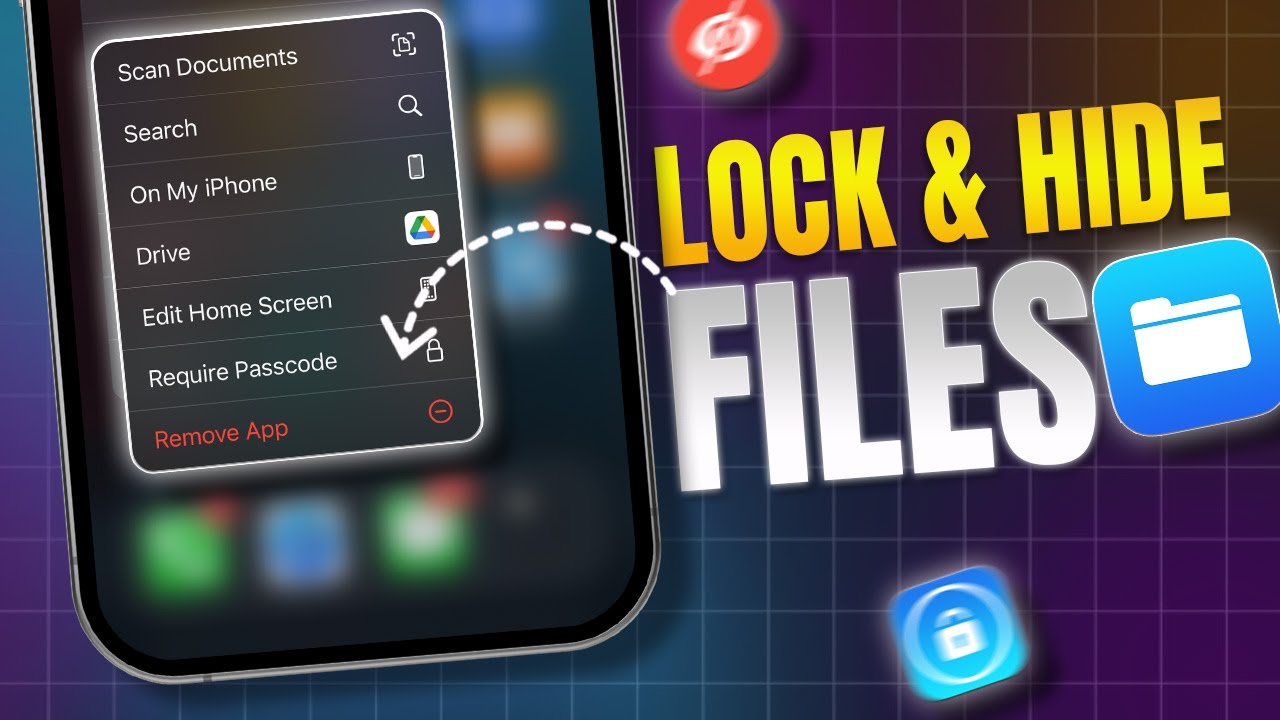
Learn simple steps to lock and hide your private files, photos, videos, and documents in the Files app on your iPhone. Keep your data safe and private with these easy tips!

DeviceCare+
31.5K views • Oct 13, 2024
About this video
Wanna make a lock folder on your iPhone? I can help! This video shows how to lock any folder on your iPhone with some easy steps! Whether you wanna keep the gallery hidden on your iPhone or simply want to hide PDFs on the Files App on your iPhone, This video has you covered!
It's also good to consider password-locking the files app on your iPhone since there isn't enough privacy for almost anything! Locking images on your iPhone will make sure no unwanted person can see your pictures and that rule goes for videos or documents as well! Secrecy is important and since Apple understands that, iOS Files App has a locked folder just for you to use! Let's learn its use shall we?
00:01- Video Intro
00:15- Tutorial Start
01:23- Tutorial End
#iPhone
#FilesApp
#LockedFolder
#LockVideos
#HidePhotos
It's also good to consider password-locking the files app on your iPhone since there isn't enough privacy for almost anything! Locking images on your iPhone will make sure no unwanted person can see your pictures and that rule goes for videos or documents as well! Secrecy is important and since Apple understands that, iOS Files App has a locked folder just for you to use! Let's learn its use shall we?
00:01- Video Intro
00:15- Tutorial Start
01:23- Tutorial End
#iPhone
#FilesApp
#LockedFolder
#LockVideos
#HidePhotos
Tags and Topics
Browse our collection to discover more content in these categories.
Video Information
Views
31.5K
Likes
88
Duration
1:31
Published
Oct 13, 2024
User Reviews
4.0
(6) Related Trending Topics
LIVE TRENDSRelated trending topics. Click any trend to explore more videos.
No specific trending topics match this video yet.
Explore All Trends