Secure Your Angular 17 App: How to Encrypt & Decrypt Data with CryptoJS 🔒
Learn step-by-step how to implement data encryption and decryption in Angular 17 using CryptoJS. Boost your app's security with this easy tutorial and npm setup!

Code Sample
2.7K views • Jan 30, 2024
About this video
cryptojs npm angular, install crypto js in angular 17, npm install crypto-js in angular, encryption and decryption in angular 17, Encryption Decryption in Angular 17, How to encrypt and decrypt passwords in angular 17, encrypt and decrypt using crypto nodejs, angular encryption, and decryption example
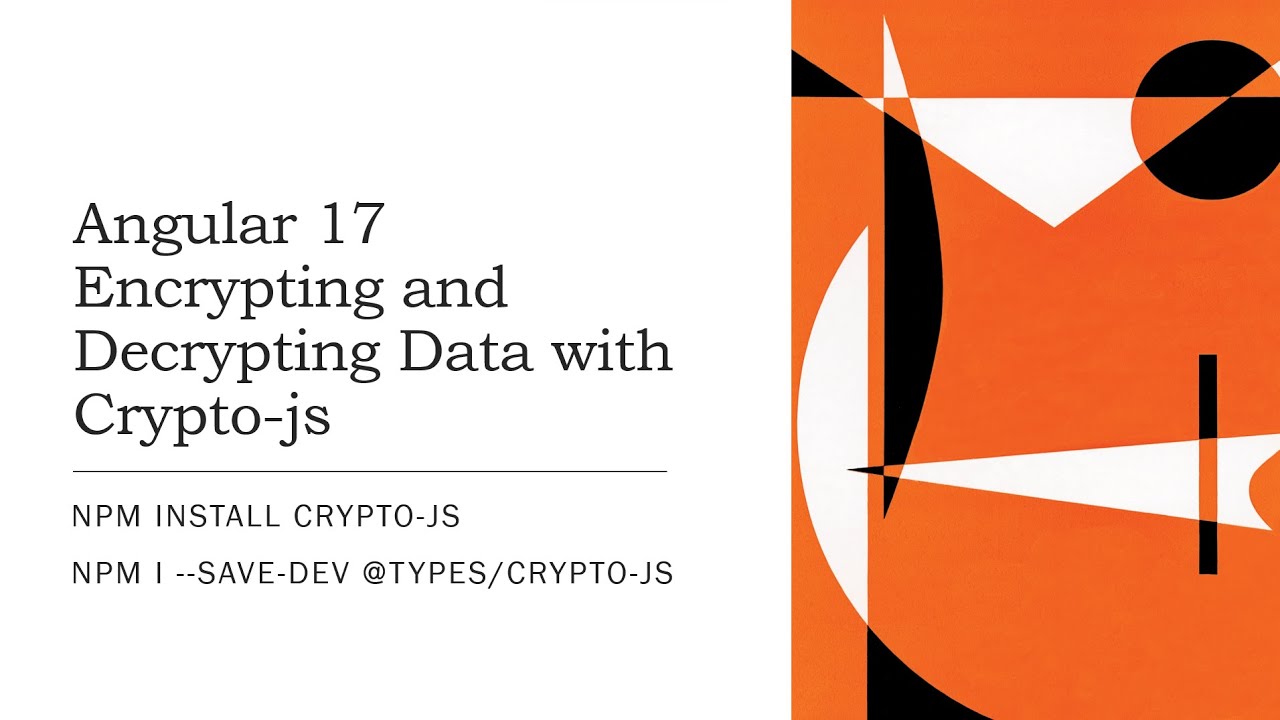
First, install crypto-js in our Angular project using npm:
npm install crypto-js
npm i --save-dev @types/crypto-js
After crypto-js is installed, we can import it into our Local Service:
import * as CryptoJS from 'crypto-js';
After that, we will add two encrypt and decrypt methods to handle encryption and decryption in our service class:
key = "encrypt!135790";
//To encrypt input data
public encrypt(password: string): string {
return CryptoJS.AES.encrypt(password, this.key).toString();
}
//To decrypt input data
public decrypt(passwordToDecrypt: string) {
return CryptoJS.AES.decrypt(passwordToDecrypt, this.key).toString(CryptoJS.enc.Utf8);
}
Using this service in the component class,
encrypt ='';
decripted='';
private _text = 'system!1233';
console.log('Password :' + this._text);
this.encrypt = this.encrDecrService.encrypt(this._text);
console.log('Decrypted password data :', this.encrypt);
this.decripted = this.encrDecrService.decrypt(this.encrypt);
console.log('Encripted to Decrypted password data :', this.decripted);
Download source code from GitHub: https://github.com/anilsingh581/CryptoJS
#angular #angular17 #angularcli #angularencript #cryptojs #securedata #angularsecurity #install #cryptoJs
First, install crypto-js in our Angular project using npm:
npm install crypto-js
npm i --save-dev @types/crypto-js
After crypto-js is installed, we can import it into our Local Service:
import * as CryptoJS from 'crypto-js';
After that, we will add two encrypt and decrypt methods to handle encryption and decryption in our service class:
key = "encrypt!135790";
//To encrypt input data
public encrypt(password: string): string {
return CryptoJS.AES.encrypt(password, this.key).toString();
}
//To decrypt input data
public decrypt(passwordToDecrypt: string) {
return CryptoJS.AES.decrypt(passwordToDecrypt, this.key).toString(CryptoJS.enc.Utf8);
}
Using this service in the component class,
encrypt ='';
decripted='';
private _text = 'system!1233';
console.log('Password :' + this._text);
this.encrypt = this.encrDecrService.encrypt(this._text);
console.log('Decrypted password data :', this.encrypt);
this.decripted = this.encrDecrService.decrypt(this.encrypt);
console.log('Encripted to Decrypted password data :', this.decripted);
Download source code from GitHub: https://github.com/anilsingh581/CryptoJS
#angular #angular17 #angularcli #angularencript #cryptojs #securedata #angularsecurity #install #cryptoJs
Tags and Topics
Browse our collection to discover more content in these categories.
Video Information
Views
2.7K
Likes
11
Duration
7:30
Published
Jan 30, 2024
User Reviews
3.9
(2) Related Trending Topics
LIVE TRENDSRelated trending topics. Click any trend to explore more videos.
Trending Now