Secure SSH Key Login on Ubuntu: No Root, No Password
Lock down your Ubuntu server by enabling SSH key authentication and disabling both root and password logins. In this step-by-step beginner guide, you’ll crea...
Tony Teaches Tech
15.7K views • Jun 2, 2025
About this video
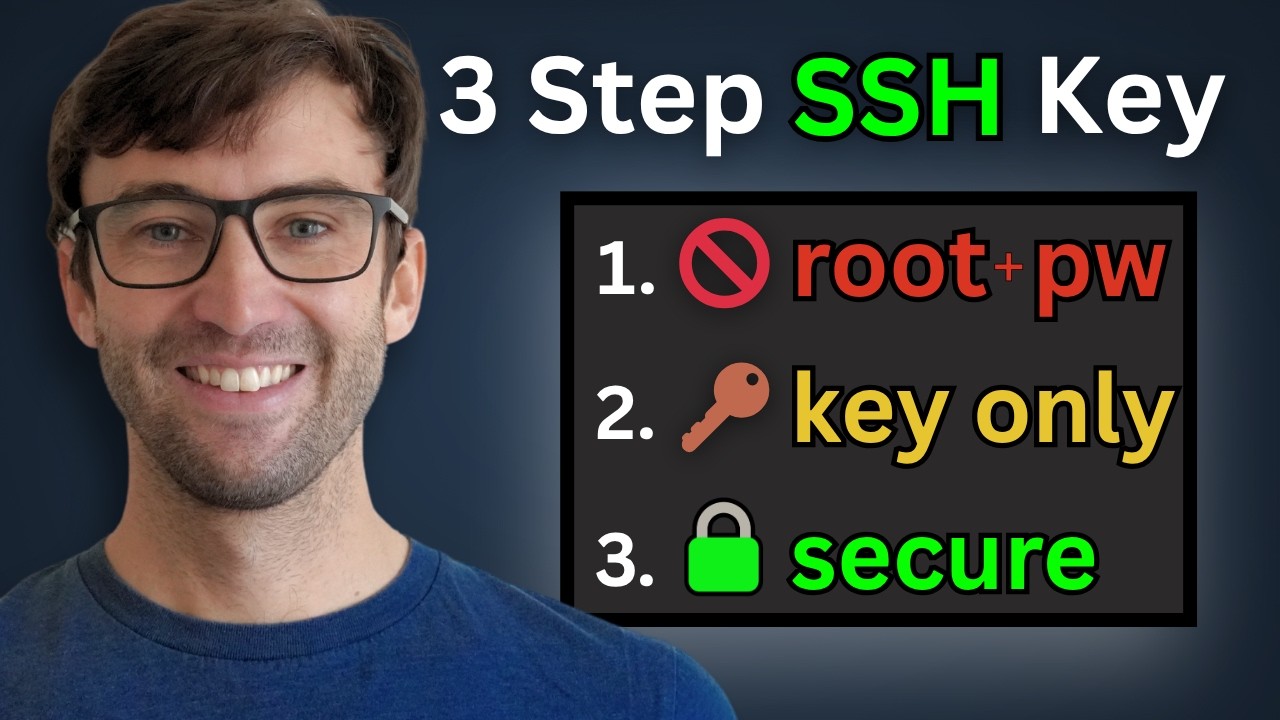
Lock down your Ubuntu server by enabling SSH key authentication and disabling both root and password logins. In this step-by-step beginner guide, you’ll create a non-root sudo user, generate a key pair, copy your public key to your server, and harden your sshd_config so only key-based logins are permitted.
Help me decide what videos to make next 👉 https://ttt.do/future-tutorials (survey link)
⏪ Watch previous (firewall setup): https://youtu.be/68GTL7djIMI
📺 Full Playlist – Build & Secure Your VPS Website: https://www.youtube.com/playlist?list=PL_vyuxE-AO-CuU7E2KfT2bDwVL63v28JZ
What You’ll Learn
✅ Add a non-root user with sudo privileges
✅ Generate SSH key pair with ssh-keygen
✅ Copy your public key with ssh-copy-id
✅ Disable root login and password authentication
✅ Update sshd_config for key-only access
✅ Restart SSH and verify your hardened setup
⏱️ Chapters
00:00 Intro & why key-based SSH matters
00:36 Create a non-root sudo user
01:37 Use native SSH client
02:35 Generate SSH key pair
03:36 Copy your public key to the server
04:30 Test key-only SSH login
04:45 Edit /etc/ssh/sshd_config
07:04 Restart SSH service
07:34 Verify root and password logins are disabled
Important sshd_config File Changes:
PermitRootLogin no
PasswordAuthentication nos
PermitEmptyPasswords no
KbdInteractiveAuthentication no
UsePAM no
X11Forwarding no
AuthenticationMethods publickey
AllowUsers tony
Help me decide what videos to make next 👉 https://ttt.do/future-tutorials (survey link)
⏪ Watch previous (firewall setup): https://youtu.be/68GTL7djIMI
📺 Full Playlist – Build & Secure Your VPS Website: https://www.youtube.com/playlist?list=PL_vyuxE-AO-CuU7E2KfT2bDwVL63v28JZ
What You’ll Learn
✅ Add a non-root user with sudo privileges
✅ Generate SSH key pair with ssh-keygen
✅ Copy your public key with ssh-copy-id
✅ Disable root login and password authentication
✅ Update sshd_config for key-only access
✅ Restart SSH and verify your hardened setup
⏱️ Chapters
00:00 Intro & why key-based SSH matters
00:36 Create a non-root sudo user
01:37 Use native SSH client
02:35 Generate SSH key pair
03:36 Copy your public key to the server
04:30 Test key-only SSH login
04:45 Edit /etc/ssh/sshd_config
07:04 Restart SSH service
07:34 Verify root and password logins are disabled
Important sshd_config File Changes:
PermitRootLogin no
PasswordAuthentication nos
PermitEmptyPasswords no
KbdInteractiveAuthentication no
UsePAM no
X11Forwarding no
AuthenticationMethods publickey
AllowUsers tony
Video Information
Views
15.7K
Likes
540
Duration
8:39
Published
Jun 2, 2025
User Reviews
4.6
(3) Related Trending Topics
LIVE TRENDSRelated trending topics. Click any trend to explore more videos.
Trending Now