Secretly Hide Files in Images with Steganography 🖼️ | Easy Hack
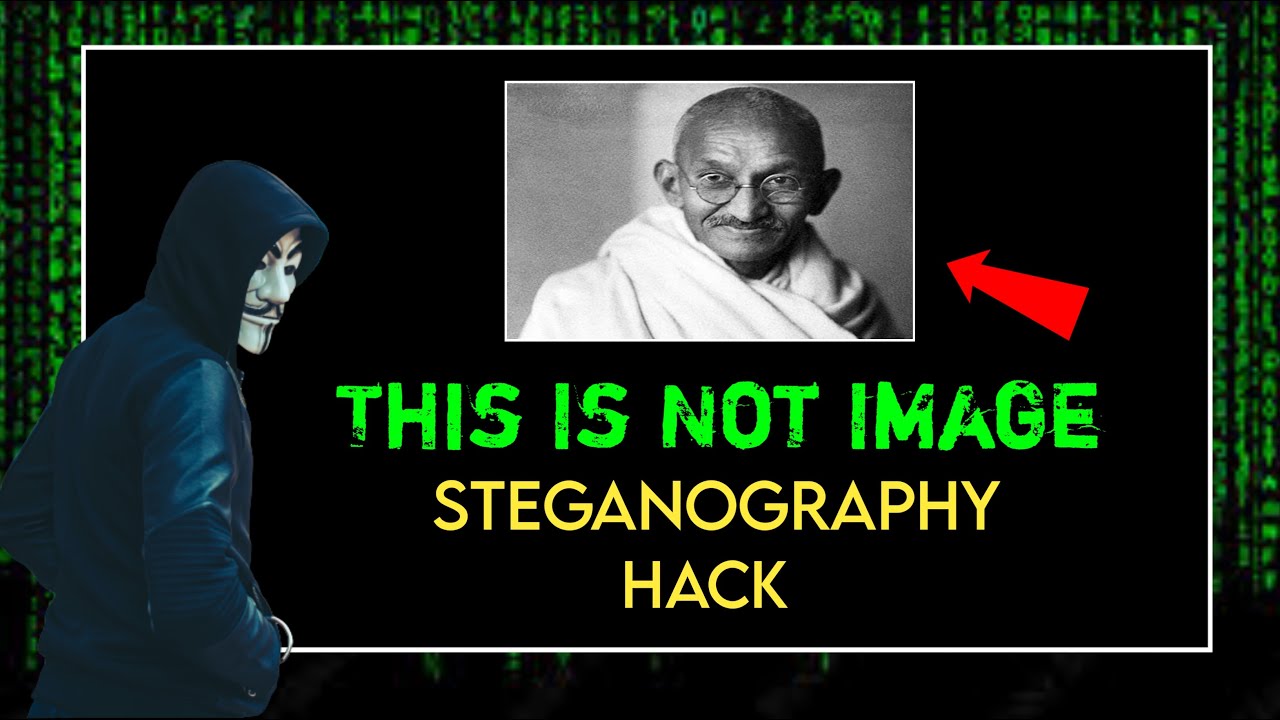
Learn how to securely hide any file inside an image using steganography techniques. Discover simple steps to keep your files private and hidden from prying eyes!

Tech Inch
178 views • Jun 19, 2023
About this video
________________________________________
How to Hide Any File in an Image | Steganography Hack
_________________________________________
Steganography is the practice of hiding data within another file or message. This can be done with text, images, audio, or video files. Steganography is often used for illegal purposes, such as hiding malware or stolen data.
There are a number of ways to hack steganography. One common method is to use a steganalysis tool. Steganalysis tools are designed to detect hidden data within files. Another method is to use a brute-force attack. A brute-force attack involves trying every possible combination of bits until the hidden data is found.
Steganography can be a difficult security vulnerability to defend against. This is because it is often difficult to detect hidden data without specialized tools. However, there are a number of steps that can be taken to reduce the risk of steganography attacks. These steps include:
Using a reputable antivirus program. Antivirus programs can often detect hidden malware.
Keeping your software up to date. Software updates often include security patches that can help to protect against steganography attacks.
Being careful about what files you open. Do not open files from unknown sources.
If you think that you may have been the victim of a steganography attack, there are a number of things you can do. These include:
Change your passwords.
Scan your computer for malware.
Report the attack to the authorities.
Steganography is a serious security vulnerability that can be used to steal data or install malware. By taking steps to protect yourself, you can help to reduce the risk of becoming a victim of a steganography attack.
Here are some additional tips for staying safe from steganography attacks:
Be suspicious of any file that you receive from an unknown source.
Do not open attachments from unknown senders.
Use a strong antivirus program and keep it up to date.
Keep your operating system and software up to date.
Be careful about what websites you visit and what links you click on.
Use a firewall to protect your computer from unauthorized access.
Back up your data regularly in case your computer is infected with malware.
_______________________________________
★ Follow On Instagram - https://instagram.com/tech_inch
★ Follow On Twitter - https://twitter.com/Techinch48
_______________________________________
#Steganography
#FileHiding
#ImageHacking
#DataEncryption
#DigitalSecurity
#PrivacyHacks
#Cybersecurity
#InformationProtection
#DigitalForensics
#techinch
_______________________________________
Disclaimer :- Copyright Disclaimer under Section 107 of the copyright act 1976, allowance is made for fair use for purposes such as criticism, comment, news reporting, scholarship, and research. Fair use is a use permitted by copyright statute that might otherwise be infringing. Non-profit, educational or personal use tips the balance in favour of fair use.
- By Tech Inch
How to Hide Any File in an Image | Steganography Hack
_________________________________________
Steganography is the practice of hiding data within another file or message. This can be done with text, images, audio, or video files. Steganography is often used for illegal purposes, such as hiding malware or stolen data.
There are a number of ways to hack steganography. One common method is to use a steganalysis tool. Steganalysis tools are designed to detect hidden data within files. Another method is to use a brute-force attack. A brute-force attack involves trying every possible combination of bits until the hidden data is found.
Steganography can be a difficult security vulnerability to defend against. This is because it is often difficult to detect hidden data without specialized tools. However, there are a number of steps that can be taken to reduce the risk of steganography attacks. These steps include:
Using a reputable antivirus program. Antivirus programs can often detect hidden malware.
Keeping your software up to date. Software updates often include security patches that can help to protect against steganography attacks.
Being careful about what files you open. Do not open files from unknown sources.
If you think that you may have been the victim of a steganography attack, there are a number of things you can do. These include:
Change your passwords.
Scan your computer for malware.
Report the attack to the authorities.
Steganography is a serious security vulnerability that can be used to steal data or install malware. By taking steps to protect yourself, you can help to reduce the risk of becoming a victim of a steganography attack.
Here are some additional tips for staying safe from steganography attacks:
Be suspicious of any file that you receive from an unknown source.
Do not open attachments from unknown senders.
Use a strong antivirus program and keep it up to date.
Keep your operating system and software up to date.
Be careful about what websites you visit and what links you click on.
Use a firewall to protect your computer from unauthorized access.
Back up your data regularly in case your computer is infected with malware.
_______________________________________
★ Follow On Instagram - https://instagram.com/tech_inch
★ Follow On Twitter - https://twitter.com/Techinch48
_______________________________________
#Steganography
#FileHiding
#ImageHacking
#DataEncryption
#DigitalSecurity
#PrivacyHacks
#Cybersecurity
#InformationProtection
#DigitalForensics
#techinch
_______________________________________
Disclaimer :- Copyright Disclaimer under Section 107 of the copyright act 1976, allowance is made for fair use for purposes such as criticism, comment, news reporting, scholarship, and research. Fair use is a use permitted by copyright statute that might otherwise be infringing. Non-profit, educational or personal use tips the balance in favour of fair use.
- By Tech Inch
Tags and Topics
Browse our collection to discover more content in these categories.
Video Information
Views
178
Duration
11:41
Published
Jun 19, 2023
Related Trending Topics
LIVE TRENDSRelated trending topics. Click any trend to explore more videos.
No specific trending topics match this video yet.
Explore All Trends