Secretly Hide Data in Images on Windows – Easy Trick 📸
Learn a simple method to embed hidden data within images on your Windows PC. Perfect for secure file sharing and privacy — watch now!

Sandeep Singh
1.4K views • Nov 26, 2020
About this video
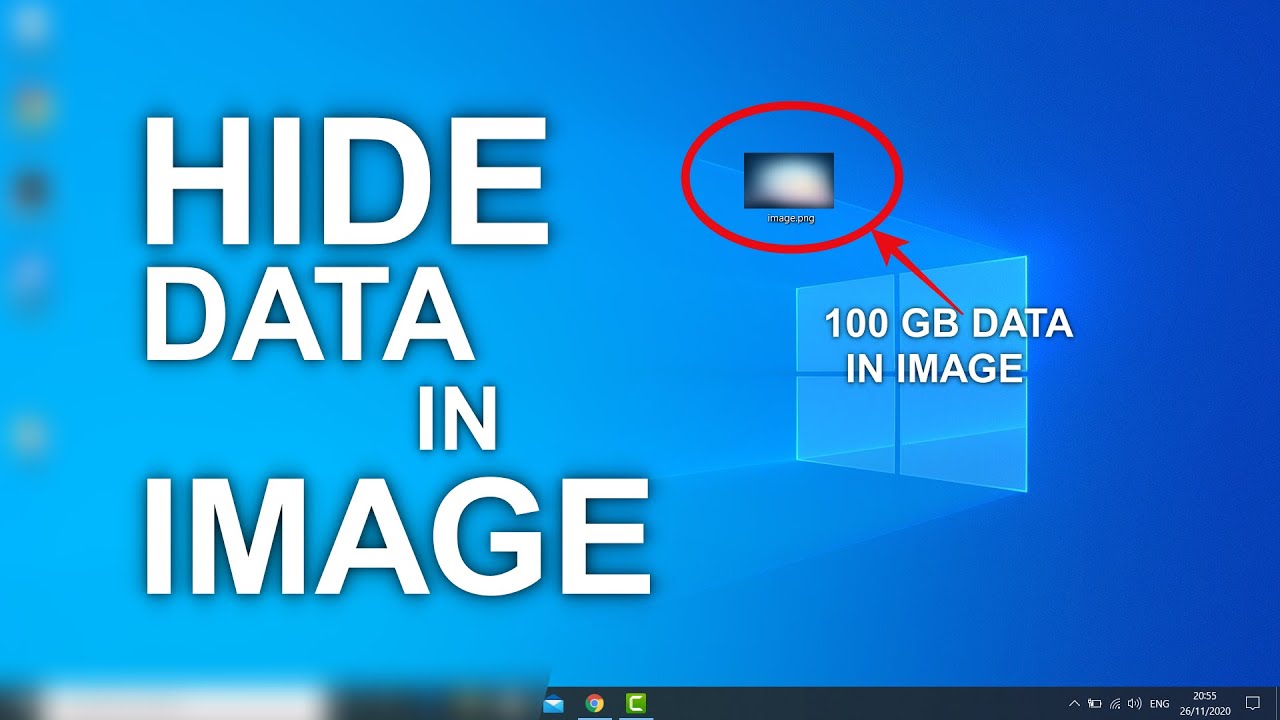
In this video, you will learn to hide data inside an image or photo on Windows computers. You can merge one file to another file by copying them byte for byte. This would work if the header information of another file is not changed, otherwise, you may get a "Broken File" error.
How to Hide Data Inside Image -
1. First you need to copy the desired files in a separate folder.
2. Compress all the files using WinRar, use the ZIP compression for better results.
3. Copy the image file in the same folder.
4. Open the command prompt as admin and navigate to the folder where data is located.
5. Type "copy /b image.png + compressed file.zip image.png" this command will merge the zip file in the same image file.
You can use JPG image and other files name as you want.
6. To see the data inside the image file change the extension from png/jpg to zip and extract it.
Once done delete the files and rename the Zip file to image(png, jpg).
If you don't see the file extension then go to view options and make sure "Hide extension for the known file type" is unchecked.
Don't forget to subscribe.
How to Hide Data Inside Image -
1. First you need to copy the desired files in a separate folder.
2. Compress all the files using WinRar, use the ZIP compression for better results.
3. Copy the image file in the same folder.
4. Open the command prompt as admin and navigate to the folder where data is located.
5. Type "copy /b image.png + compressed file.zip image.png" this command will merge the zip file in the same image file.
You can use JPG image and other files name as you want.
6. To see the data inside the image file change the extension from png/jpg to zip and extract it.
Once done delete the files and rename the Zip file to image(png, jpg).
If you don't see the file extension then go to view options and make sure "Hide extension for the known file type" is unchecked.
Don't forget to subscribe.
Tags and Topics
Browse our collection to discover more content in these categories.
Video Information
Views
1.4K
Likes
87
Duration
8:08
Published
Nov 26, 2020
User Reviews
4.5
(1)