Running PDFCreator as a Windows Service
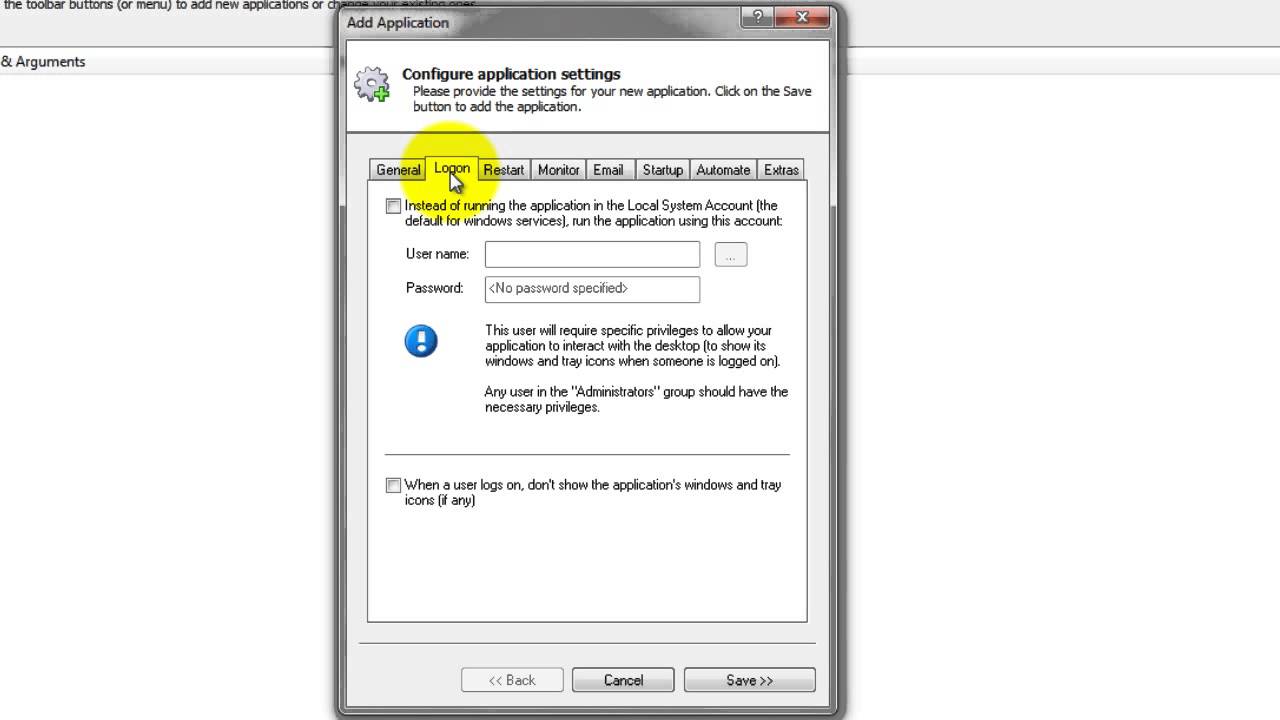
Learn how to configure PDFCreator to start automatically when your PC boots, running in the background continuously as a Windows Service. Ensure stability and prevent issues like crashes and memory leaks.

Core Technologies Consulting
3.7K views • Nov 2, 2013
About this video
Start PDFCreator when your PC boots, before you log on, and keep it running in the background 24x7 as a Windows Service. Don't let crashes, memory leaks, accidental shutdowns and other failures interrupt your PDF conversions!
Tags and Topics
Browse our collection to discover more content in these categories.
Video Information
Views
3.7K
Likes
1
Duration
5:02
Published
Nov 2, 2013
User Reviews
3.8
(3) Related Trending Topics
LIVE TRENDSRelated trending topics. Click any trend to explore more videos.
No specific trending topics match this video yet.
Explore All Trends