Build React & ASP.Net Core App with Visual Studio 2022
Learn how to create an ASP.Net Core app and add a React frontend in Visual Studio 2022 with this step-by-step tutorial. 🚀

Hacked
18.7K views • Aug 20, 2024
About this video
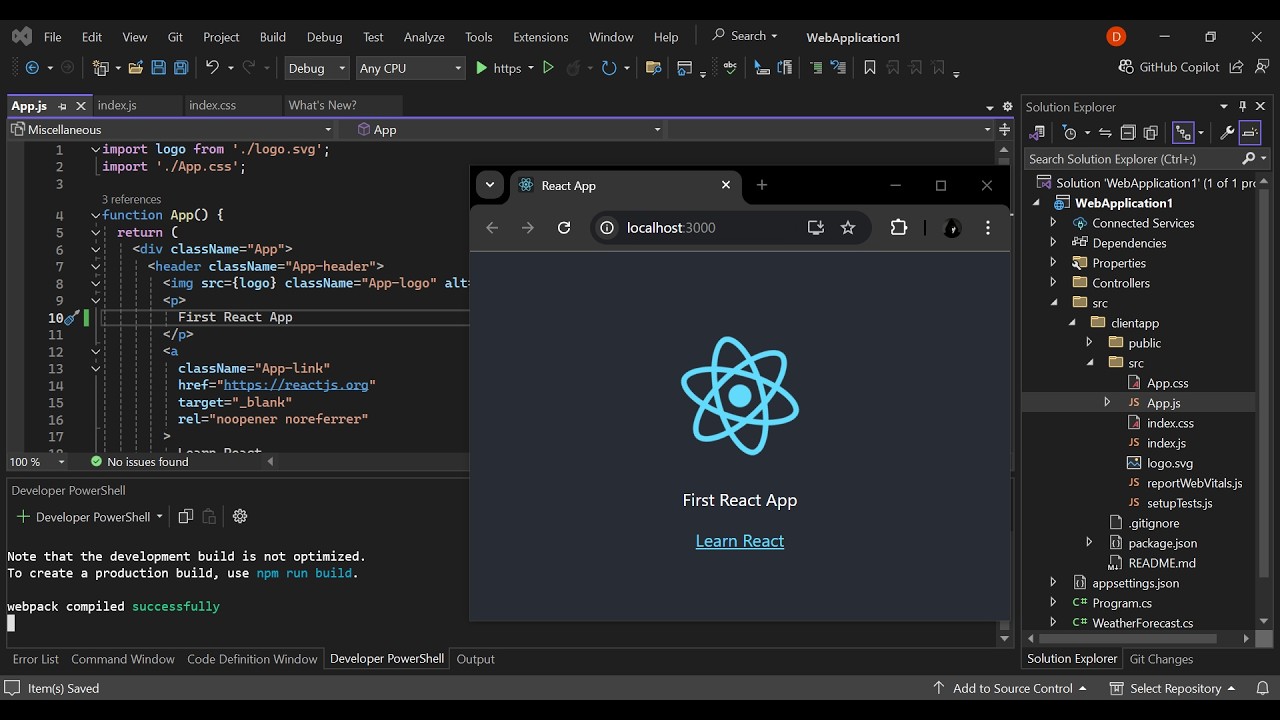
In this tutorial, we'll walk you through the process of creating an empty ASP.NET Core application and then adding a React app to it. This step-by-step guide is perfect for developers looking to combine the robust backend capabilities of ASP.NET Core with the dynamic frontend features of React.
What You'll Learn:
1. Setting Up ASP.NET Core : We'll start by creating an empty ASP.NET Core project using Visual Studio 2022. You'll learn how to configure the project and understand its structure.
2. Adding a React App: Next, we'll guide you through installing Node.js and using the `npx create-react-app` command to set up a new React application within your ASP.NET Core project.
3. Integrating React with ASP.NET Core: We'll show you how to modify the `Startup.cs` file to configure the React development server and integrate it seamlessly with your ASP.NET Core backend.
4. **Running the Application**: Finally, we'll demonstrate how to run both the ASP.NET Core server and the React development server simultaneously, allowing you to develop your full-stack application efficiently.
Join this channel to get access to perks:
https://www.youtube.com/channel/UCrNcmuy-uMaVBzLDesfzXDg/join
What You'll Learn:
1. Setting Up ASP.NET Core : We'll start by creating an empty ASP.NET Core project using Visual Studio 2022. You'll learn how to configure the project and understand its structure.
2. Adding a React App: Next, we'll guide you through installing Node.js and using the `npx create-react-app` command to set up a new React application within your ASP.NET Core project.
3. Integrating React with ASP.NET Core: We'll show you how to modify the `Startup.cs` file to configure the React development server and integrate it seamlessly with your ASP.NET Core backend.
4. **Running the Application**: Finally, we'll demonstrate how to run both the ASP.NET Core server and the React development server simultaneously, allowing you to develop your full-stack application efficiently.
Join this channel to get access to perks:
https://www.youtube.com/channel/UCrNcmuy-uMaVBzLDesfzXDg/join
Tags and Topics
Browse our collection to discover more content in these categories.
Video Information
Views
18.7K
Likes
151
Duration
8:30
Published
Aug 20, 2024
User Reviews
4.2
(3) Related Trending Topics
LIVE TRENDSRelated trending topics. Click any trend to explore more videos.
No specific trending topics match this video yet.
Explore All Trends