Quickly Hide or Show Apps & Folders on Your Desktop with Keyboard Shortcuts 🔑
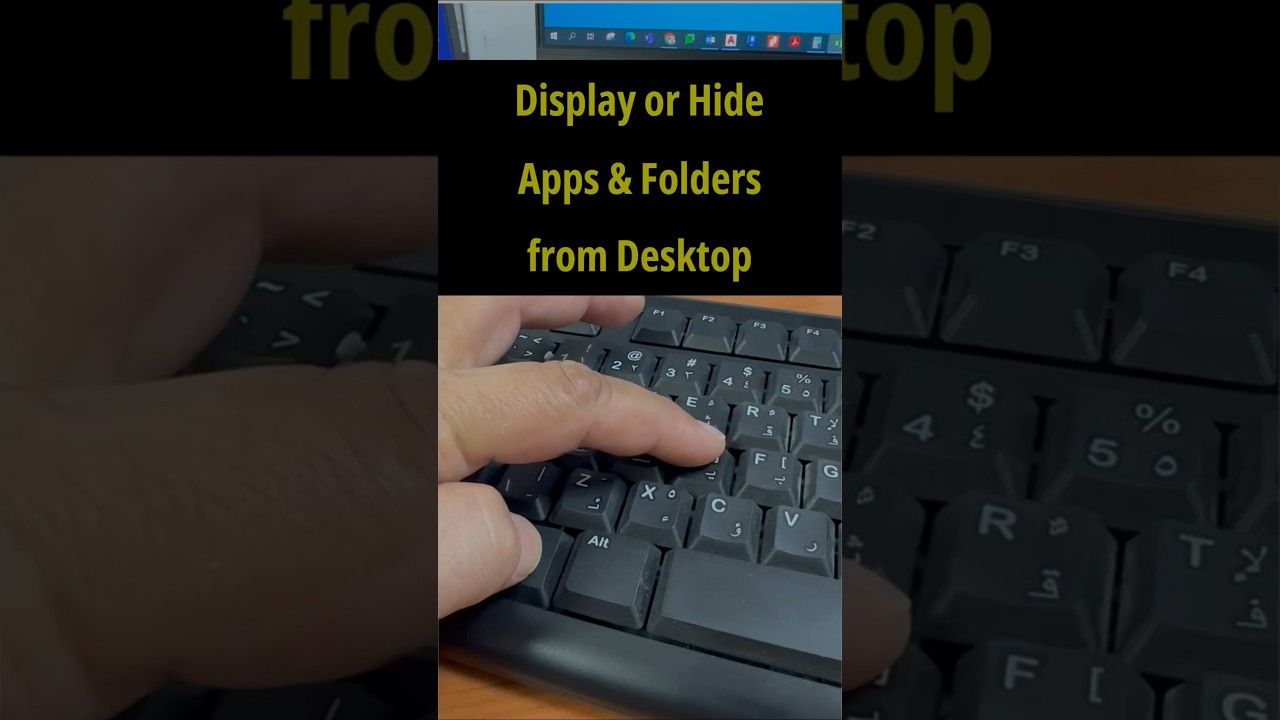
Learn how to instantly hide or reveal apps and folders on your Windows desktop using simple keyboard shortcuts like Windows + D. Boost your productivity today!

Rizwan Senior
386.1K views • Jul 4, 2023
About this video
Using keyboard shortcuts “windows logo key + D” you can hide or display currently active apps & folders from your computer or laptop desktop screen. Thanks for watching
Tags and Topics
Browse our collection to discover more content in these categories.
Video Information
Views
386.1K
Likes
1.3K
Duration
0:11
Published
Jul 4, 2023
User Reviews
4.1
(77) Related Trending Topics
LIVE TRENDSRelated trending topics. Click any trend to explore more videos.