Create 3D Rotating Objects with CC Cylinder in AE
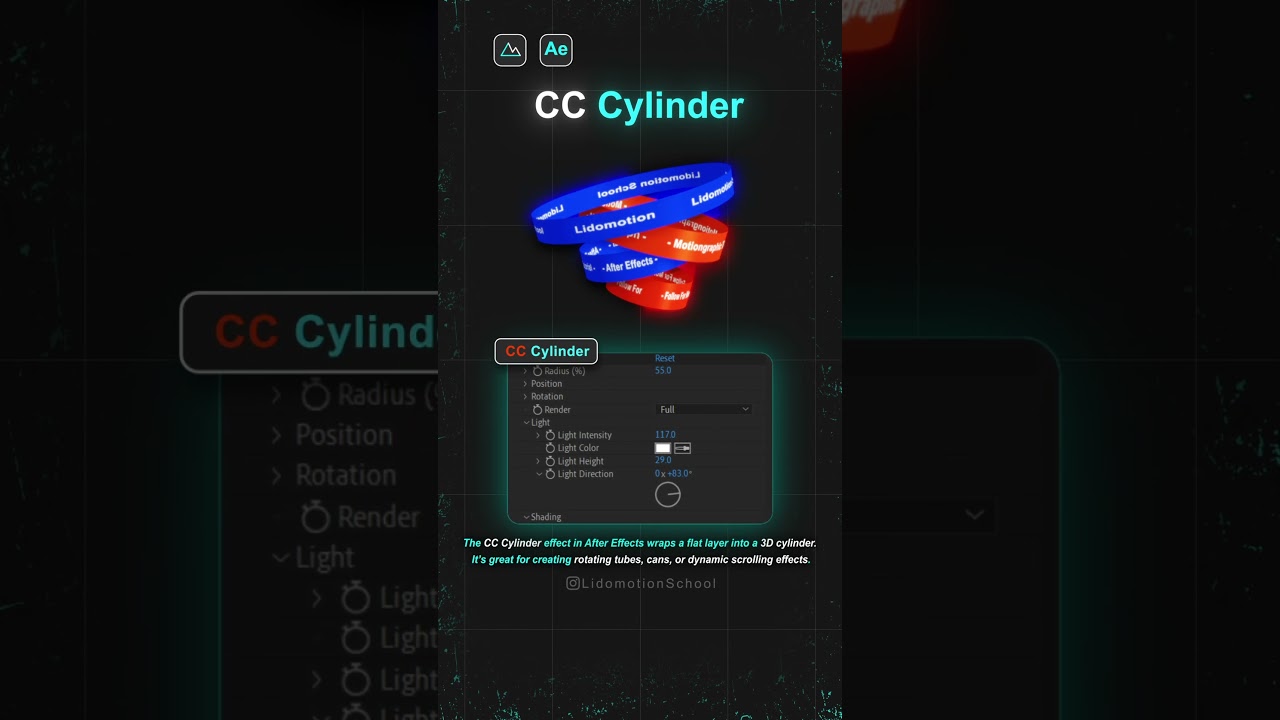
Learn how to wrap 2D layers into 3D shapes using CC Cylinder in After Effects for dynamic animations. 🌐

lidomotion Agency
1.5K views • Mar 25, 2025
About this video
Want to wrap a 2D layer into a 3D shape? Use the CC Cylinder effect in After Effects! 🌐 With this effect, you can easily turn flat images, text, or graphics into a rotating 3D cylinder. Adjust rotation, lighting, and perspective to create cool animated elements in seconds!
If you found this helpful, LIKE & SUBSCRIBE for more quick motion graphics tips! 🚀
#lidomotionschool #motiongraphics #aftereffects #cccylinder #3Danimation #motiondesign
If you found this helpful, LIKE & SUBSCRIBE for more quick motion graphics tips! 🚀
#lidomotionschool #motiongraphics #aftereffects #cccylinder #3Danimation #motiondesign
Video Information
Views
1.5K
Likes
18
Duration
0:08
Published
Mar 25, 2025
User Reviews
4.3
(1) Related Trending Topics
LIVE TRENDSRelated trending topics. Click any trend to explore more videos.
No specific trending topics match this video yet.
Explore All Trends