Quick-tip 99 | Moving Trendlines with SHIFT/PgUp/PgDn Keys
A Gold Pass member inquired about how to manually draw trend lines on the chart and move them a specific distance parallel to their original position using keyboard shortcuts.
Markplex
40 views • Aug 10, 2024
About this video
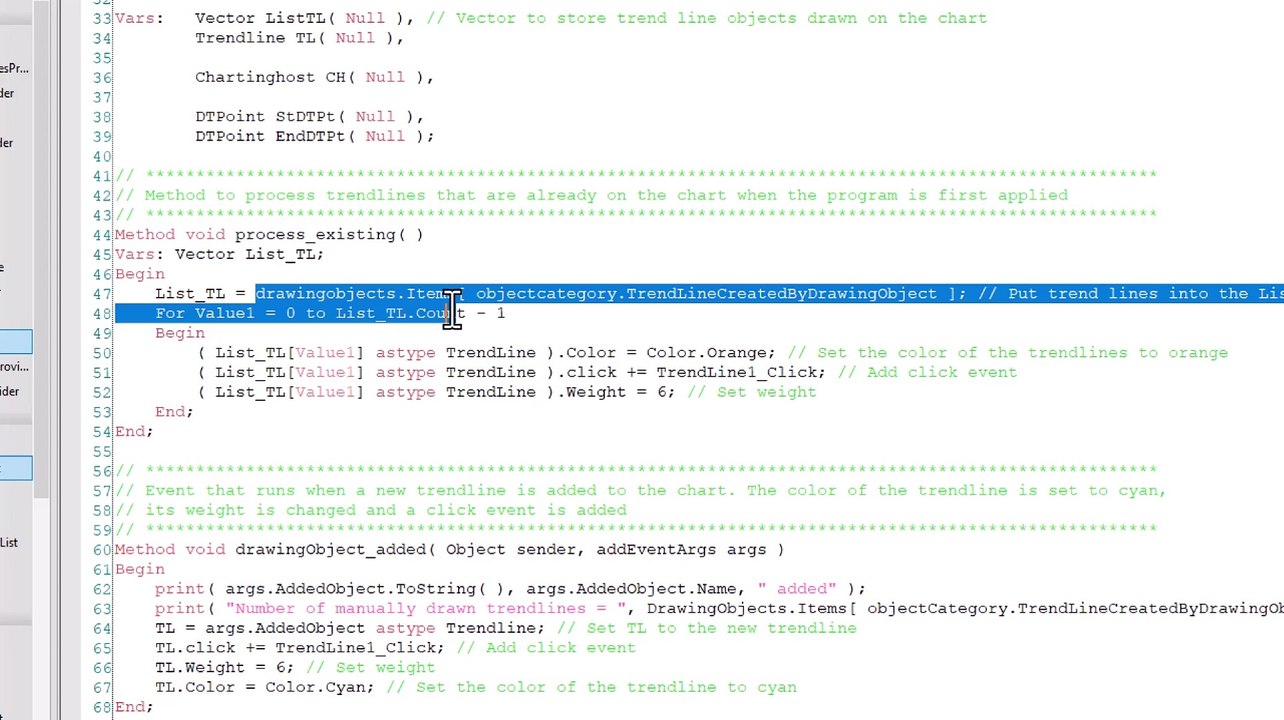
A Gold Pass member asked how it would be possible to manually draw trend lines on the chart and then move them a certain distance parallel to their original position, either up or down.<br /><br />The quick-tip tutorial demonstrates how to detect a new trendline has been drawn. This trendline can be shifted up or down by the user input Jump amount by pressing SHIFT-PgUp or SHIFT-PgDn respectively. The program also changes the color and thickness of the trendline when it is drawn.
Video Information
Views
40
Duration
8:00
Published
Aug 10, 2024
Related Trending Topics
LIVE TRENDSRelated trending topics. Click any trend to explore more videos.
Trending Now