Quick & Easy Guide to Download Embedded PDFs from Websites 📥
Learn simple steps to download embedded PDFs from any website using your browser's developer tools. Perfect for quick access to important documents!

Knowledge Wisp
2.9K views • Jul 16, 2025
About this video
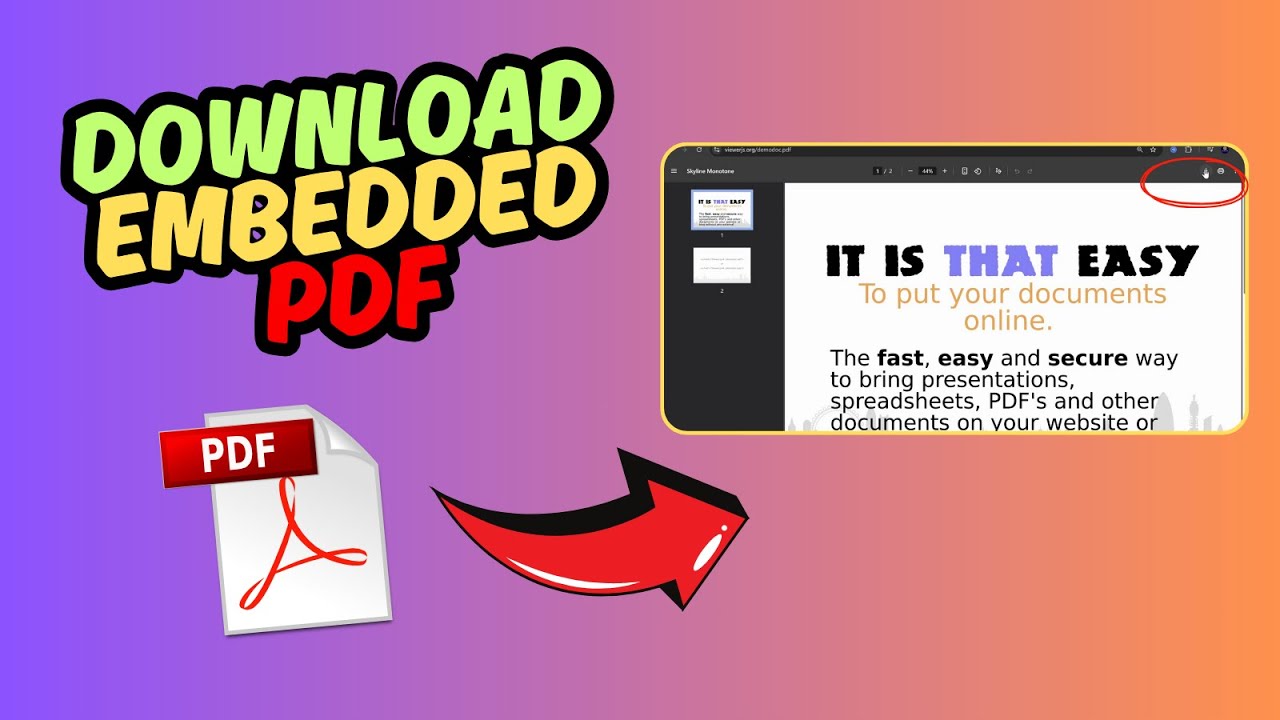
In this video, I will show you how to download an embedded pdf from a website. The first thing you want to do is to press the f12 button.
This will open up the developer tool. You can also right click an empty spot on the website and choose “inspect” to open it as well. Then you need to head over to the “network” tab.
After that, you will want to press “control R” to reload the page. This will load all the items on this particular page.
You can try and find the pdf file here directly by going through them. Right click on the relevant pdf and choose “open in a new tab.
Alternatively, you can filter it by typing “pdf” in the box here. This will save you some time.
Once you have opened the correct pdf file, you can proceed to go download the pdf file by clicking on this icon and save it to your computer. Open the file in your downloads folder to double check and you are set!
Related Search Terms
How to save embedded PDF from website
Download PDF that is embedded in webpage
Extract embedded PDF from site
Save PDF viewer content to computer
How to download PDF displayed in browser
Get embedded PDF file from webpage
Download PDF from embedded viewer
Save PDF from website when no download button
How to grab PDF from embedded viewer
Extract PDF from HTML embed tag
This will open up the developer tool. You can also right click an empty spot on the website and choose “inspect” to open it as well. Then you need to head over to the “network” tab.
After that, you will want to press “control R” to reload the page. This will load all the items on this particular page.
You can try and find the pdf file here directly by going through them. Right click on the relevant pdf and choose “open in a new tab.
Alternatively, you can filter it by typing “pdf” in the box here. This will save you some time.
Once you have opened the correct pdf file, you can proceed to go download the pdf file by clicking on this icon and save it to your computer. Open the file in your downloads folder to double check and you are set!
Related Search Terms
How to save embedded PDF from website
Download PDF that is embedded in webpage
Extract embedded PDF from site
Save PDF viewer content to computer
How to download PDF displayed in browser
Get embedded PDF file from webpage
Download PDF from embedded viewer
Save PDF from website when no download button
How to grab PDF from embedded viewer
Extract PDF from HTML embed tag
Tags and Topics
Browse our collection to discover more content in these categories.
Video Information
Views
2.9K
Likes
26
Duration
1:02
Published
Jul 16, 2025
User Reviews
4.2
(2) Related Trending Topics
LIVE TRENDSRelated trending topics. Click any trend to explore more videos.
No specific trending topics match this video yet.
Explore All Trends