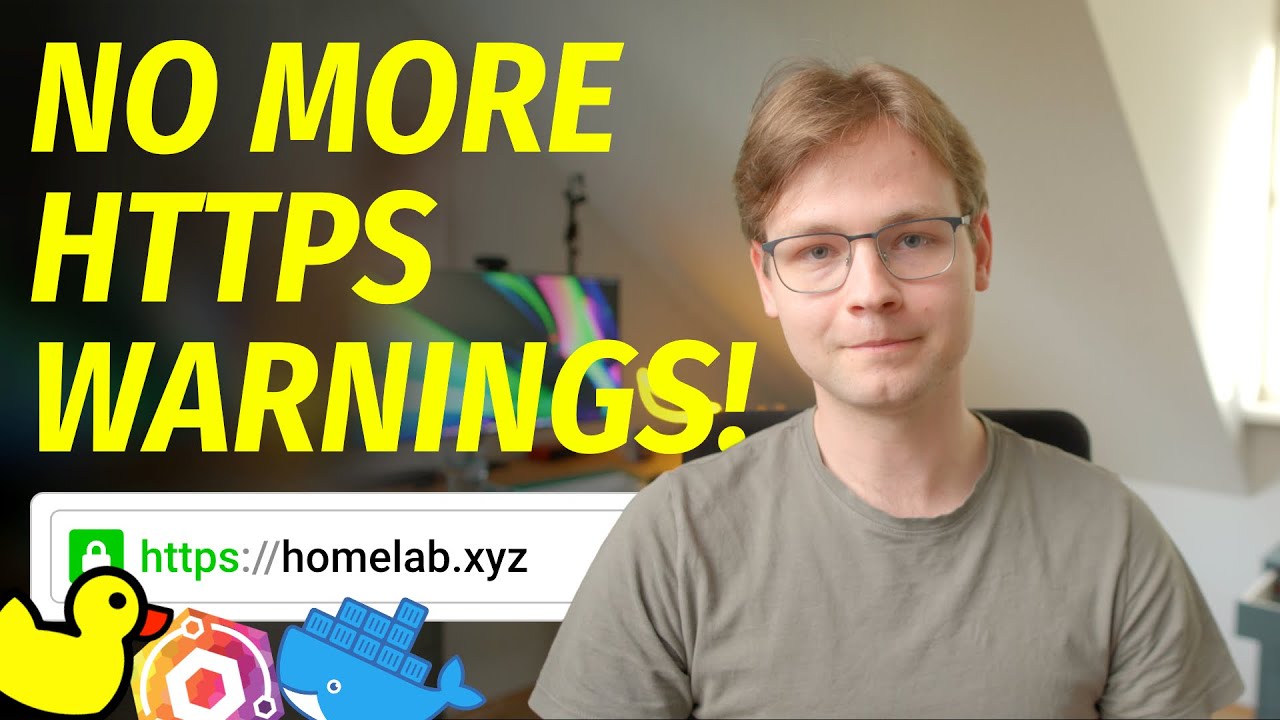
Simple Guide to Local SSL Certificates for Homelab 🔒
Learn how to easily set up local SSL certificates for your homelab to enhance security and privacy.

Wolfgang's Channel
1.2M views • May 15, 2023
About this video
To try everything Brilliant has to offer—free—for a full 30 days, visit http://brilliant.org/Wolfgang/
The first 200 of you will get 20% off Brilliant’s annual premium subscription
Follow me:
Mastodon https://tilde.zone/@notthebee
GitHub https://github.com/notthebee
Twitch https://twitch.com/notthebeee
Support the channel:
Patreon https://patreon.com/WolfgangsChannel
YouTube Members https://www.youtube.com/channel/UCsnGwSIHyoYN0kiINAGUKxg/join
PayPal (one time donation) https://www.paypal.com/donate/?hosted_button_id=S46R487SBMJZ8
Music:
Meod – Crispy Cone
Skygaze – Hug Me
Steven Beddall – Cuts So Deep (Instrumental Version)
Liquify – Afternoon
Kola – Mello Me
Videos are edited with Davinci Resolve Studio. I use Affinity Photo for thumbnails and Ableton Live for audio editing.
Video gear:
Camera https://geni.us/K8OOyKV (Amazon)
Main lens https://geni.us/jnnElY4 (Amazon)
Microphone https://geni.us/tgiSqL (Amazon)
Key light https://geni.us/Gi1zE2 (Amazon)
Softbox https://geni.us/F86pM (Amazon)
Secondary light https://geni.us/aciv (Amazon)
Other stuff that I use:
Monitor https://geni.us/KUzcmcP (Amazon)
Monitor arm https://geni.us/5RXu (Amazon)
Laptop stand https://geni.us/X5vx9Af (Amazon)
Keyboard https://www.amazon.de/HHKB-PD-KB401W-Tastenkappen-Professionelle-Mechanische/dp/B082TXQD1S
Mouse https://geni.us/KB7h (Amazon)
Audio interface https://geni.us/sdhWsC (Amazon)
As an Amazon Associate, I earn from qualifying purchases
This video was sponsored by Brilliant
Timestamps:
00:00 Intro
00:57 How does it work?
01:34 Brilliant.org
02:28 What will we need?
04:40 Installing Docker – Tutorial starts here
06:03 docker-compose Walkthrough
06:46 Generating the certificate
08:32 Setting up domains
11:02 Outro
The first 200 of you will get 20% off Brilliant’s annual premium subscription
Follow me:
Mastodon https://tilde.zone/@notthebee
GitHub https://github.com/notthebee
Twitch https://twitch.com/notthebeee
Support the channel:
Patreon https://patreon.com/WolfgangsChannel
YouTube Members https://www.youtube.com/channel/UCsnGwSIHyoYN0kiINAGUKxg/join
PayPal (one time donation) https://www.paypal.com/donate/?hosted_button_id=S46R487SBMJZ8
Music:
Meod – Crispy Cone
Skygaze – Hug Me
Steven Beddall – Cuts So Deep (Instrumental Version)
Liquify – Afternoon
Kola – Mello Me
Videos are edited with Davinci Resolve Studio. I use Affinity Photo for thumbnails and Ableton Live for audio editing.
Video gear:
Camera https://geni.us/K8OOyKV (Amazon)
Main lens https://geni.us/jnnElY4 (Amazon)
Microphone https://geni.us/tgiSqL (Amazon)
Key light https://geni.us/Gi1zE2 (Amazon)
Softbox https://geni.us/F86pM (Amazon)
Secondary light https://geni.us/aciv (Amazon)
Other stuff that I use:
Monitor https://geni.us/KUzcmcP (Amazon)
Monitor arm https://geni.us/5RXu (Amazon)
Laptop stand https://geni.us/X5vx9Af (Amazon)
Keyboard https://www.amazon.de/HHKB-PD-KB401W-Tastenkappen-Professionelle-Mechanische/dp/B082TXQD1S
Mouse https://geni.us/KB7h (Amazon)
Audio interface https://geni.us/sdhWsC (Amazon)
As an Amazon Associate, I earn from qualifying purchases
This video was sponsored by Brilliant
Timestamps:
00:00 Intro
00:57 How does it work?
01:34 Brilliant.org
02:28 What will we need?
04:40 Installing Docker – Tutorial starts here
06:03 docker-compose Walkthrough
06:46 Generating the certificate
08:32 Setting up domains
11:02 Outro
Video Information
Views
1.2M
Likes
28.3K
Duration
12:08
Published
May 15, 2023
User Reviews
4.8
(242) Related Trending Topics
LIVE TRENDSRelated trending topics. Click any trend to explore more videos.
No specific trending topics match this video yet.
Explore All Trends