Premiere Pro “Low System Memory” Error — Quick & Easy Fix!
Getting the “Premiere Pro is running very low on system memory” error? 💻 In this quick tutorial, I’ll show you a simple trick to free up RAM and keep Premie...
Taras Cuts
7.5K views • Oct 11, 2025
About this video
Getting the “Premiere Pro is running very low on system memory” error? 💻
In this quick tutorial, I’ll show you a simple trick to free up RAM and keep Premiere running smoothly without crashes.
🔸 Step by step:
1️⃣ Close the Lumetri Color and Lumetri Scopes panels.
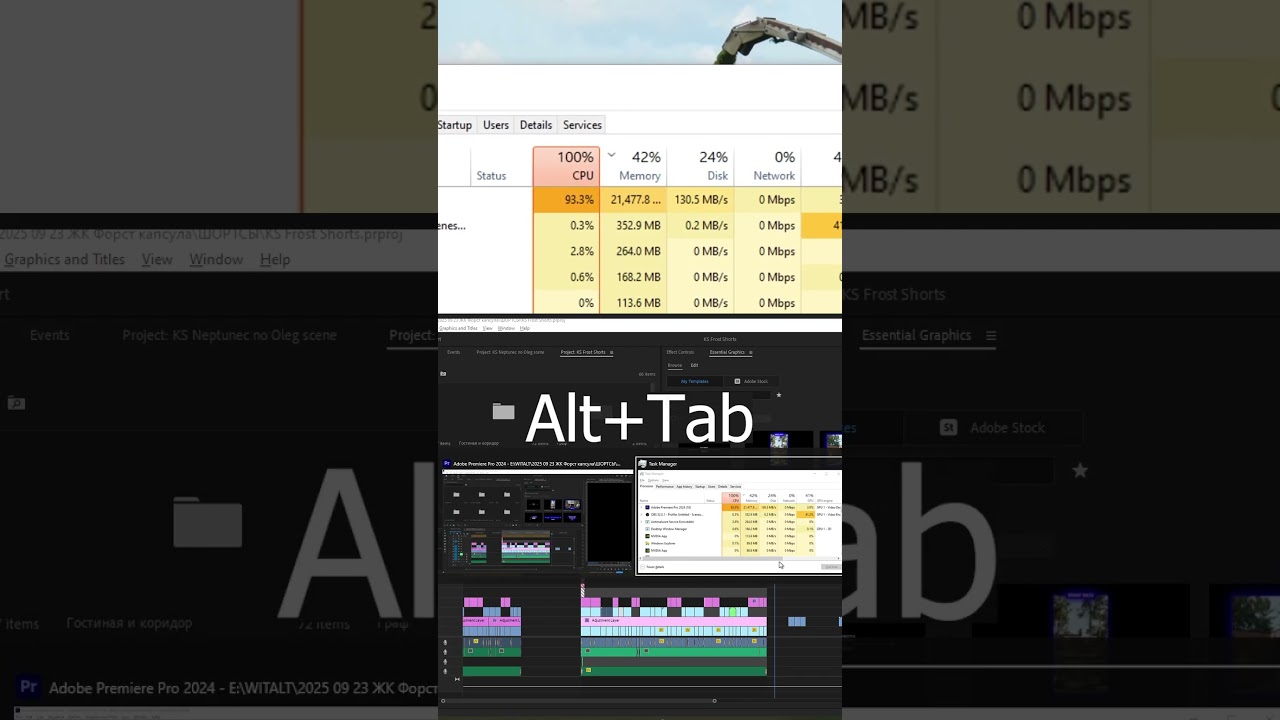
2️⃣ When Premiere starts using all your RAM, switch to another window (Alt + Tab).
3️⃣ Repeat a few times until Premiere finishes loading everything and stops maxing out your memory.
✅ Works with Premiere Pro CC / 2022 / 2023 / 2024
In this quick tutorial, I’ll show you a simple trick to free up RAM and keep Premiere running smoothly without crashes.
🔸 Step by step:
1️⃣ Close the Lumetri Color and Lumetri Scopes panels.
2️⃣ When Premiere starts using all your RAM, switch to another window (Alt + Tab).
3️⃣ Repeat a few times until Premiere finishes loading everything and stops maxing out your memory.
✅ Works with Premiere Pro CC / 2022 / 2023 / 2024
Tags and Topics
Browse our collection to discover more content in these categories.
Video Information
Views
7.5K
Likes
59
Duration
0:32
Published
Oct 11, 2025
User Reviews
4.2
(1) Related Trending Topics
LIVE TRENDSRelated trending topics. Click any trend to explore more videos.
Trending Now