PowerPoint Shortcut: Instantly Present in Fullscreen 🎯
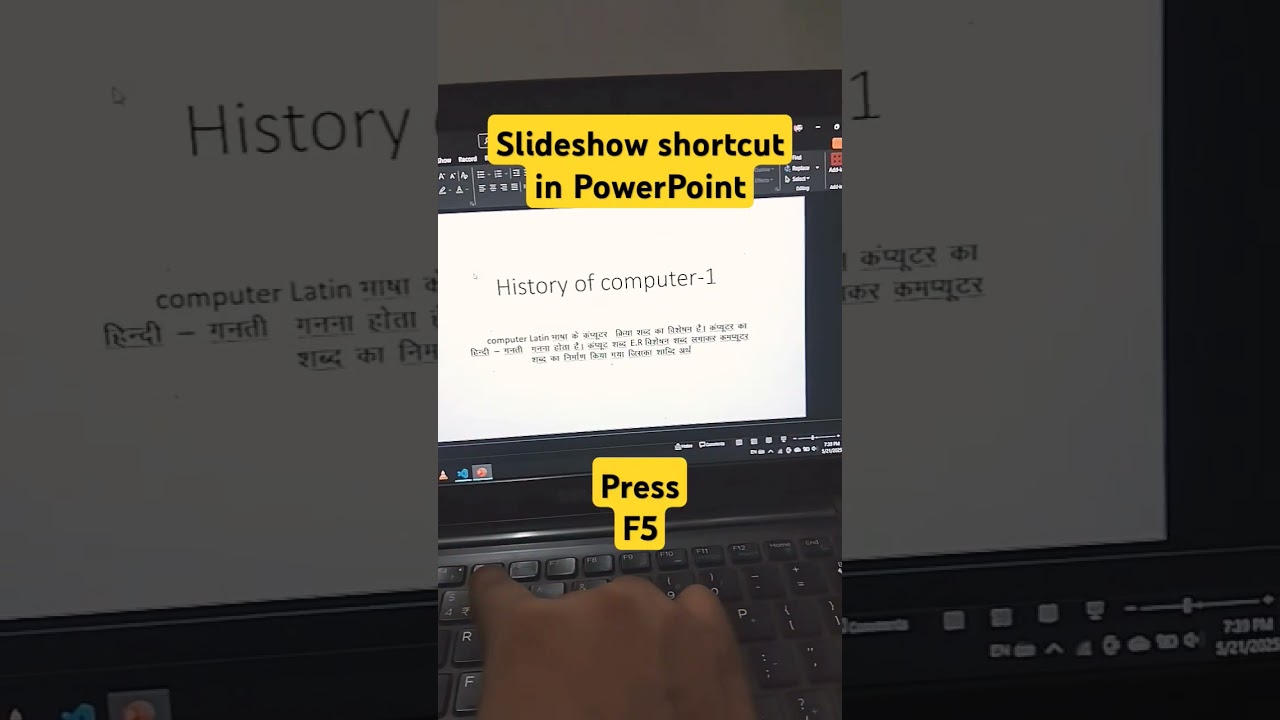
Use F5 to quickly start your PowerPoint slideshow in fullscreen mode and impress your audience effortlessly.

Tarun India Institute
156.1K views • May 21, 2025
About this video
Enhance your PowerPoint presentations with this keyboard shortcut to enter fullscreen mode instantly! Use F5 to start the slideshow from the beginning or Shift + F5 to start from the current slide. Perfect for professionals, students, and presenters looking to deliver seamless presentations.
Hashtags:
#PowerPointTips #FullscreenShortcut #PowerPointShortcuts #PresentationSkills #MicrosoftPowerPoint #EfficiencyBoost #OfficeProductivity #SlideShowMode #PowerPointTutorial
Hashtags:
#PowerPointTips #FullscreenShortcut #PowerPointShortcuts #PresentationSkills #MicrosoftPowerPoint #EfficiencyBoost #OfficeProductivity #SlideShowMode #PowerPointTutorial
Tags and Topics
Browse our collection to discover more content in these categories.
Video Information
Views
156.1K
Likes
425
Duration
0:10
Published
May 21, 2025
User Reviews
4.1
(31) Related Trending Topics
LIVE TRENDSRelated trending topics. Click any trend to explore more videos.
Trending Now