Play Tales of Xillia in Stunning 4K & 60FPS with RPCS3 Emulator (2020 Update) 🎮
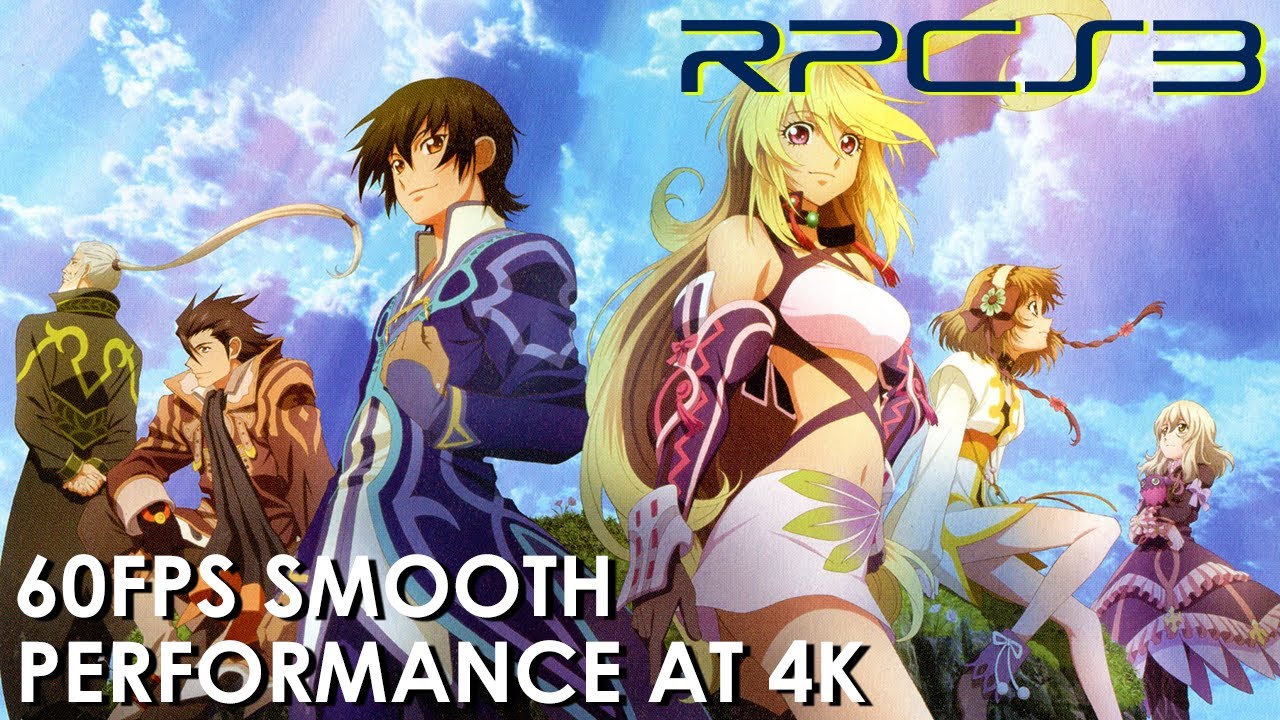
Experience Tales of Xillia at 4K resolution and smooth 60FPS combat using RPCS3 v0.0.12. Learn how to optimize settings for the best gameplay on your PC!

NightmareVortex
9.6K views • Oct 7, 2020
About this video
RPCS3 emulator version v0.0.12. This title has a 60FPS cap during combat and a 30FPS cap for all other scenarios in-game. However, RPCS3 requires a few workarounds to dynamically switch the FPS cap between 30FPS and 60FPS. Without these workarounds, users are forced to play combat scenes at half-speed. To workaround this issue, set Framelimit option to 60 and the Vblank frequency option to 30, as mentioned in the Configuration tab.
If you find that the music and some sound effects are missing when playing the game with RPCS3's default settings, you need to modify settings present only in the config.yml. Search for "PPU Threads" which should be the third line in the file. Change the value from 2 to 1, save and close the file. This should fix any audio issues present.
Performance is perfect, though I had some framedrops at the Skill Grid screen. The game will run even better on a stronger CPU, even more if you've got an Intel processor. RPCS3 mostly depends on CPU power and won't really use your GPU that much so if you're interested on this emulator, bear in mind you'll need a pretty powerful CPU and be aware that it will max it out no matter what to use all it's resources available.
If you got any questions or even suggestions for more videos please leave a comment below or join my Discord server! Thanks for watching!
EMULATOR SETTINGS
- Default Resolution: 1280x720 (Resolution Scale 300% 3840x2160)
- Renderer: Vulkan (Recommended to get the best performance)
- PPU Decoder: Recompiler (LLVM)
- SPU Decoder: Recompiler (LLVM)
- FrameLimit: 60FPS + Vblank frequency option to 30
- Enable Thread Scheduler: ON
- SPU Cache: ON
- SPU Block Size: Safe
- Preferred SPU Threads: 1
- Anisotropic Filter: Auto
- Anti-Aliasing: Auto
- Resolution Scale Threshold: 512 x 512 (To be used when Resolution scaling is set above 100%)
- Shader Mode: Async (Multi Threaded)
- Audio: Enable Buffering is ON at 100ms & Enable Time Stretching is ON at a Threshold of 75%
PC SPECS
CPU: AMD Ryzen 1700 @ 3.8GHz
GPU: MSI RTX 2070 SUPER VENTUS OC
RAM: Corsair 16GB DDR4-3000MHz
Motherboard: ASUS PRIME B350M-A
TIMESTAMPS
Introduction (Cutscene) 00:00
Exploration & Combat 06:59
Thanks For Watching 22:30
#TalesOf #RPCS3 #Vulkan
🔴 Follow NightmareVortex
►TWITCH - https://www.twitch.tv/NightmareVortex
►TWITTER - https://twitter.com/NightmareVortex
►DISCORD - https://bit.ly/2tcBZap
If you find that the music and some sound effects are missing when playing the game with RPCS3's default settings, you need to modify settings present only in the config.yml. Search for "PPU Threads" which should be the third line in the file. Change the value from 2 to 1, save and close the file. This should fix any audio issues present.
Performance is perfect, though I had some framedrops at the Skill Grid screen. The game will run even better on a stronger CPU, even more if you've got an Intel processor. RPCS3 mostly depends on CPU power and won't really use your GPU that much so if you're interested on this emulator, bear in mind you'll need a pretty powerful CPU and be aware that it will max it out no matter what to use all it's resources available.
If you got any questions or even suggestions for more videos please leave a comment below or join my Discord server! Thanks for watching!
EMULATOR SETTINGS
- Default Resolution: 1280x720 (Resolution Scale 300% 3840x2160)
- Renderer: Vulkan (Recommended to get the best performance)
- PPU Decoder: Recompiler (LLVM)
- SPU Decoder: Recompiler (LLVM)
- FrameLimit: 60FPS + Vblank frequency option to 30
- Enable Thread Scheduler: ON
- SPU Cache: ON
- SPU Block Size: Safe
- Preferred SPU Threads: 1
- Anisotropic Filter: Auto
- Anti-Aliasing: Auto
- Resolution Scale Threshold: 512 x 512 (To be used when Resolution scaling is set above 100%)
- Shader Mode: Async (Multi Threaded)
- Audio: Enable Buffering is ON at 100ms & Enable Time Stretching is ON at a Threshold of 75%
PC SPECS
CPU: AMD Ryzen 1700 @ 3.8GHz
GPU: MSI RTX 2070 SUPER VENTUS OC
RAM: Corsair 16GB DDR4-3000MHz
Motherboard: ASUS PRIME B350M-A
TIMESTAMPS
Introduction (Cutscene) 00:00
Exploration & Combat 06:59
Thanks For Watching 22:30
#TalesOf #RPCS3 #Vulkan
🔴 Follow NightmareVortex
►TWITCH - https://www.twitch.tv/NightmareVortex
►TWITTER - https://twitter.com/NightmareVortex
►DISCORD - https://bit.ly/2tcBZap
Tags and Topics
Browse our collection to discover more content in these categories.
Video Information
Views
9.6K
Likes
64
Duration
22:55
Published
Oct 7, 2020
User Reviews
4.1
(1) Related Trending Topics
LIVE TRENDSRelated trending topics. Click any trend to explore more videos.
No specific trending topics match this video yet.
Explore All Trends