Phone Magic: How to Quickly Copy Text from Images in 10 Seconds
Learn how to easily extract and copy text from images on your iPhone or Android device by capturing a photo, opening it, highlighting the text, and copying it in just a few steps.

Rosales Recommendations
238.7K views • Apr 27, 2023
About this video
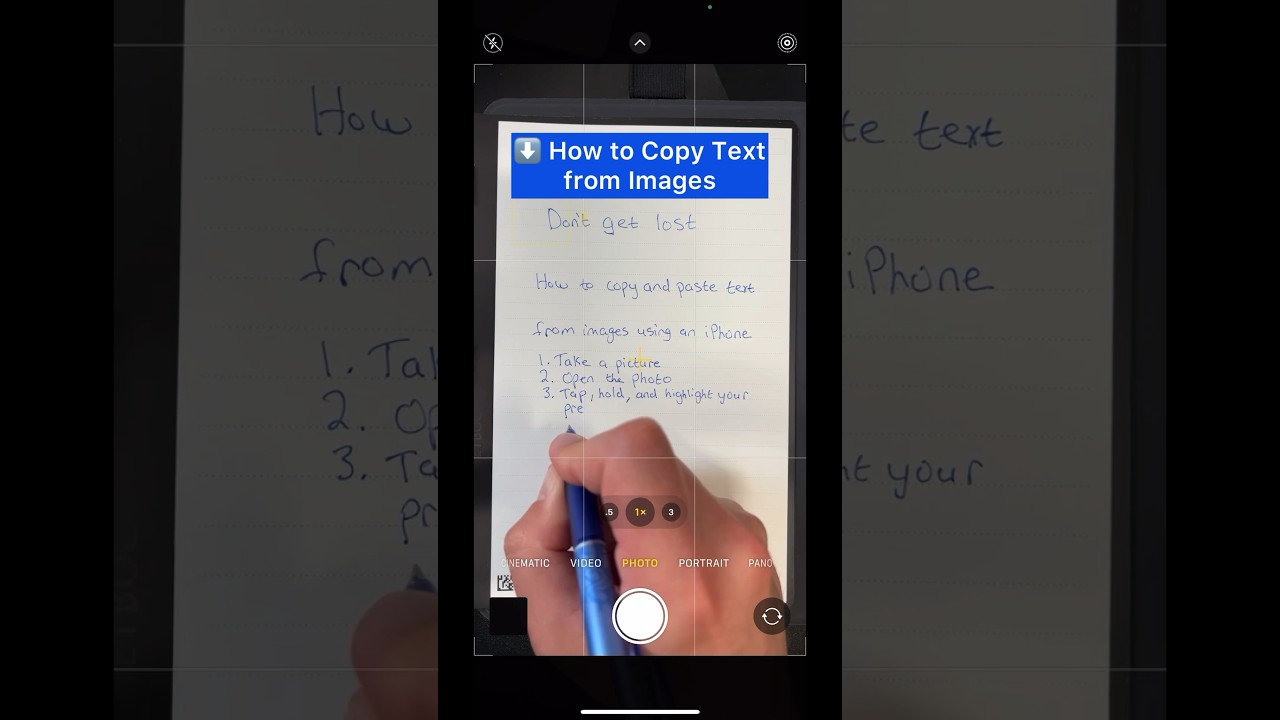
Here's how to copy text from your images (iPhone or Android):
1. Take a picture
2. Open the photo
3. Tap, hold, and highlight your preferred text
4. Copy and paste it wherever you want
If this was helpful, comment to let me know or Subscribe for more recommendations like this :)
1. Take a picture
2. Open the photo
3. Tap, hold, and highlight your preferred text
4. Copy and paste it wherever you want
If this was helpful, comment to let me know or Subscribe for more recommendations like this :)
Tags and Topics
Browse our collection to discover more content in these categories.
Video Information
Views
238.7K
Likes
846
Duration
0:10
Published
Apr 27, 2023
User Reviews
4.1
(47) Related Trending Topics
LIVE TRENDSRelated trending topics. Click any trend to explore more videos.
No specific trending topics match this video yet.
Explore All Trends