📆 Outlook Calendar Tips & Tricks
In this step-by-step tutorial, learn the top 14 best calendar tips and tricks in Microsoft Outlook. For example, set meeting times using natural language, vi...
Kevin Stratvert
2.2M views • Apr 14, 2021
About this video
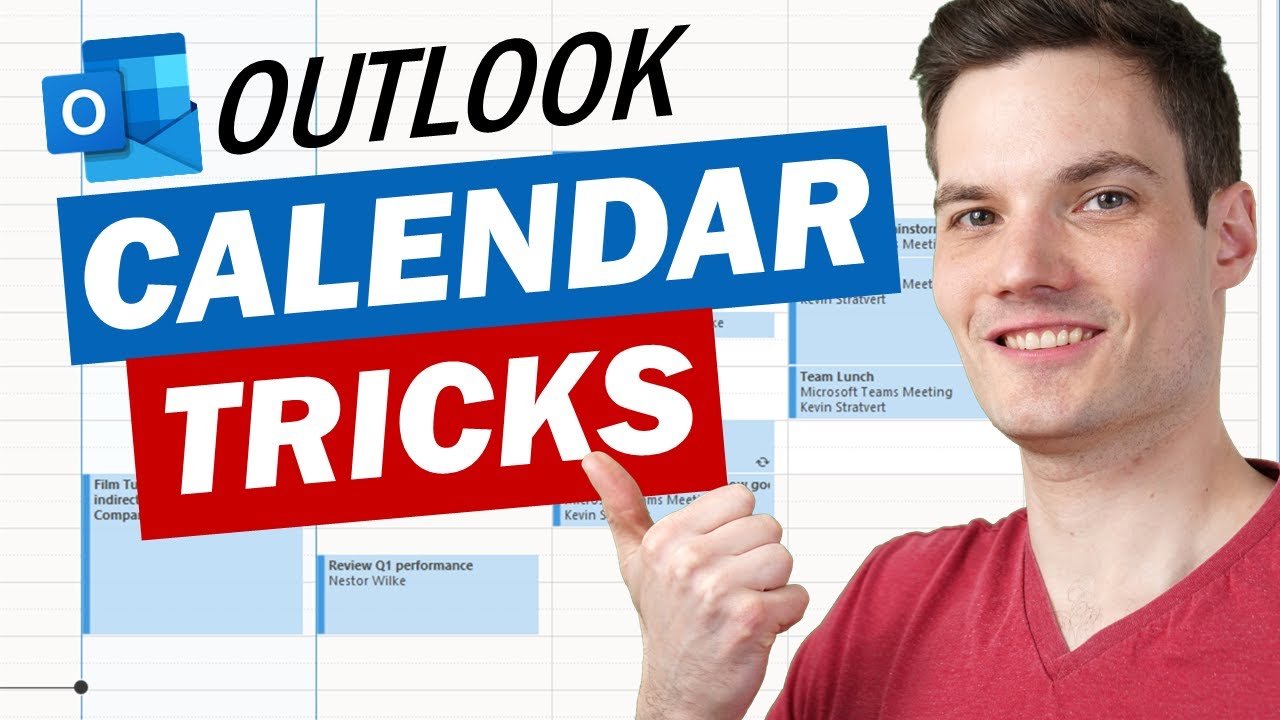
In this step-by-step tutorial, learn the top 14 best calendar tips and tricks in Microsoft Outlook. For example, set meeting times using natural language, view your calendar and mail side-by-side, create meetings or appointments from email, and many more.
⌚ TIMESTAMPS
00:00 Introduction
00:23 Natural language meeting time
01:49 Date navigator
03:46 Reply with meeting
04:49 Create appointment from email
05:37 Easily recreate meeting
06:18 Change timescale
06:54 Show multiple time zones
08:13 View multiple calendars
09:50 View calendar alongside email
10:29 Visualize calendar with colors
11:55 Change work hours
13:10 Add-ins
14:03 End meetings early
15:06 Dark mode
15:57 Wrap up
📺 RELATED VIDEOS
- Playlist with all my videos on Outlook: https://youtube.com/playlist?list=PLlKpQrBME6xJswJLJ69wbWWf6QlwZ84nA
🙌 SUPPORT THE CHANNEL
- Hit the THANKS button in any video!
- Amazon affiliate link: https://amzn.to/3kCP2yz (Purchasing through this link gives me a small commission to support videos on this channel -- the price to you is the same)
🔽 CONNECT WITH ME
- Official web site: http://www.kevinstratvert.com
- LinkedIn: https://www.linkedin.com/in/kevinstratvert/
- Discord: https://discord.gg/kHuujY2pZf
- Twitter: https://twitter.com/kevstrat
- Facebook: https://www.facebook.com/Kevin-Stratvert-101912218227818
- TikTok: https://www.tiktok.com/@kevinstratvert
- Instagram: https://www.instagram.com/kevinstratvert/
🎒 MY COURSES
- Excel for Beginners in under 2 hours: https://kevinstratvert.thinkific.com/
🙏 REQUEST VIDEOS
https://forms.gle/BDrTNUoxheEoMLGt5
🔔 SUBSCRIBE ON YOUTUBE
https://www.youtube.com/user/kevlers?sub_confirmation=1
#stratvert
⌚ TIMESTAMPS
00:00 Introduction
00:23 Natural language meeting time
01:49 Date navigator
03:46 Reply with meeting
04:49 Create appointment from email
05:37 Easily recreate meeting
06:18 Change timescale
06:54 Show multiple time zones
08:13 View multiple calendars
09:50 View calendar alongside email
10:29 Visualize calendar with colors
11:55 Change work hours
13:10 Add-ins
14:03 End meetings early
15:06 Dark mode
15:57 Wrap up
📺 RELATED VIDEOS
- Playlist with all my videos on Outlook: https://youtube.com/playlist?list=PLlKpQrBME6xJswJLJ69wbWWf6QlwZ84nA
🙌 SUPPORT THE CHANNEL
- Hit the THANKS button in any video!
- Amazon affiliate link: https://amzn.to/3kCP2yz (Purchasing through this link gives me a small commission to support videos on this channel -- the price to you is the same)
🔽 CONNECT WITH ME
- Official web site: http://www.kevinstratvert.com
- LinkedIn: https://www.linkedin.com/in/kevinstratvert/
- Discord: https://discord.gg/kHuujY2pZf
- Twitter: https://twitter.com/kevstrat
- Facebook: https://www.facebook.com/Kevin-Stratvert-101912218227818
- TikTok: https://www.tiktok.com/@kevinstratvert
- Instagram: https://www.instagram.com/kevinstratvert/
🎒 MY COURSES
- Excel for Beginners in under 2 hours: https://kevinstratvert.thinkific.com/
🙏 REQUEST VIDEOS
https://forms.gle/BDrTNUoxheEoMLGt5
🔔 SUBSCRIBE ON YOUTUBE
https://www.youtube.com/user/kevlers?sub_confirmation=1
#stratvert
Tags and Topics
Browse our collection to discover more content in these categories.
Video Information
Views
2.2M
Likes
49.8K
Duration
16:34
Published
Apr 14, 2021
User Reviews
4.8
(440) Related Trending Topics
LIVE TRENDSRelated trending topics. Click any trend to explore more videos.
No specific trending topics match this video yet.
Explore All Trends