OSI Model Explained: Understand the 7 Layers of Computer Networking 🌐
Discover how the OSI Model works with this easy-to-follow animation. Learn about each of the 7 layers that make up computer networks and improve your networking knowledge!

TechTerms
5.9M views • Aug 12, 2018
About this video
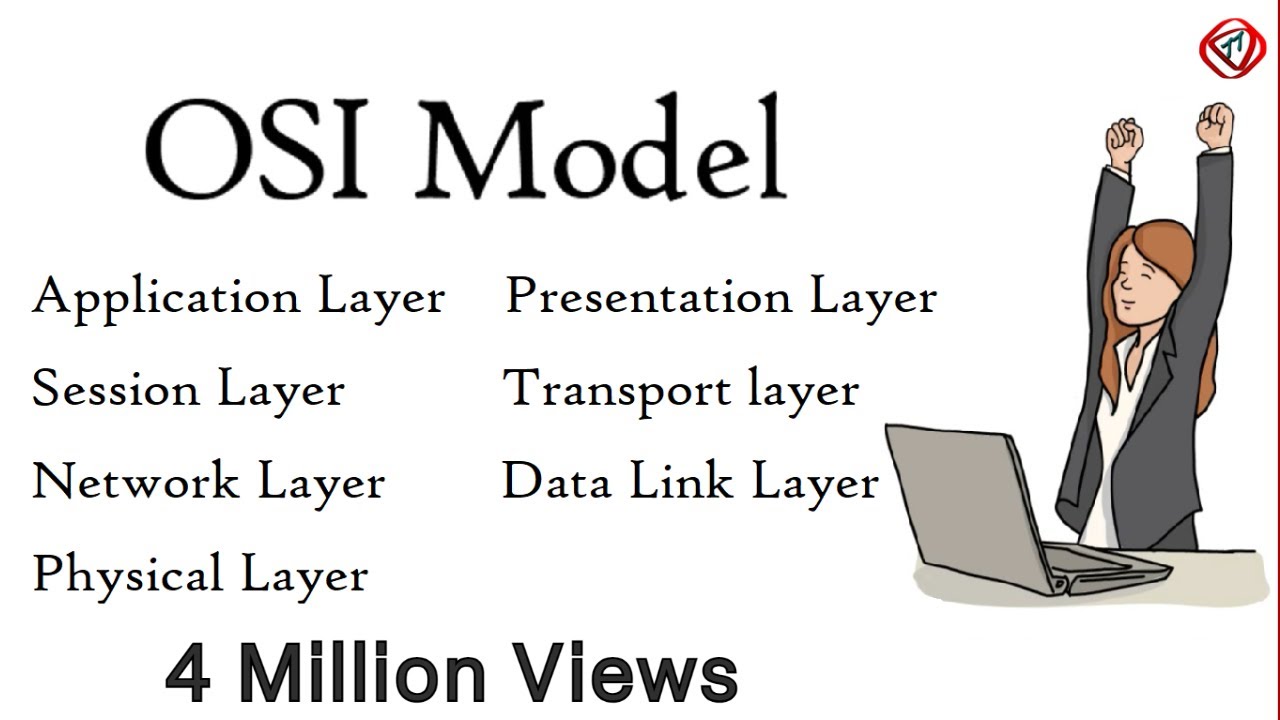
Learn computer network layers or OSI layers in a computer network, OSI Model, OSI reference model or open system interconnection model or networking model including Application Layer, Presentation Layer, Session Layer, Transport Layer, Network Layer, Data Link Layer and Physical layer. Definition, Function, and use of the OSI network model. Protocols in computer network layers of OSI model.
OSI Model defines and is used to understand – How data is transferred from one computer to another in a computer network?
In the most basic form, two computers (end-points) connected to each other with LAN Cable (Network Media) and connectors (RJ45) sharing data with the help of NICs forms a network.
But if one computer is based on Microsoft Windows and the other one has MAC OS installed, then how these two computers are going to communicate with each other?
In order to accomplish successful communication b/w computers or networks of different architectures, 7-layered OSI Model or Open System Interconnection Model was introduced by the International Organization for Standardization in 1984.
Application Layer
Presentation Layer
Session Layer
Transport layer
Network Layer
Data Link Layer
Physical Layer
open system interconnection model,osi model,what is osi model,explain osi model,osi model lecture,define osi model,osi model in networking,how data is transferred in internet,network security,osi reference model,osi model in hindi,osi 7 layers,7 layers of osi model,osi stack,application layer,presentation layer,session layer,transport layer,network layer,data link layer,physical layer. #TechTerms
Must learn:
DHCP Protocol : https://youtu.be/4pkDL1pgCgQ
ARP Protocol : https://youtu.be/EC1slXCT3bg
DNS Explained : https://youtu.be/JkEYOt08-rU
OSI Model : https://youtu.be/vv4y_uOneC0
IP Address : https://youtu.be/8npT9AALbrI
NIC : https://youtu.be/m9evUZtkEAc
Network Protocol : https://youtu.be/Dglfi_IU8BM
Network Topology: https://youtu.be/e0CWszGpgAE
Network Router : https://youtu.be/Dglfi_IU8BM
Network devices : https://youtu.be/gVrXLq5E-CQ
Firewall : https://youtu.be/eO6QKDL3p1I
Firewall types : https://youtu.be/aUPoA3MSajU
Firewall vs : https://youtu.be/fCM86XAyQ7o
Firewall working : https://youtu.be/KZc1KaE1OKU
Firewall limits : https://youtu.be/Xj654WUdDFE
Domain name : https://youtu.be/sh7fe05mUfA
LAN cable : https://youtu.be/N9-77hfs4FM
Hostname : https://youtu.be/S6uYZ8V1vRc
OSI Model defines and is used to understand – How data is transferred from one computer to another in a computer network?
In the most basic form, two computers (end-points) connected to each other with LAN Cable (Network Media) and connectors (RJ45) sharing data with the help of NICs forms a network.
But if one computer is based on Microsoft Windows and the other one has MAC OS installed, then how these two computers are going to communicate with each other?
In order to accomplish successful communication b/w computers or networks of different architectures, 7-layered OSI Model or Open System Interconnection Model was introduced by the International Organization for Standardization in 1984.
Application Layer
Presentation Layer
Session Layer
Transport layer
Network Layer
Data Link Layer
Physical Layer
open system interconnection model,osi model,what is osi model,explain osi model,osi model lecture,define osi model,osi model in networking,how data is transferred in internet,network security,osi reference model,osi model in hindi,osi 7 layers,7 layers of osi model,osi stack,application layer,presentation layer,session layer,transport layer,network layer,data link layer,physical layer. #TechTerms
Must learn:
DHCP Protocol : https://youtu.be/4pkDL1pgCgQ
ARP Protocol : https://youtu.be/EC1slXCT3bg
DNS Explained : https://youtu.be/JkEYOt08-rU
OSI Model : https://youtu.be/vv4y_uOneC0
IP Address : https://youtu.be/8npT9AALbrI
NIC : https://youtu.be/m9evUZtkEAc
Network Protocol : https://youtu.be/Dglfi_IU8BM
Network Topology: https://youtu.be/e0CWszGpgAE
Network Router : https://youtu.be/Dglfi_IU8BM
Network devices : https://youtu.be/gVrXLq5E-CQ
Firewall : https://youtu.be/eO6QKDL3p1I
Firewall types : https://youtu.be/aUPoA3MSajU
Firewall vs : https://youtu.be/fCM86XAyQ7o
Firewall working : https://youtu.be/KZc1KaE1OKU
Firewall limits : https://youtu.be/Xj654WUdDFE
Domain name : https://youtu.be/sh7fe05mUfA
LAN cable : https://youtu.be/N9-77hfs4FM
Hostname : https://youtu.be/S6uYZ8V1vRc
Tags and Topics
Browse our collection to discover more content in these categories.
Video Information
Views
5.9M
Likes
184.5K
Duration
16:39
Published
Aug 12, 2018
User Reviews
4.9
(1174) Related Trending Topics
LIVE TRENDSRelated trending topics. Click any trend to explore more videos.
No specific trending topics match this video yet.
Explore All Trends