OpenArt Beginner Guide: All-in-One AI Video Generator 🎥
Learn how to create videos with OpenArt's all-in-one AI video generator. Easy tutorial for beginners to get started quickly.
Zero to AI Hero
91.4K views • Aug 14, 2025
About this video
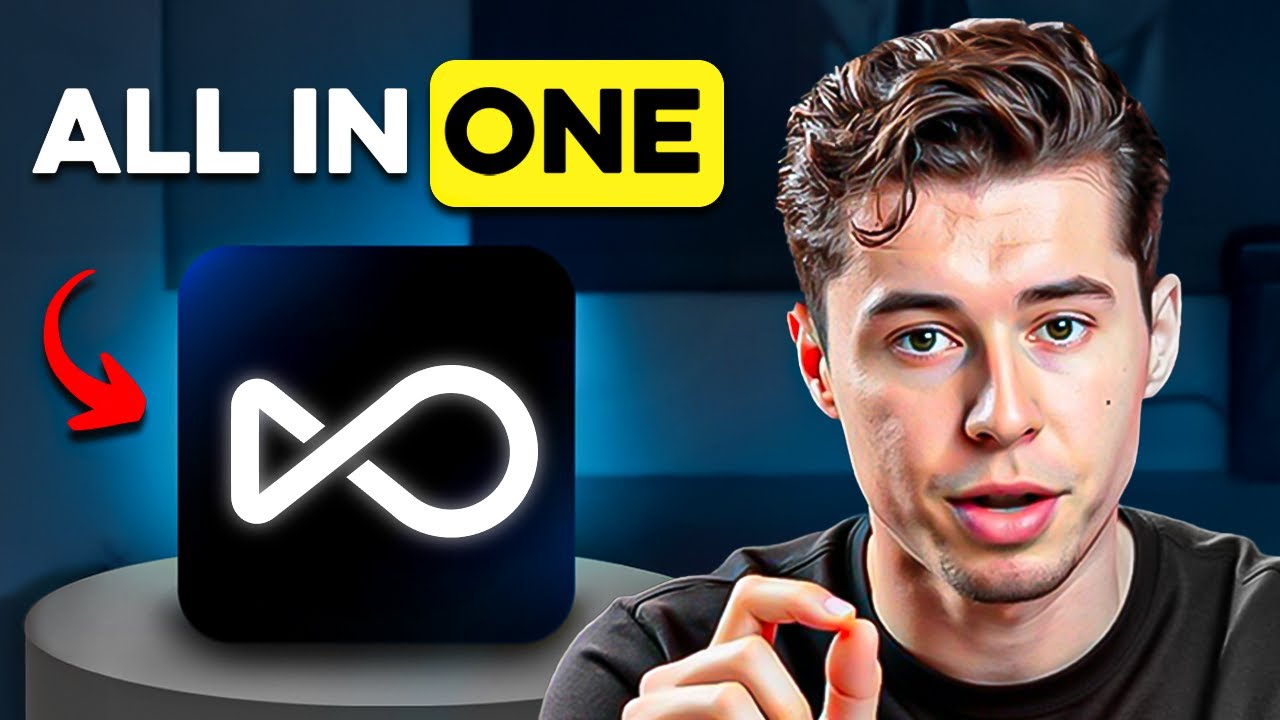
The Best All in One AI Video Generator | OpenArt Tutorial for Beginners
Create with Openart 👉 https://www.openart.ai/home/?ref=workwise-9
In this openart tutorial I will show you why it's the best all in one ai video generator and how you can use openart to create videos with ai that include consistent characters, special effects and a lot more!
Here's why it's so good:
1. All-in-One Creative Suite
Image Generation – Uses advanced AI models to create photorealistic, artistic, or stylized images from text prompts.
Video Generation – Can produce short AI-generated video clips directly from prompts, with different visual styles and smooth motion.
Character Consistency Tools – Lets you create a custom character once, then keep that character’s face, style, and identity across multiple images or videos.
Specialized Workflows – Dedicated features for product shots, backgrounds, animations, portraits, and marketing visuals.
2. Key Strengths
Consistency – Unlike many AI tools, it has built-in character tracking so creators can maintain the same person, outfit, or style in multiple outputs.
Quality – Output is high-resolution and highly detailed, with competitive realism compared to top AI models.
Ease of Use – Beginner-friendly UI but with advanced controls for pros (pose control, camera angles, lighting adjustments, etc.).
Speed – Can generate results in seconds or minutes, depending on complexity.
Variety – Offers both photorealism and stylized/artistic modes.
3. Common Use Cases
AI Influencers – Build and scale virtual influencers for social media without hiring real models.
Product Marketing – Place products in hyper-realistic lifestyle or studio scenes without physical photoshoots.
Content Creation – YouTubers, ad creators, and designers use it for thumbnails, B-roll, and campaign visuals.
Storytelling – Generate characters, environments, and props for comics, animations, and branding.
Prototyping – Quickly mock up ideas for ad campaigns, film storyboards, or social posts.
4. Competitive Position
Competes with tools like MidJourney, Runway, and Pika Labs — but is differentiated by:
Integrated character persistence
All-in-one image + video
Targeted niche workflows for marketers & creators.
business @thomas-creates.com
Create with Openart 👉 https://www.openart.ai/home/?ref=workwise-9
In this openart tutorial I will show you why it's the best all in one ai video generator and how you can use openart to create videos with ai that include consistent characters, special effects and a lot more!
Here's why it's so good:
1. All-in-One Creative Suite
Image Generation – Uses advanced AI models to create photorealistic, artistic, or stylized images from text prompts.
Video Generation – Can produce short AI-generated video clips directly from prompts, with different visual styles and smooth motion.
Character Consistency Tools – Lets you create a custom character once, then keep that character’s face, style, and identity across multiple images or videos.
Specialized Workflows – Dedicated features for product shots, backgrounds, animations, portraits, and marketing visuals.
2. Key Strengths
Consistency – Unlike many AI tools, it has built-in character tracking so creators can maintain the same person, outfit, or style in multiple outputs.
Quality – Output is high-resolution and highly detailed, with competitive realism compared to top AI models.
Ease of Use – Beginner-friendly UI but with advanced controls for pros (pose control, camera angles, lighting adjustments, etc.).
Speed – Can generate results in seconds or minutes, depending on complexity.
Variety – Offers both photorealism and stylized/artistic modes.
3. Common Use Cases
AI Influencers – Build and scale virtual influencers for social media without hiring real models.
Product Marketing – Place products in hyper-realistic lifestyle or studio scenes without physical photoshoots.
Content Creation – YouTubers, ad creators, and designers use it for thumbnails, B-roll, and campaign visuals.
Storytelling – Generate characters, environments, and props for comics, animations, and branding.
Prototyping – Quickly mock up ideas for ad campaigns, film storyboards, or social posts.
4. Competitive Position
Competes with tools like MidJourney, Runway, and Pika Labs — but is differentiated by:
Integrated character persistence
All-in-one image + video
Targeted niche workflows for marketers & creators.
business @thomas-creates.com
Tags and Topics
Browse our collection to discover more content in these categories.
Video Information
Views
91.4K
Duration
8:01
Published
Aug 14, 2025
User Reviews
3.9
(18) Related Trending Topics
LIVE TRENDSRelated trending topics. Click any trend to explore more videos.
No specific trending topics match this video yet.
Explore All Trends