NotebookLM & Claude AI: Prompt Engineer 2.0 🤖
Discover a tool that turns plain English into video prompts using an AI prompt engineer interface.
Tool Drop
2.7K views • Apr 21, 2026
About this video
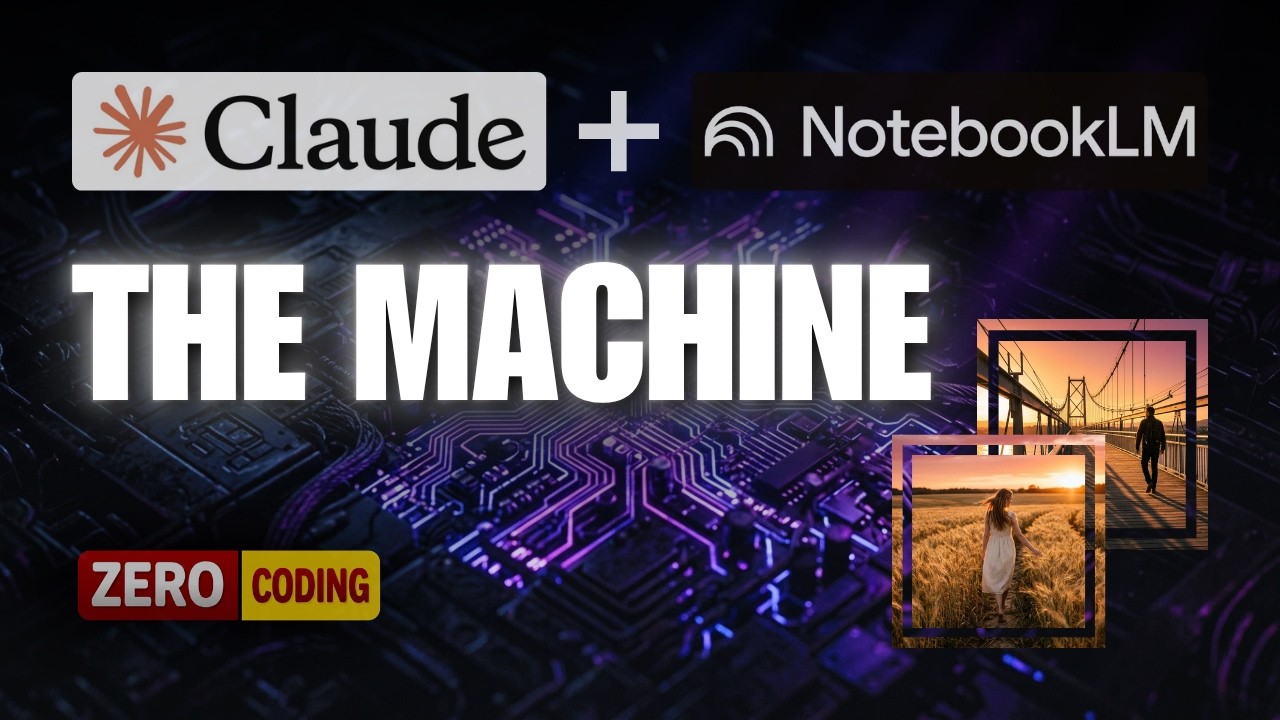
This video shows a tool that creates video prompts from plain English descriptions. It demonstrates an AI prompt engineer interface where users can input details for image and video generation, including character consistency and style presets, making the process of AI filmmaking more accessible. This innovative approach to prompt engineering helps users generate precise ai video prompts for ai generated video content, bypassing the need to constantly update prompts due to new ai tools or syntax changes.
Get vidIQ to grow your channel faster! 🚀
https://vidiq.com/tooldrop
This tutorial walks through a precise two-tool build process. First, NotebookLM is used to ingest official prompt guides from Ideogram, Nano Banana Pro, Veo 3, and Kling AI — not blog posts, not Reddit threads, but the actual documentation. A custom configuration extracts only the parameters and syntax rules that matter. That structured output becomes a reference PDF. Second, Claude Desktop (Claude Code) reads that PDF and builds a tabbed web application on your local machine — no external hosting required. The app generates tool-specific image prompts and video prompts from a plain-English description, and includes an Image-to-Video Pipeline feature that produces a matched image prompt and video prompt in one step, including support for Kling AI's multishot character consistency feature. The build process is honest: approximately 70% of the tool is functional on the first pass. Two rounds of structured testing using ChatGPT-generated test scenes bring accuracy above 95%. Token limits on Claude's Pro plan ($20/month) are addressed directly, including how to resume a session after a limit is reached.
By the end of this video, you will be able to:
✅ Configure NotebookLM as a documentation-fed knowledge base that extracts the exact prompt syntax for any AI tool you upload
✅ Use Claude Code to build a functional, tabbed prompt generation web application on your local machine with no prior coding experience
✅ Execute a complete Image-to-Video Pipeline workflow — generating a matched image prompt and video prompt from one description — using Nano Banana 2 paired with Kling AI or Veo 3
When a new AI video tool launches, this system updates in under 10 minutes: add the new documentation URL to your existing NotebookLM notebook, run the same master prompt, and tell Claude Code to add the new tool. No rebuilding. No searching for new prompts.
If you are currently working through this build — drop a comment below and tell me: which AI models did you include in your first version, and did you start with two models or four? Reading every reply.
#AIVideo #NotebookLM #PromptEngineering #KlingAI #ClaudeCode #aitutorial
Get vidIQ to grow your channel faster! 🚀
https://vidiq.com/tooldrop
This tutorial walks through a precise two-tool build process. First, NotebookLM is used to ingest official prompt guides from Ideogram, Nano Banana Pro, Veo 3, and Kling AI — not blog posts, not Reddit threads, but the actual documentation. A custom configuration extracts only the parameters and syntax rules that matter. That structured output becomes a reference PDF. Second, Claude Desktop (Claude Code) reads that PDF and builds a tabbed web application on your local machine — no external hosting required. The app generates tool-specific image prompts and video prompts from a plain-English description, and includes an Image-to-Video Pipeline feature that produces a matched image prompt and video prompt in one step, including support for Kling AI's multishot character consistency feature. The build process is honest: approximately 70% of the tool is functional on the first pass. Two rounds of structured testing using ChatGPT-generated test scenes bring accuracy above 95%. Token limits on Claude's Pro plan ($20/month) are addressed directly, including how to resume a session after a limit is reached.
By the end of this video, you will be able to:
✅ Configure NotebookLM as a documentation-fed knowledge base that extracts the exact prompt syntax for any AI tool you upload
✅ Use Claude Code to build a functional, tabbed prompt generation web application on your local machine with no prior coding experience
✅ Execute a complete Image-to-Video Pipeline workflow — generating a matched image prompt and video prompt from one description — using Nano Banana 2 paired with Kling AI or Veo 3
When a new AI video tool launches, this system updates in under 10 minutes: add the new documentation URL to your existing NotebookLM notebook, run the same master prompt, and tell Claude Code to add the new tool. No rebuilding. No searching for new prompts.
If you are currently working through this build — drop a comment below and tell me: which AI models did you include in your first version, and did you start with two models or four? Reading every reply.
#AIVideo #NotebookLM #PromptEngineering #KlingAI #ClaudeCode #aitutorial
Tags and Topics
Browse our collection to discover more content in these categories.
Video Information
Views
2.7K
Likes
166
Duration
9:05
Published
Apr 21, 2026
User Reviews
4.5
(2) Related Trending Topics
LIVE TRENDSRelated trending topics. Click any trend to explore more videos.
No specific trending topics match this video yet.
Explore All Trends