New Google Stitch Just Change Design Forever
Get all cutting-edge AI image, video and music models in one place with Artlist: https://artlist.io/artlist-70446/?artlist_aid=SkillLeapAI_3981&utm_source=af...

Skill Leap AI
14.7K views • Apr 5, 2026
About this video
Get all cutting-edge AI image, video and music models in one place with Artlist: https://artlist.io/artlist-70446/?artlist_aid=SkillLeapAI_3981&utm_source=affiliate_p&utm_medium=SkillLeapAI_3981&utm_campaign=SkillLeapAI_3981
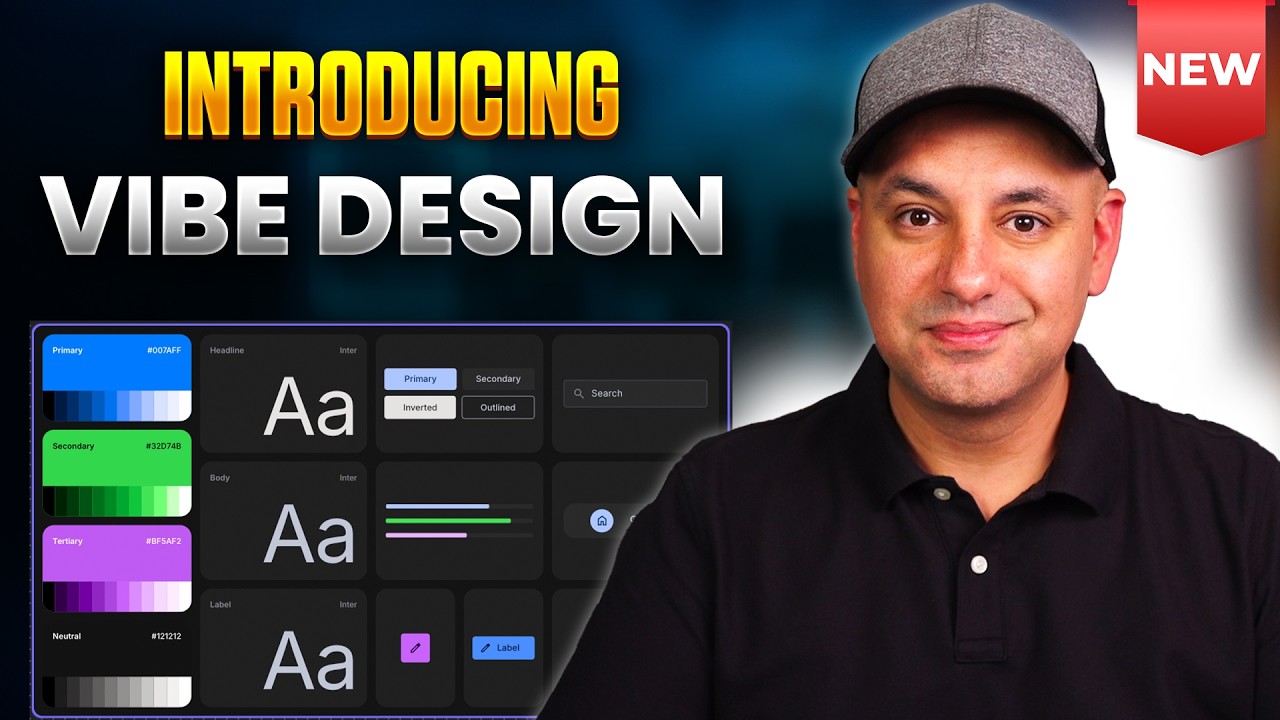
I walk through how I use Google Stitch to design websites and apps with AI, then turn those designs into real products with Google AI Studio.
You can access Google Stitch here: https://stitch.withgoogle.com/
I show how I use Stitch’s ideate mode to turn a text prompt into UI design ideas for a mobile app or web app. I go over how Stitch builds a product plan, creates screens, and helps me shape the user experience before I move into editing.
I also show how I edit layouts, change text, test screen variations, and preview designs on mobile, tablet, and desktop. I compare Stitch flash mode and thinking mode so you can see which one works better for fast prototyping and which one works better for polished websites and landing pages.
I share how I use Stitch live mode to talk through design changes in real time. Then I show how I export a Stitch design into Google AI Studio so the AI can turn the design into a working website I can publish.
👉 Join the fastest-growing AI education platform! Try it free and explore 20+ top-rated courses in AI included Introduction to AI Agents course: https://bit.ly/skill-leap
I walk through how I use Google Stitch to design websites and apps with AI, then turn those designs into real products with Google AI Studio.
You can access Google Stitch here: https://stitch.withgoogle.com/
I show how I use Stitch’s ideate mode to turn a text prompt into UI design ideas for a mobile app or web app. I go over how Stitch builds a product plan, creates screens, and helps me shape the user experience before I move into editing.
I also show how I edit layouts, change text, test screen variations, and preview designs on mobile, tablet, and desktop. I compare Stitch flash mode and thinking mode so you can see which one works better for fast prototyping and which one works better for polished websites and landing pages.
I share how I use Stitch live mode to talk through design changes in real time. Then I show how I export a Stitch design into Google AI Studio so the AI can turn the design into a working website I can publish.
👉 Join the fastest-growing AI education platform! Try it free and explore 20+ top-rated courses in AI included Introduction to AI Agents course: https://bit.ly/skill-leap
Tags and Topics
Browse our collection to discover more content in these categories.
Video Information
Views
14.7K
Likes
386
Duration
16:08
Published
Apr 5, 2026
User Reviews
4.6
(2) Related Trending Topics
LIVE TRENDSRelated trending topics. Click any trend to explore more videos.
Trending Now