My Experience with Every Level of AI Video Editing 🤖 | What I Learned
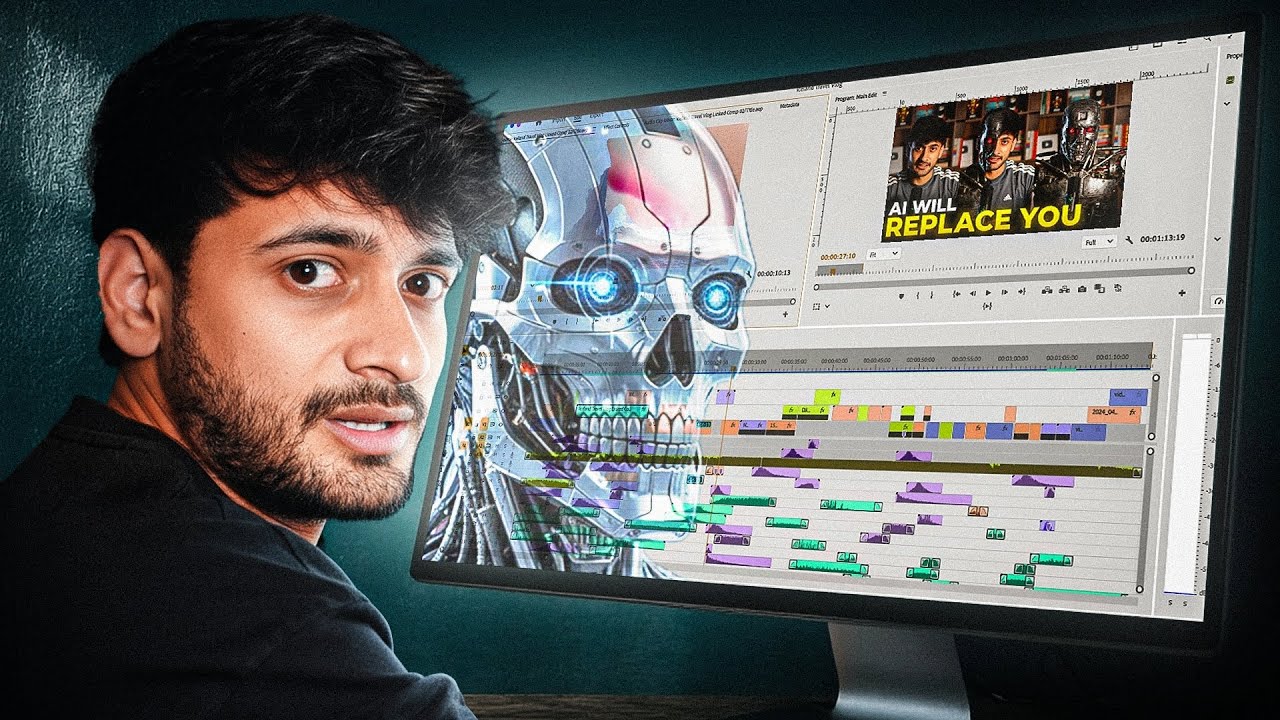
Discover the results of testing all levels of AI video editing tools and find out which ones stand out! Plus, get a free template download and learn how to boost your freelancing skills with my Fiverr course.

Aasil Khan
42.6K views • Oct 10, 2025
About this video
Check Out my Fiverr Course here:
https://www.udemy.com/course/fiverr-freelancing-zero-to-top-rated-seller/?couponCode=YEARENDSALE
💾 Download the Free Template
I’ve put together a Free AI Video Editing Template (2025 Edition) — it includes:
✅ All prompts from this video
✅ Studio + Model recommendations
✅ Advanced prompting formula
✅ Workflow examples
✅ Tool links
🎁 Download it here:
https://drive.google.com/file/d/1sQizIlu_O1nSxLFMVlPcF5MFLzGhyueG/view?usp=sharing
AI is taking over the video editing world.
What used to take months of professional VFX and animation can now be done in minutes — and anyone can do it.
In this video, I’ll show you the 5 Levels of Using AI for Video Editing, from easy beginner tools to advanced VFX-level workflows that look like they came out of a Hollywood studio.
Whether you’re a YouTube creator, freelancer, or filmmaker — this video will help you understand exactly how to integrate AI into your editing process.
⚡ What You’ll Learn
1️⃣ How to generate PNGs, UI elements, and motion graphics using AI
2️⃣ How to fill missing B-roll with AI video generation (Veo 3, Pika, Runway)
3️⃣ How to combine multiple models for cinematic motion graphics
4️⃣ How to create 3D documentary-style scenes with ChatGPT + Nano Banana + Veo
5️⃣ How to pull off viral-level transformations using Nano Banana + ElevenLabs
https://www.udemy.com/course/fiverr-freelancing-zero-to-top-rated-seller/?couponCode=YEARENDSALE
💾 Download the Free Template
I’ve put together a Free AI Video Editing Template (2025 Edition) — it includes:
✅ All prompts from this video
✅ Studio + Model recommendations
✅ Advanced prompting formula
✅ Workflow examples
✅ Tool links
🎁 Download it here:
https://drive.google.com/file/d/1sQizIlu_O1nSxLFMVlPcF5MFLzGhyueG/view?usp=sharing
AI is taking over the video editing world.
What used to take months of professional VFX and animation can now be done in minutes — and anyone can do it.
In this video, I’ll show you the 5 Levels of Using AI for Video Editing, from easy beginner tools to advanced VFX-level workflows that look like they came out of a Hollywood studio.
Whether you’re a YouTube creator, freelancer, or filmmaker — this video will help you understand exactly how to integrate AI into your editing process.
⚡ What You’ll Learn
1️⃣ How to generate PNGs, UI elements, and motion graphics using AI
2️⃣ How to fill missing B-roll with AI video generation (Veo 3, Pika, Runway)
3️⃣ How to combine multiple models for cinematic motion graphics
4️⃣ How to create 3D documentary-style scenes with ChatGPT + Nano Banana + Veo
5️⃣ How to pull off viral-level transformations using Nano Banana + ElevenLabs
Tags and Topics
Browse our collection to discover more content in these categories.
Video Information
Views
42.6K
Likes
2.2K
Duration
5:39
Published
Oct 10, 2025
User Reviews
4.7
(8) Related Trending Topics
LIVE TRENDSRelated trending topics. Click any trend to explore more videos.
Trending Now