Excel Macros: Automate Tasks with One Click 🚀
Learn how to use macros in Excel to automate repetitive tasks and boost your productivity effortlessly.

Tommy Tech
101.2K views • Feb 14, 2023
About this video
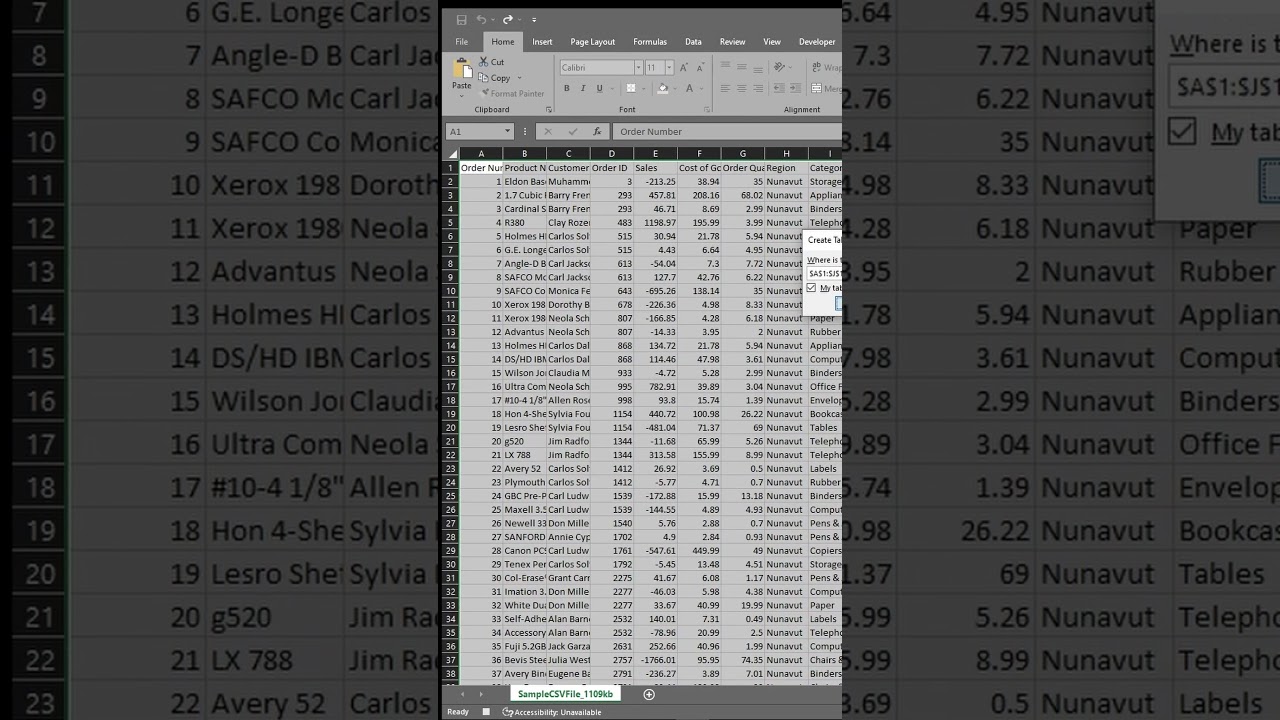
Macros are a feature in Microsoft Excel that allows you to automate repetitive tasks and streamline your workflow. A macro is essentially a set of recorded commands that can be replayed later with the click of a button or a keyboard shortcut.
With macros, you can perform complex tasks with just one or two clicks, saving time and reducing the risk of errors. For example, you can use a macro to format data, sort and filter tables, perform calculations, or generate reports. You can also use macros to automate tasks like data entry, data cleaning, and data analysis.
Macros are particularly useful when you need to perform the same task multiple times or when you need to perform a task on a large amount of data. By automating these tasks, you can reduce the time and effort required and increase the accuracy of your work.
To create a macro in Excel, you can use the built-in Macro Recorder, which records your actions as you perform them in Excel. You can then replay the macro whenever you need to perform the same task again. You can also write your own macros using Visual Basic for Applications (VBA), a programming language that is built into Excel.
In summary, macros are a powerful tool in Excel that can help you automate repetitive tasks, save time, and improve the accuracy of your work. Whether you are a beginner or an experienced user, learning how to use macros can help you become more efficient and productive in Excel.
With macros, you can perform complex tasks with just one or two clicks, saving time and reducing the risk of errors. For example, you can use a macro to format data, sort and filter tables, perform calculations, or generate reports. You can also use macros to automate tasks like data entry, data cleaning, and data analysis.
Macros are particularly useful when you need to perform the same task multiple times or when you need to perform a task on a large amount of data. By automating these tasks, you can reduce the time and effort required and increase the accuracy of your work.
To create a macro in Excel, you can use the built-in Macro Recorder, which records your actions as you perform them in Excel. You can then replay the macro whenever you need to perform the same task again. You can also write your own macros using Visual Basic for Applications (VBA), a programming language that is built into Excel.
In summary, macros are a powerful tool in Excel that can help you automate repetitive tasks, save time, and improve the accuracy of your work. Whether you are a beginner or an experienced user, learning how to use macros can help you become more efficient and productive in Excel.
Tags and Topics
Browse our collection to discover more content in these categories.
Video Information
Views
101.2K
Likes
1.6K
Duration
0:52
Published
Feb 14, 2023
User Reviews
4.7
(20) Related Trending Topics
LIVE TRENDSRelated trending topics. Click any trend to explore more videos.
Trending Now