Move an Image with Your Mouse - Lesson 5 | Pygame Tutorial for Beginners
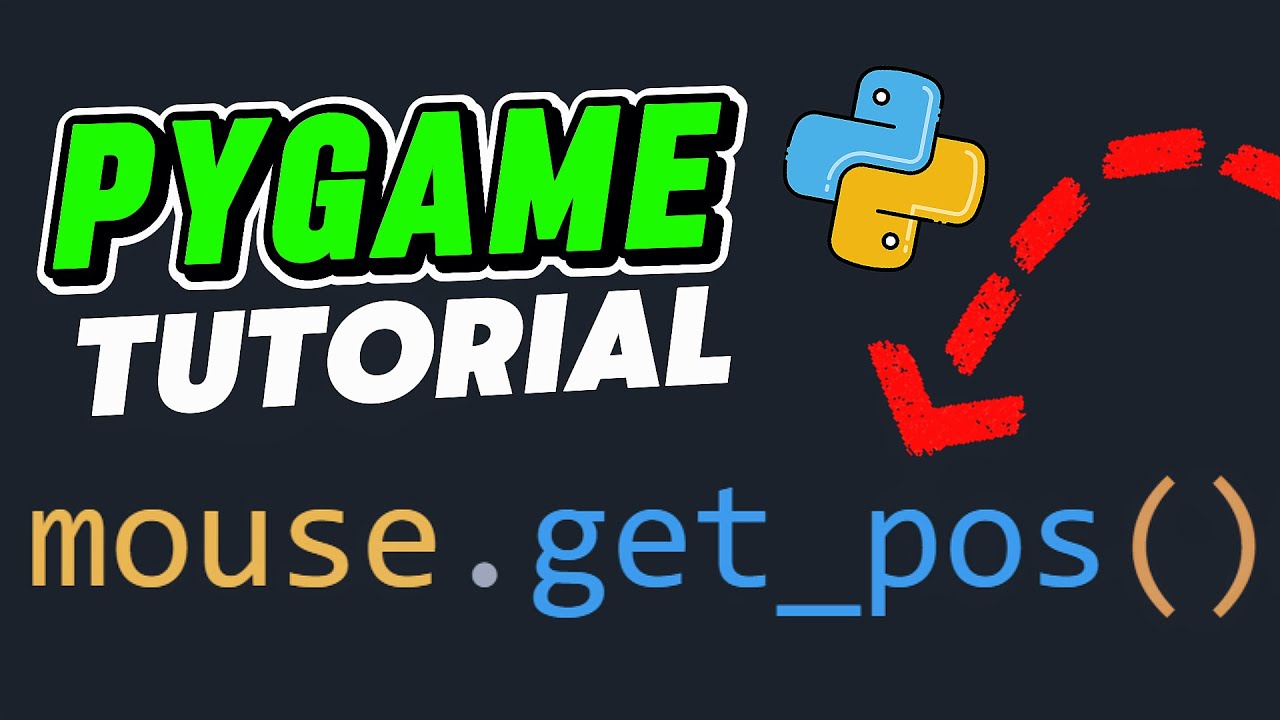
Learn how to control an image with your mouse in this beginner-friendly Pygame tutorial. We cover loading an image, tracking mouse movement, and updating the image position accordingly.

Turtle Code
226 views • Sep 6, 2025
About this video
In this beginner-friendly Pygame tutorial, we’ll learn how to control an image using your mouse! 🖼️🖱️
We load an image, track mouse movement, and update its position in real time — all in just a few lines of code.
📁 Make sure to have player.png in the same folder as your Python file!
✅ What you’ll learn in this video:
🔸 How to load images in Pygame
🔸 How to track mouse position
🔸 How to move an image with your mouse
👍 Like the video if you found it helpful
🔔 Subscribe for more beginner-friendly Python & game dev tutorials
💬 Got a question? Drop it in the comments!
We load an image, track mouse movement, and update its position in real time — all in just a few lines of code.
📁 Make sure to have player.png in the same folder as your Python file!
✅ What you’ll learn in this video:
🔸 How to load images in Pygame
🔸 How to track mouse position
🔸 How to move an image with your mouse
👍 Like the video if you found it helpful
🔔 Subscribe for more beginner-friendly Python & game dev tutorials
💬 Got a question? Drop it in the comments!
Tags and Topics
Browse our collection to discover more content in these categories.
Video Information
Views
226
Likes
7
Duration
0:59
Published
Sep 6, 2025
Related Trending Topics
LIVE TRENDSRelated trending topics. Click any trend to explore more videos.
No specific trending topics match this video yet.
Explore All Trends