AWS Module 4: Amazon EFS Guided Lab 🖥️
Learn how to set up and manage Amazon Elastic File System (EFS) using AWS Management Console in this guided lab for AWS SAA & ALX.
Chiziproxy
7.1K views • Nov 10, 2023
About this video
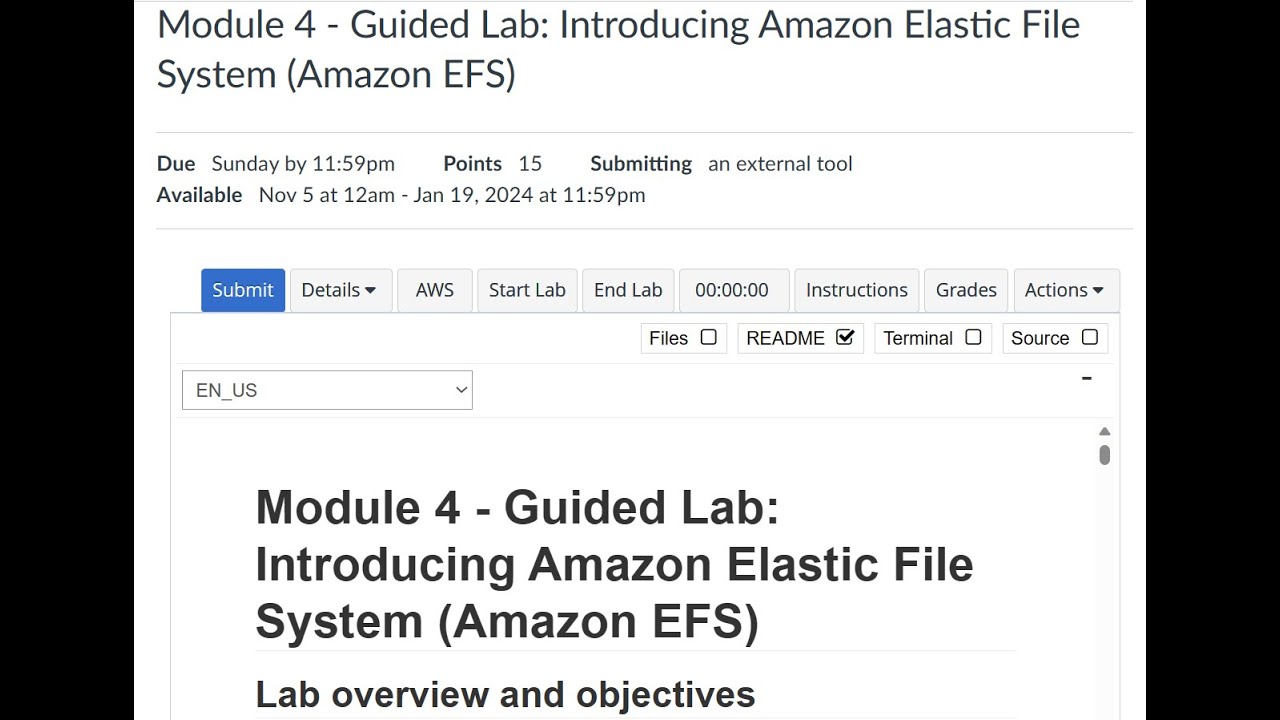
This video takes you through AWS module 4 guided lab. It introduces you to Amazon Elastic File System (Amazon EFS) by using the AWS Management Console.
After watching this video , you should be able to:
Log in to the AWS Management Console
Create an Amazon EFS file system
Log in to an Amazon Elastic Compute Cloud (Amazon EC2) instance that runs Amazon Linux
Mount your file system to your EC2 instance
Examine and monitor the performance of your file system
Task 1: Creating a security group to access your EFS file system
Task 2: Creating an EFS file system
Task 3: Connecting to your EC2 instance via SSH
Task 4: Creating a new directory and mounting the EFS file system
Task 1: 00:31
Task 2: 1:19
Task 3: 2:24
Task 4: 5:05
Putty installation video:
https://youtu.be/aaXUkQGJyVc?si=7qCrso85-YL55O8O
After watching this video , you should be able to:
Log in to the AWS Management Console
Create an Amazon EFS file system
Log in to an Amazon Elastic Compute Cloud (Amazon EC2) instance that runs Amazon Linux
Mount your file system to your EC2 instance
Examine and monitor the performance of your file system
Task 1: Creating a security group to access your EFS file system
Task 2: Creating an EFS file system
Task 3: Connecting to your EC2 instance via SSH
Task 4: Creating a new directory and mounting the EFS file system
Task 1: 00:31
Task 2: 1:19
Task 3: 2:24
Task 4: 5:05
Putty installation video:
https://youtu.be/aaXUkQGJyVc?si=7qCrso85-YL55O8O
Video Information
Views
7.1K
Likes
67
Duration
7:45
Published
Nov 10, 2023
User Reviews
4.3
(1) Related Trending Topics
LIVE TRENDSRelated trending topics. Click any trend to explore more videos.
No specific trending topics match this video yet.
Explore All Trends