3 DNS Settings to Boost Mobile Internet Speed 🚀
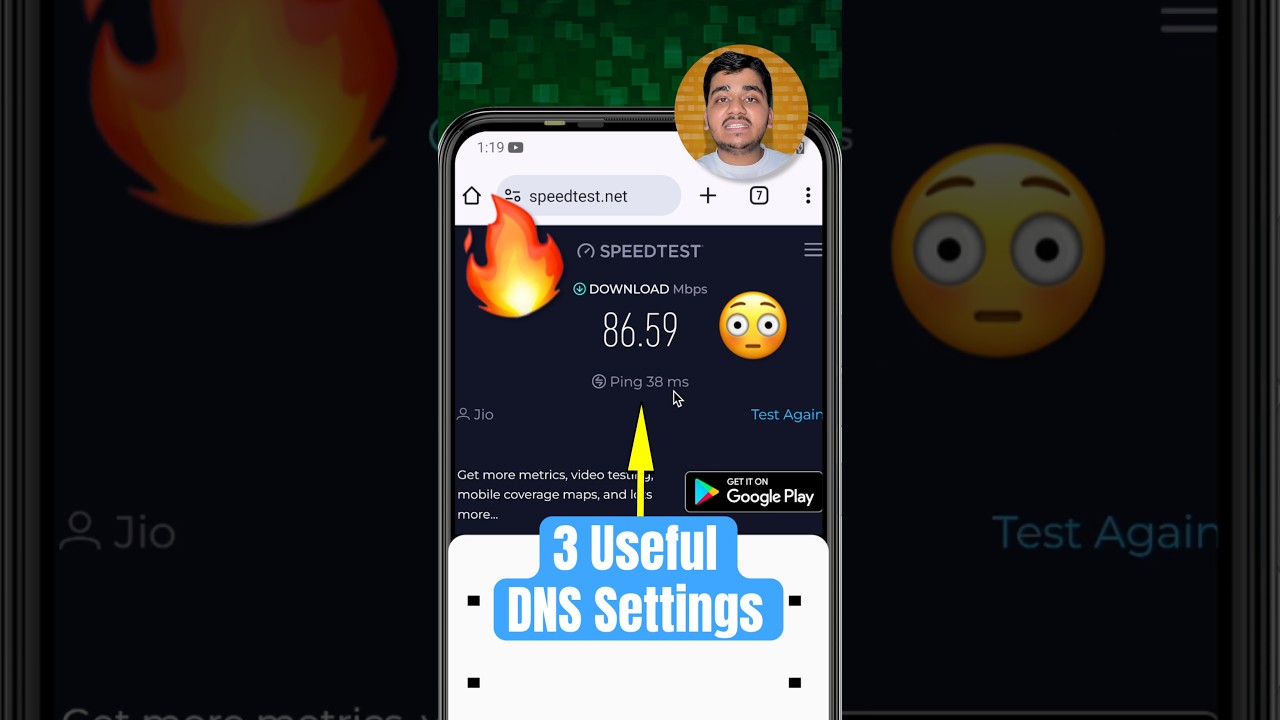
Android users can enhance internet speed and reduce latency by setting up private DNS with these 3 simple steps.

Chaska For You
353.3K views • Mar 15, 2025
About this video
Agar aapke paas bhi ek Android Smartphone hain to aap usko Private DNS set karke apne Mobile Phone mein Internet speed ko badha sakte ho aur latency/ping bhi kam kar sakte ho. Sabhi Smartphone users niche diye gye DNS mein se koi ek set karke dekhna chahiye:-
1. Cloudflare DNS: 1dot1dot1dot1.cloudflare-dns.com
2. Quad9 DNS: dns.quad9.net
3. Adguard DNS: dns.adguard.com
#shorts #smartphonetricks #techtricks #androidtricks #tech #chaskaforyou
If you also have an Android Smartphone, then you can increase the Internet speed on your mobile phone by setting it as a private DNS, and it can also reduce latency/ping. All Smartphone users should try setting one of the DNS given below:-
1. Cloudflare DNS: 1dot1dot1dot1.cloudflare-dns.com
2. Quad9 DNS: dns.quad9.net
3. Adguard DNS: dns.adguard.com
👉 Don't forget to Subscribe & Follow on Instagram (ChaskaForYou).
=====|=====|=====
⭐️ Information sources: Not Applicable.
⭐️ Credits: Some videos and images are taken from Pixabay, Memes (https://memes.co.in/), and other sources. We have fair-use these only.
⭐️ Disclaimer: Video is for educational and entertainment purposes only.
⭐️ Legal: Copyright Disclaimer under section 107 of the Copyright Act 1976, allowance is made for “fair use” for purposes such as criticism, comment, news reporting, teaching, scholarship, education and research. Fair use is a use permitted by copyright statute that might otherwise be infringing.
1. Cloudflare DNS: 1dot1dot1dot1.cloudflare-dns.com
2. Quad9 DNS: dns.quad9.net
3. Adguard DNS: dns.adguard.com
#shorts #smartphonetricks #techtricks #androidtricks #tech #chaskaforyou
If you also have an Android Smartphone, then you can increase the Internet speed on your mobile phone by setting it as a private DNS, and it can also reduce latency/ping. All Smartphone users should try setting one of the DNS given below:-
1. Cloudflare DNS: 1dot1dot1dot1.cloudflare-dns.com
2. Quad9 DNS: dns.quad9.net
3. Adguard DNS: dns.adguard.com
👉 Don't forget to Subscribe & Follow on Instagram (ChaskaForYou).
=====|=====|=====
⭐️ Information sources: Not Applicable.
⭐️ Credits: Some videos and images are taken from Pixabay, Memes (https://memes.co.in/), and other sources. We have fair-use these only.
⭐️ Disclaimer: Video is for educational and entertainment purposes only.
⭐️ Legal: Copyright Disclaimer under section 107 of the Copyright Act 1976, allowance is made for “fair use” for purposes such as criticism, comment, news reporting, teaching, scholarship, education and research. Fair use is a use permitted by copyright statute that might otherwise be infringing.
Tags and Topics
Browse our collection to discover more content in these categories.
Video Information
Views
353.3K
Duration
0:58
Published
Mar 15, 2025
User Reviews
4.0
(70)