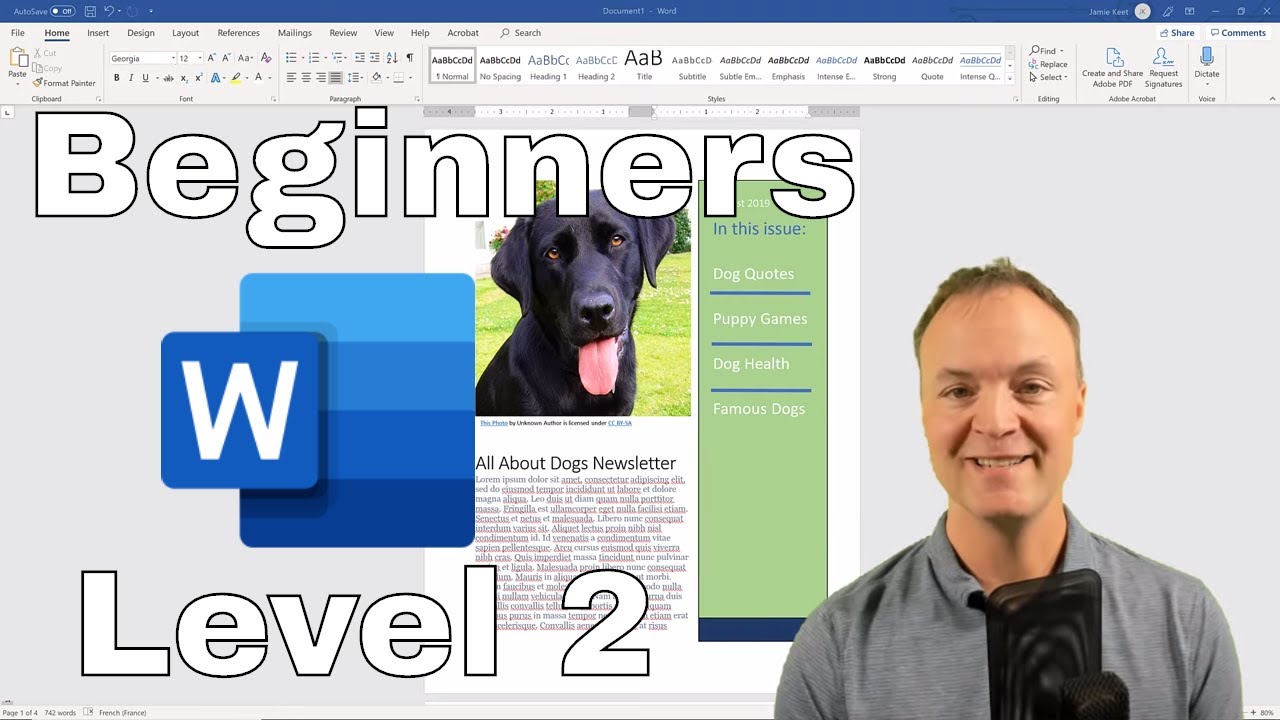
Microsoft Word Tutorial for Beginners Level 2 ✍️
Learn essential tips and tricks for Microsoft Word 2019 in this beginner-friendly tutorial. Perfect for improving your skills!
Teacher's Tech
296.2K views • Aug 11, 2019
About this video
Learn how to use Microsoft Word 2019 in this beginner's video with tips and tricks. This Microsoft Word tutorial is a level 2 beginner's lesson. Here’s the link the get Level 1: https://youtu.be/HC13M8FGlNc Click on the timestamps below to select specific parts of the video.
Microsoft Word Tutorial: https://youtu.be/vlff63HAANU - Lesson 1
Read my Word Tutorial here: https://teachers.tech/microsoft-word-tutorial/
Microsoft Beginners Tutorial: Level 1 https://youtu.be/HC13M8FGlNc
Microsoft Excel Tutorial: Level 1 https://youtu.be/k1VUZEVuDJ8
0:00 Start
1:05 Insert example text
1:49 Set margins in Microsoft Word
2:30 Insert text box as on side in Word
5:18 Insert image in Microsoft Word
6:03 Adjust second-page margins and add columns
6:58 Insert pullout quote and custom pullout quote
10:05 Write on a curved line in Microsoft Word
12:52 SmartArt in Word (flowcharts, infographics)
14:51 Insert YouTube videos or others in Microsoft Word
16:43 Set default font in Word
17:56 Set default color theme in Microsoft Word
I use Camtasia to create my videos: https://techsmith.pxf.io/KYOeN
DISCLAIMER: This video and description contain affiliate links, which means that if you click on one of the product links and end up purchasing it, I’ll receive a small commission. This helps support the channel and allows us to continue to make videos like this. Thank you for your support!
Microsoft Word Tutorial: https://youtu.be/vlff63HAANU - Lesson 1
Read my Word Tutorial here: https://teachers.tech/microsoft-word-tutorial/
Microsoft Beginners Tutorial: Level 1 https://youtu.be/HC13M8FGlNc
Microsoft Excel Tutorial: Level 1 https://youtu.be/k1VUZEVuDJ8
0:00 Start
1:05 Insert example text
1:49 Set margins in Microsoft Word
2:30 Insert text box as on side in Word
5:18 Insert image in Microsoft Word
6:03 Adjust second-page margins and add columns
6:58 Insert pullout quote and custom pullout quote
10:05 Write on a curved line in Microsoft Word
12:52 SmartArt in Word (flowcharts, infographics)
14:51 Insert YouTube videos or others in Microsoft Word
16:43 Set default font in Word
17:56 Set default color theme in Microsoft Word
I use Camtasia to create my videos: https://techsmith.pxf.io/KYOeN
DISCLAIMER: This video and description contain affiliate links, which means that if you click on one of the product links and end up purchasing it, I’ll receive a small commission. This helps support the channel and allows us to continue to make videos like this. Thank you for your support!
Tags and Topics
Browse our collection to discover more content in these categories.
Video Information
Views
296.2K
Likes
4.6K
Duration
20:38
Published
Aug 11, 2019
User Reviews
4.7
(59) Related Trending Topics
LIVE TRENDSRelated trending topics. Click any trend to explore more videos.
No specific trending topics match this video yet.
Explore All Trends